


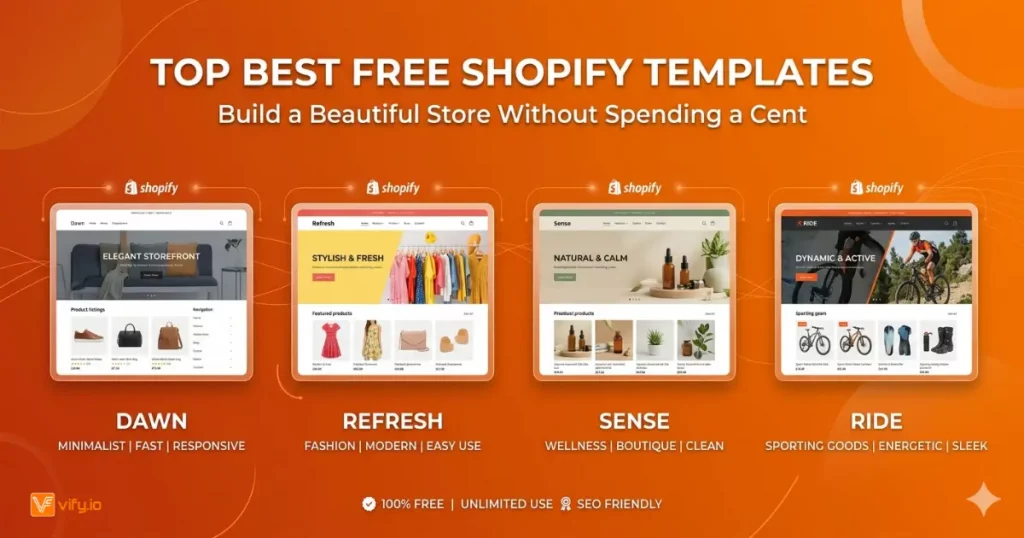
Starting an online store is exciting — until you see the price tag on premium Shopify themes. Many new merchants face the same dilemma: invest hundreds of dollars in a theme before making a single sale. Here is the good news: you do not have to choose between a tight budget and a professional-looking store. Shopify’s official theme store offers a growing library of free templates that are well-designed, fast, and built to convert. This guide covers the 12 best free Shopify templates available and helps you pick the right Shopify template free of charge.
What Makes a Great Free Shopify Template?
Not all free Shopify templates are created equal. Before we get into the list, here are the five criteria we used to evaluate every theme in this guide:
1. Speed and Core Web Vitals compliance. Google ranks faster stores higher and shoppers abandon slow ones. Every recommended theme here scores well on Largest Contentful Paint (LCP) and Cumulative Layout Shift (CLS).
2. Mobile-first responsive design. More than 70% of Shopify traffic comes from mobile devices. A great free template looks flawless on a 375px screen, not just on desktop.
3. Built-in sections and customization. The best template Shopify offers should let non-developers rearrange content, change colors, and swap fonts without touching a line of code.
4. Niche suitability. A theme built for a minimal fashion brand looks wrong in a hardware store. We have noted the ideal use case for each template.
5. App compatibility. The template should work seamlessly with Shopify’s ecosystem: product reviews, upsell apps, loyalty tools, and email capture popups.
The 12 Best Free Shopify Templates
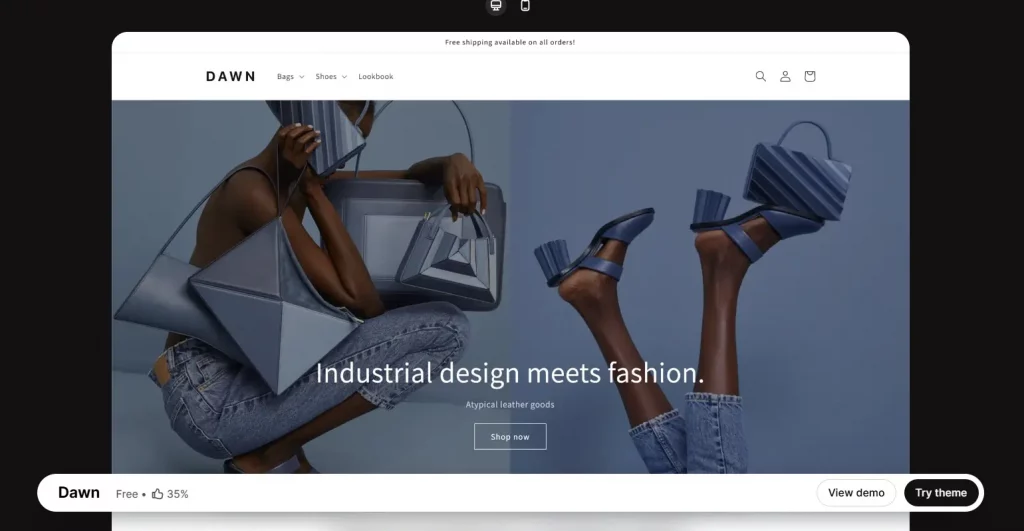
1. Dawn
Best for: Any store type; the go-to default for most new merchants.
Key features:
- Clean, image-forward layout with generous whitespace
- Sticky header and mega-menu navigation
- Quick-add-to-cart and quick-view product tiles
- Color scheme editor with live preview
- Full Shopify OS 2.0 sections on all pages
Pros: Extremely versatile, lightning-fast load times, Shopify’s flagship free theme.
Cons: Very popular — your store will not look unique without customization.

2. Sense
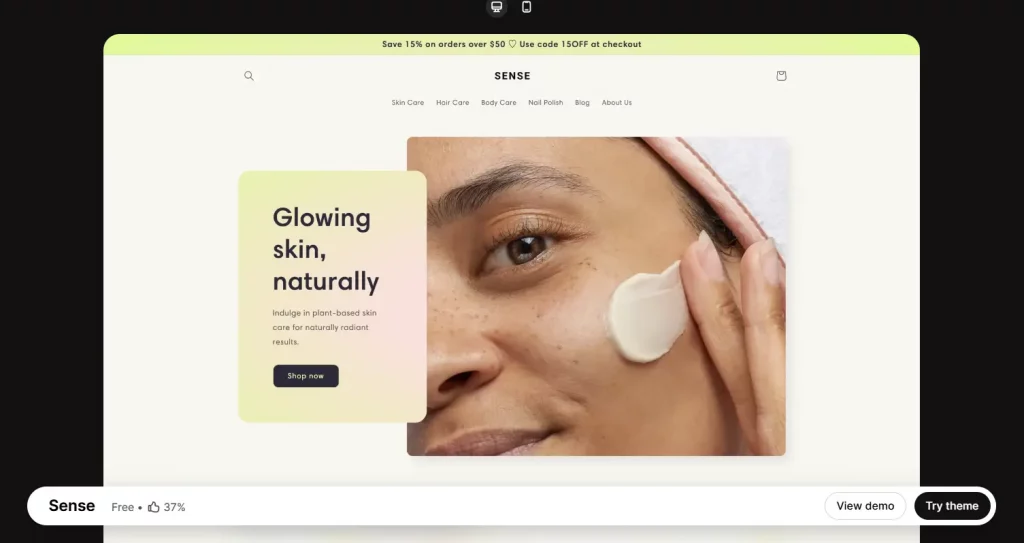
Best for: Skincare, cosmetics, supplements, wellness products.
Key features:
- Soft pastel color palettes built in
- Product ingredient/feature highlight sections
- Sticky add-to-cart bar on product pages
- Editorial-style homepage layouts
- Trust badge and review sections
Pros: Beautiful out of the box for beauty niches, highly feminine aesthetic.
Cons: Less suited for tech, industrial, or masculine brand identities.

3. Refresh
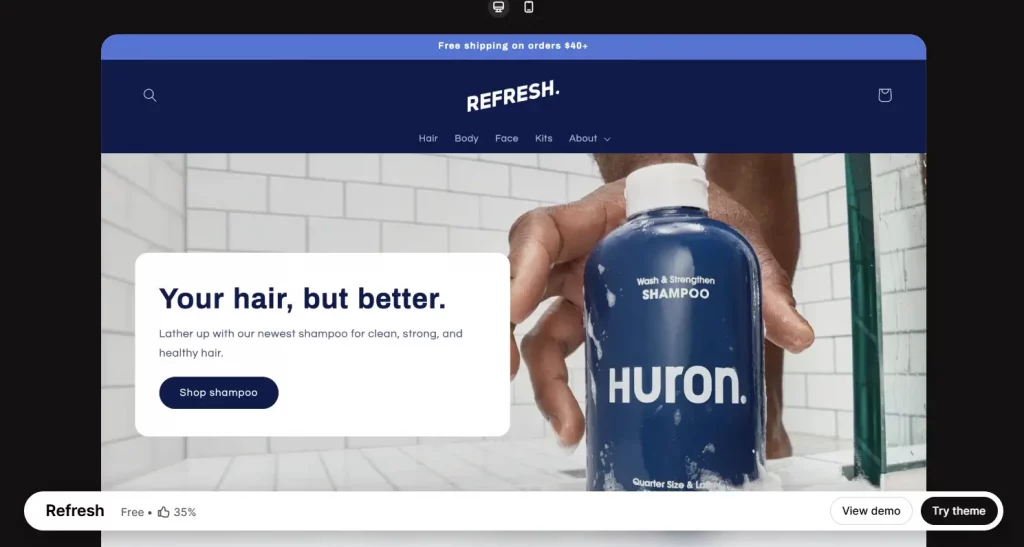
Best for: Lifestyle brands, home goods, sustainable products.
Key features:
- Bold typographic headers and generous padding
- Featured collection with hover zoom effects
- Multi-column menu support
- Announcement bar with countdown timer
- Optimized for large hero images
Pros: Timeless minimal look that ages well and loads quickly.
Cons: Requires high-quality photography to look its best.

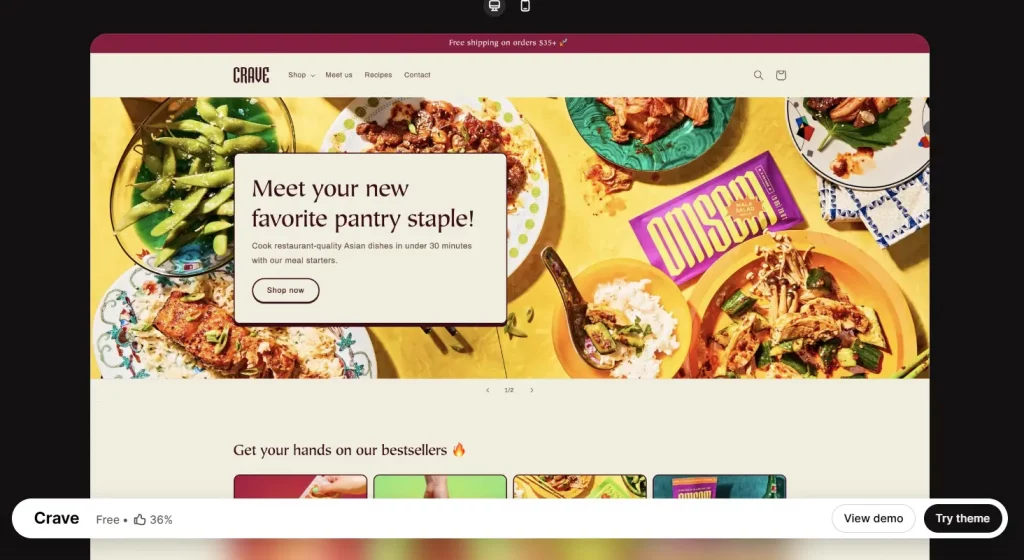
4. Crave
Best for: Food brands, packaged goods, meal kits, coffee, snacks.
Key features:
- Warm, appetizing color palette options
- Menu-style product list layouts
- Featured recipe or blog section
- Full-width banner sections for mouth-watering imagery
- Instagram-style image grid for social proof
Pros: Instantly communicates warmth and appetite appeal.
Cons: Niche-specific — can feel out of place for non-food stores.

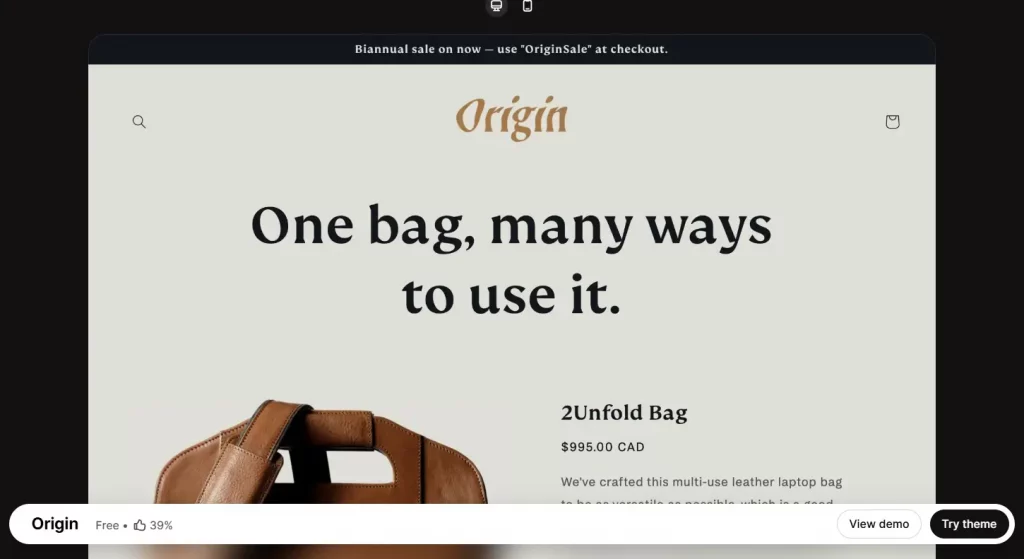
5. Origin
Best for: Handmade crafts, pottery, jewelry, art prints.
Key features:
- Organic, earthy color schemes
- Storytelling-focused homepage sections
- Large product photography with minimal UI chrome
- About/maker story section built in
- Supports custom fonts
Pros: Feels human and authentic — perfect for creator-led brands.
Cons: Limited layout variations compared to Dawn.

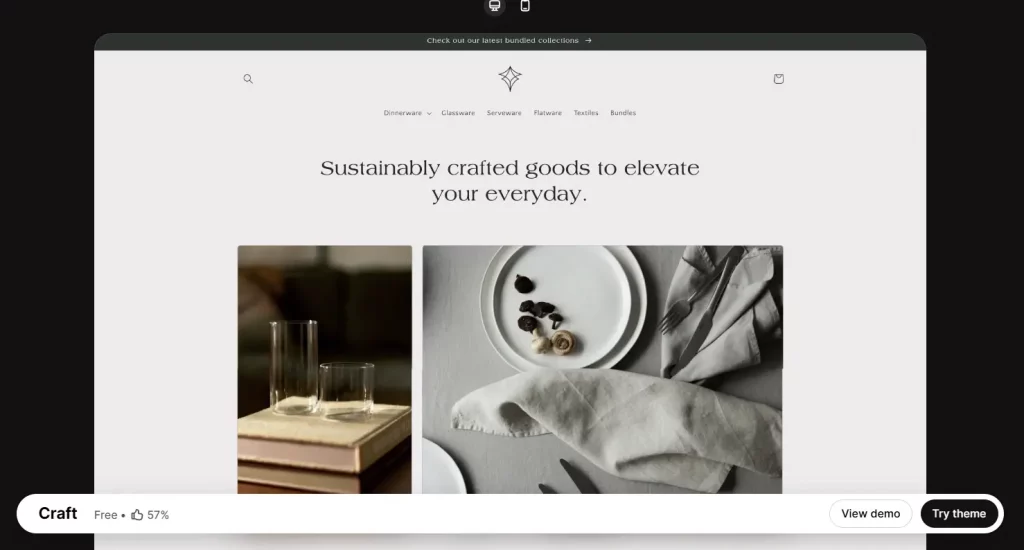
6. Craft
Best for: Boutique stores, limited-edition drops, single-product brands.
Key features:
- Product-page-first layout philosophy
- Large add-to-cart button and variant selectors
- Trust signals (shipping, returns) near the buy button
- Clean, editorial-style typography
- Works well with 1–50 SKUs
Pros: Conversion-focused design reduces purchase friction.
Cons: Not ideal for large catalogs — navigation can feel limited.

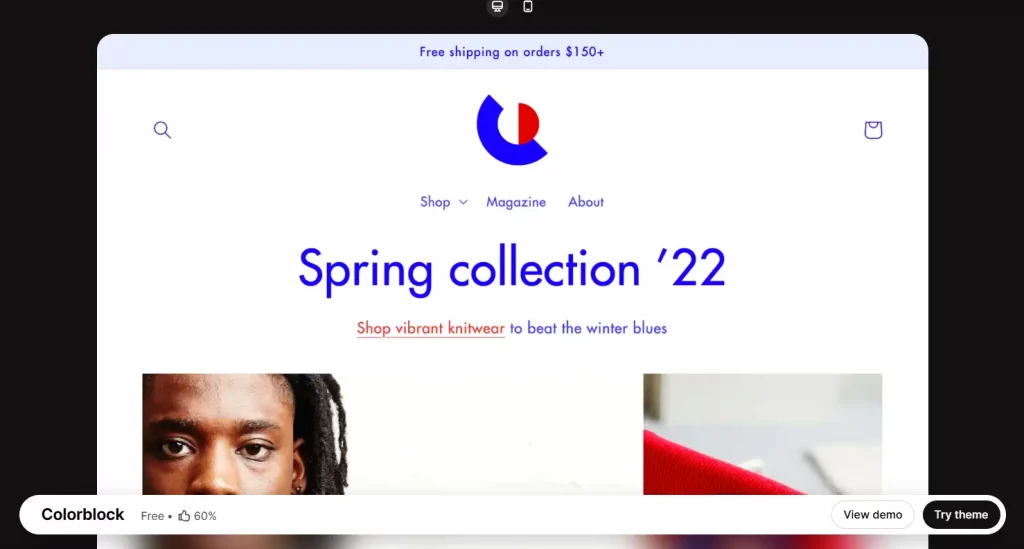
7. Colorblock
Best for: Streetwear, youth fashion, creative agencies, pop-up brands.
Key features:
- Vibrant color-blocking layout sections
- Oversized typography options
- Horizontal scroll product collections
- High-contrast UI designed for impact
- Playful hover animations
Pros: Visually unforgettable — makes an immediate brand statement.
Cons: Not suitable for luxury or understated brands.

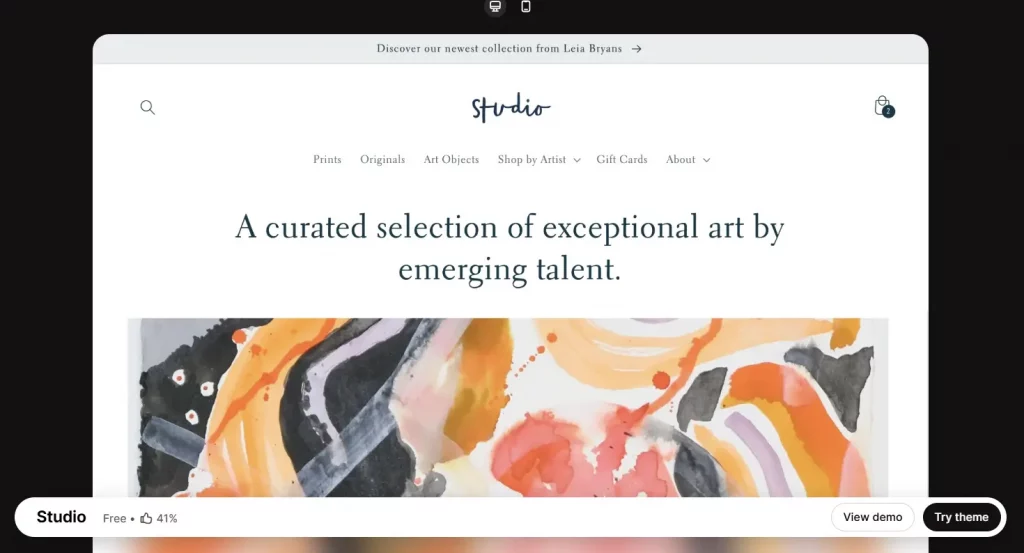
8. Studio
Best for: Photographers, artists, digital downloads, print-on-demand.
Key features:
- Portfolio-style homepage grid layout
- Full-screen image gallery sections
- Minimal navigation to keep focus on visuals
- Built-in video background support
- Clean checkout flow
Pros: Let’s photography do the talking — extremely minimal chrome.
Cons: Needs strong visual assets; looks sparse without them.

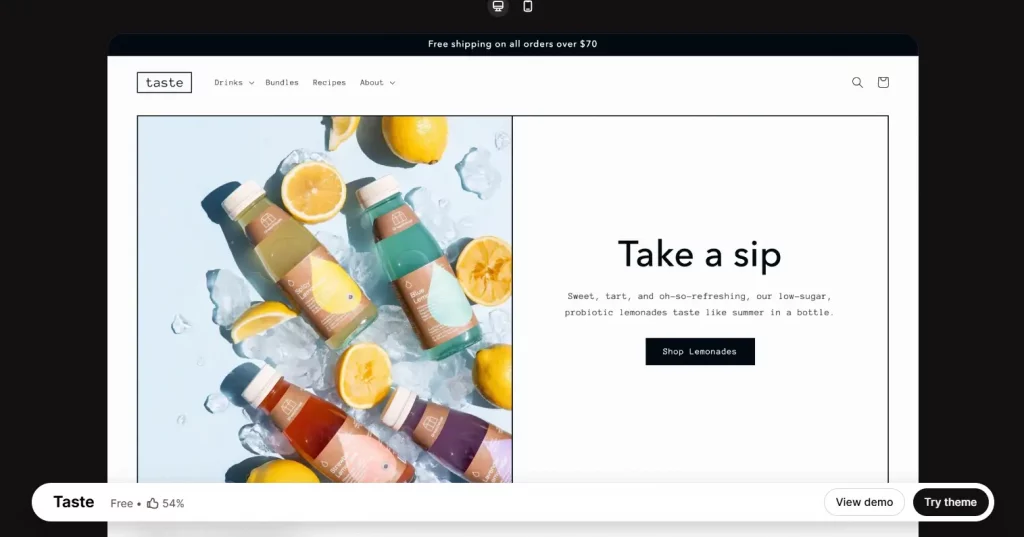
9. Taste
Best for: Wine, spirits, gourmet foods, specialty coffee, tea.
Key features:
- Rich, dark color palette options
- Feature callout sections for ingredients or provenance
- Age verification gate built in
- Full-width product storytelling layouts
- Pairs well with subscription app integrations
Pros: Premium feel without a premium price tag.
Cons: Dark aesthetic does not suit all product categories.

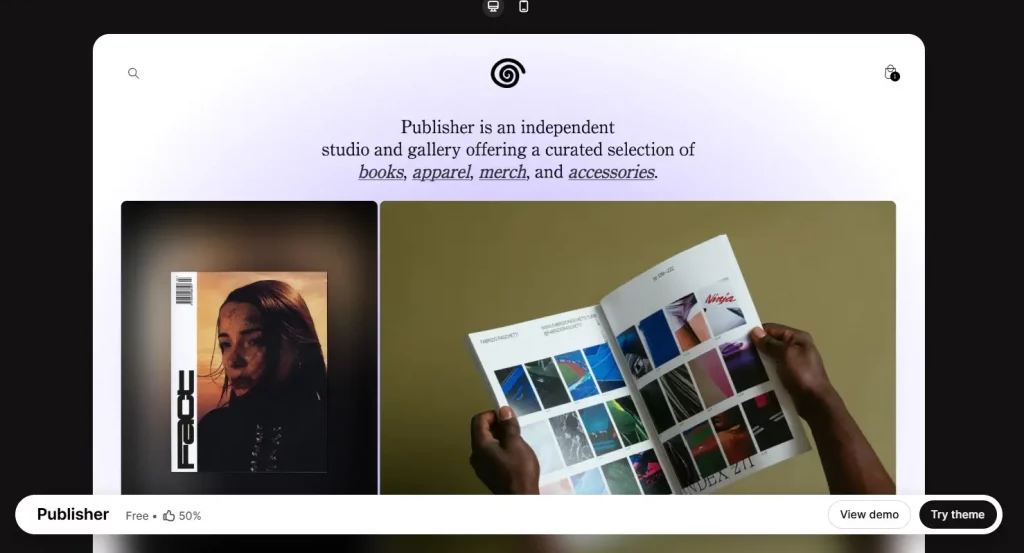
10. Publisher
Best for: Book stores, magazines, editorial brands, niche media.
Key features:
- Blog-and-shop hybrid layout
- Featured article sections on homepage
- Readable typography optimized for long-form content
- Category filter for large blog archives
- Clean product pages with rich text support
Pros: One of the few free themes built for content-commerce hybrid stores.
Cons: Less suited for purely transactional product catalogs.
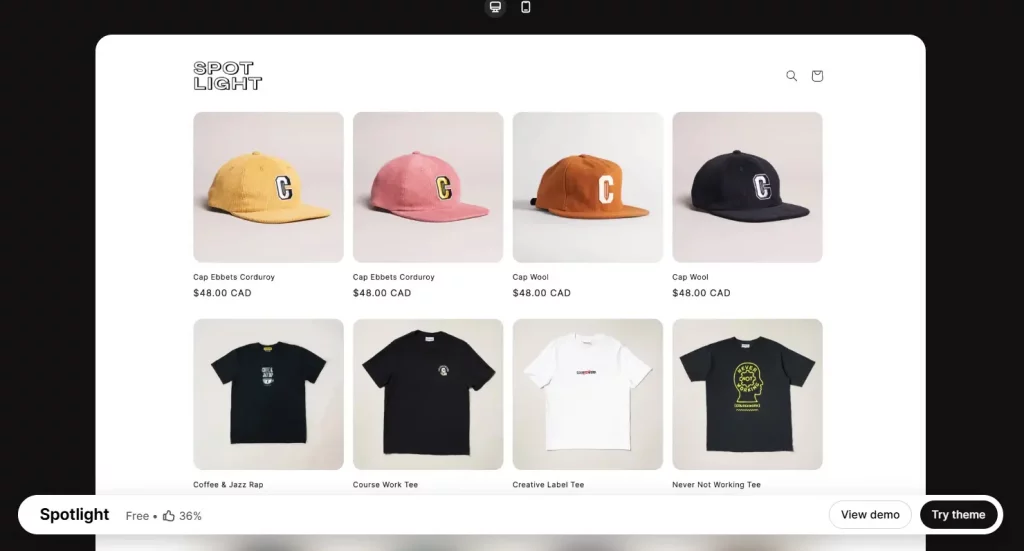
11. Spotlight
Best for: Launch pages, crowdfunding products, hero product stores.
Key features:
- One-page-style scrolling experience
- Feature callout and social proof sections
- Bold countdown/urgency elements
- Email capture section
- Minimal navigation to reduce exit points
Pros: Purpose-built for conversion on a single product.
Cons: Difficult to scale to multi-product catalogs.

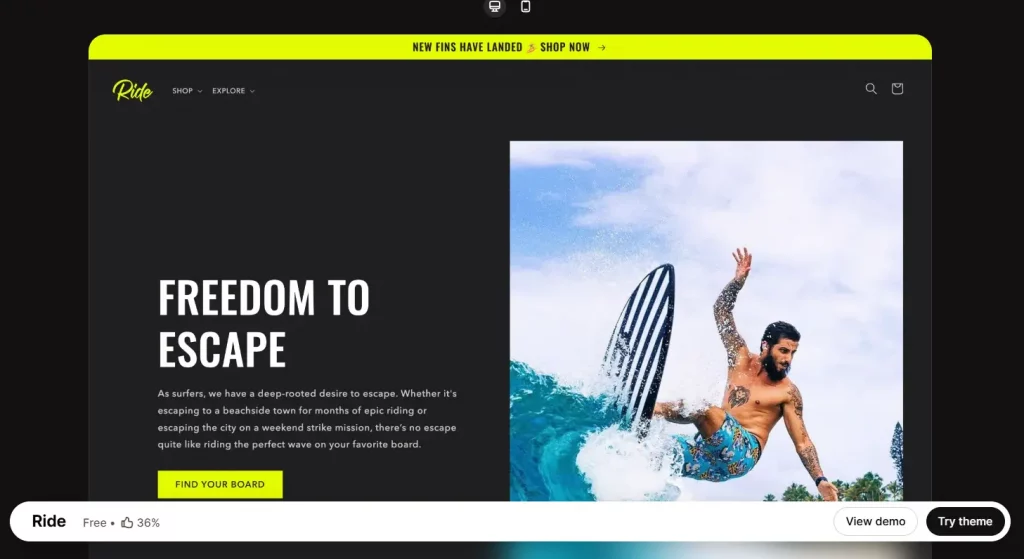
12. Ride
Best for: Cycling, outdoor gear, fitness equipment, activewear.
Key features:
- Action-oriented hero sections with video support
- Feature comparison sections for technical products
- Dark, energetic color themes
- Sticky navigation with active category tabs
- Built for high-impact product photography
Pros: Communicates performance and energy immediately.
Cons: Niche-specific aesthetic limits versatility.
How to Install a Free Shopify Template (Step-by-Step)
Installing one of the best free Shopify templates takes less than five minutes. Here is how:
Step 1: Navigate to the Shopify Theme Store. From your Shopify admin, go to Online Store > Themes > Visit Theme Store. You will land on the official theme marketplace.
Step 2: Filter by Free. On the left sidebar, select the Price filter and choose Free. You will see all currently available free templates, including every theme on this list.
Step 3: Preview before you commit. Click any theme to open its detail page. Use the desktop and mobile preview toggles to see exactly how it will look across devices. Most templates also have live demo stores you can explore.
Step 4: Add the theme to your store. Click the ‘Add’ button on the theme detail page. Shopify will add it to your theme library under Online Store > Themes. It will not go live automatically — your current theme stays active.
Step 5: Customize using the editor. Click Customize next to the new theme. Use Shopify’s drag-and-drop sections editor to upload your logo, set your brand colors, add your products to homepage sections, and configure navigation.
Step 6: Publish when ready. Once you are happy with the customization, click Actions > Publish. Your store will switch to the new theme. You can always revert to your previous theme instantly — Shopify stores your last three theme versions.
Wrap-up
Choosing the right design is a crucial first step in building a successful online store, but it doesn’t have to come with a high cost. The best free Shopify templates featured in this guide prove that you can achieve a professional, high-converting storefront without investing in premium themes. By selecting the right free Shopify template for your niche and customizing it to reflect your brand, you can create a store that not only looks great but also performs effectively from day one.
If you’re selling on Shopify and need a professional invoice solution, especially one that’s easy to customize, then Vify’s Shopify Order Printer app is the best choice for you. Try it for free today and experience it for yourself. We’re confident you’ll love it.