


Data is one of the most valuable assets for any ecommerce business, but collecting data is only useful if you know how to interpret it. A powerful Shopify analytics app can help you track key metrics, identify growth opportunities, measure marketing performance, and understand customer purchasing behavior beyond Shopify’s native reports. This guide reviews the best Shopify analytics apps available today, comparing their features, pricing, and ideal use cases so you can choose the solution that best supports your ecommerce goals.
Why Shopify analytics app matters
Shopify’s built-in analytics provide a good overview of your store’s performance, but they often become limiting as your business grows and your reporting needs become more sophisticated.
Profit tracking is one of the biggest gaps. While Shopify reports revenue accurately, it doesn’t automatically factor in expenses such as product costs, advertising spend, shipping fees, or payment processing charges. Without these metrics, it’s difficult to understand your store’s true profitability.
Marketing attribution is another area where native reports have limitations. Although Shopify shows where your traffic comes from, it doesn’t always reveal which campaigns, ads, or marketing channels drive actual conversions and revenue.
Customer behavior analysis is also fairly limited. Built-in reports can’t show how visitors interact with your storefront, where they hesitate during the buying journey, or which pages cause customers to abandon their purchase.
Custom reporting flexibility can also be a challenge. While Shopify allows merchants to filter existing reports, creating highly customized reports that combine multiple data points (such as customer lifetime value, product categories, and purchasing behavior) is much more difficult.
A dedicated Shopify analytics app addresses these limitations by providing deeper insights into your business performance. From advanced profit analysis to customer behavior tracking and marketing attribution, the right solution helps you make more informed decisions based on the metrics that matter most.

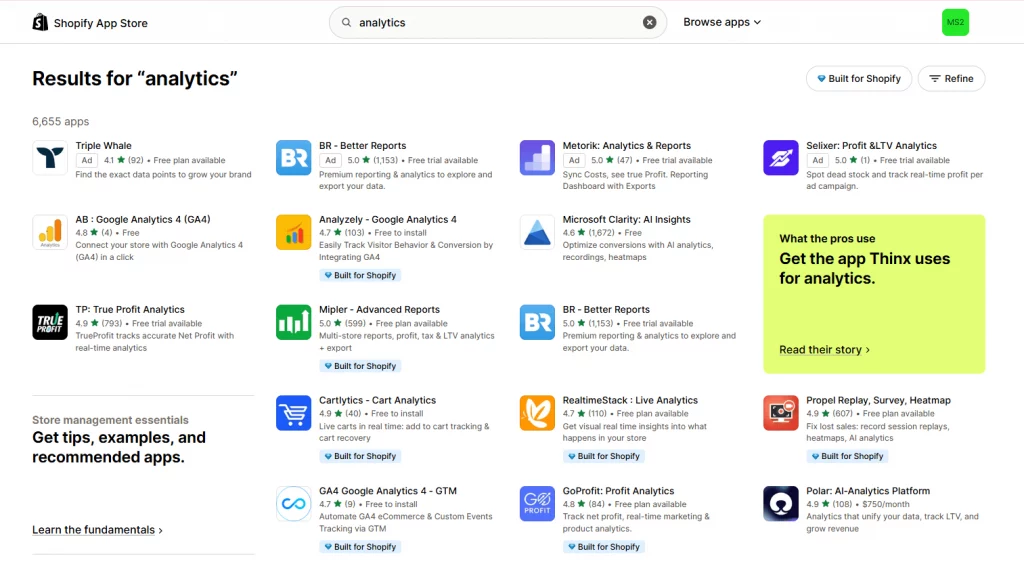
8 best Shopify analytics apps
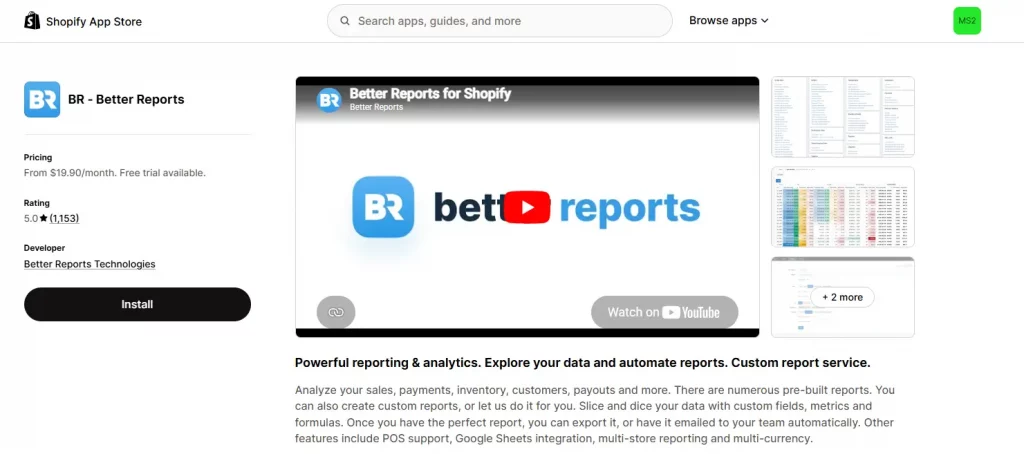
1. BR – Better Reports
Rating: ⭐ 5.0 | Pricing: From $19.90/month, 14-day free trial, free custom report building service included.
Best for: Shopify merchants who need deep, custom reporting that goes well beyond what Shopify’s native dashboard offers, especially stores that previously relied on manual Excel pivot tables.
BR – Better Reports lets you explore essentially every piece of store data and turn it into a report built exactly the way you need it. If you don’t want to build it yourself, their team will build the custom report for you at no extra cost, which is unusually generous for an analytics app at this price point.
Key features:
- Explore all store data including tags, metafields, and custom attributes
- Custom reports and metrics with multiple chart visualization types
- Free custom report-building service from the Better Reports team
- Export to PDF, Excel, CSV, or Google Sheets
- Scheduled reports automatically emailed or sent to Google Sheets
- POS support, multi-store, and multi-currency reporting

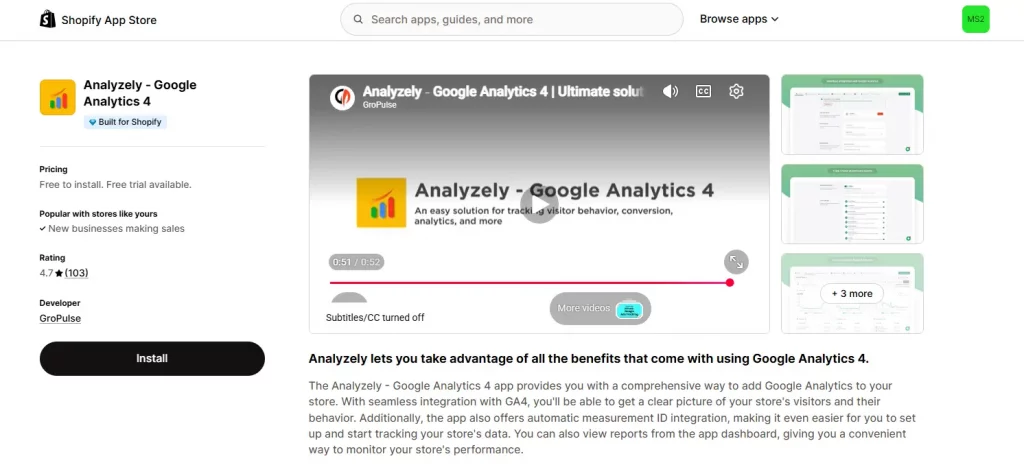
2. Analyzely – Google Analytics 4
Rating: ⭐ 4.7 | Pricing: Free to install (10 AI credits/month included); Pro plan $21/month or $95.88/year, 7-day free trial.
Best for: Merchants who want the depth of Google Analytics 4 connected to their store without touching a line of code.
Analyzely – Google Analytics 4 automatically integrates your GA4 measurement ID and starts tracking e-commerce events, giving you a clear read on visitor behavior directly from your Shopify admin. It also supports server-side event tracking, which helps capture conversions that browser-based tracking alone tends to miss.
Key features:
- Seamless GA4 integration with automatic measurement ID setup, no coding required
- Standard and e-commerce reports covering key store metrics in one place
- Server-side event integration for more accurate purchase tracking
- Real-time report and client & server-side event tracking (Pro plan)
- GDPR-friendly tracking to maintain data protection compliance

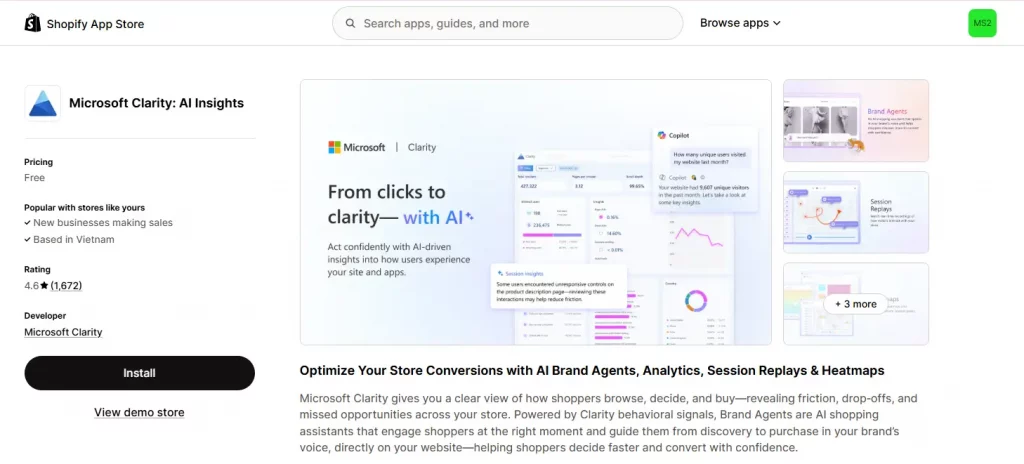
3. Microsoft Clarity: AI Insights
Rating: ⭐ 4.6 | Pricing: Free.
Best for: Any Shopify store that wants session replays, heatmaps, and behavior analytics without paying anything.
Microsoft Clarity: AI Insights shows you exactly how shoppers browse, hesitate, and drop off, using session recordings and heatmaps layered with AI-driven pattern detection. It also includes “Brand Agents,” AI shopping assistants that engage shoppers directly on your storefront to help guide them toward checkout.
Key features:
- AI-driven insights that detect behavior patterns affecting revenue
- Session replays and heatmaps showing exactly how visitors interact with your store
- Smart events and conversion funnels to identify and recover drop-off points
- Brand Agents: AI shopping assistants that guide visitors toward conversion
- GDPR and CCPA compliant with built-in consent management

4. TP: True Profit Analytics
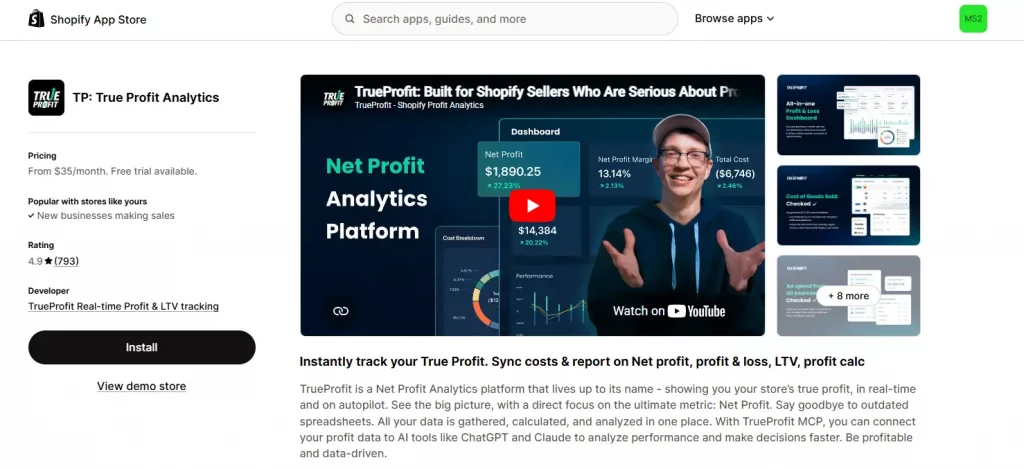
Rating: ⭐ 4.9 | Pricing: From $35/month, 14-day free trial.
Best for: Brands that need to know their actual net profit in real time, especially those running ads across multiple channels.
TP: True Profit Analytics automatically pulls together sales, COGS, shipping costs, transaction fees, taxes, and ad spend from platforms like Facebook, Google, TikTok, and Amazon into one live profit dashboard, replacing the spreadsheet reconciliation most profit-focused merchants used to do by hand.
Key features:
- Real-time net profit dashboard tracking your store’s true financial health
- Automatic cost tracking: COGS, shipping, transaction fees, taxes, and custom costs
- Real-time ad spend sync from Facebook, Google, TikTok, Bing, Snapchat, and Amazon
- Product-level and ad-level profit analytics with marketing attribution
- Customer lifetime value, P&L reports, mobile app, and MCP integration for AI tools like Claude

5. Mipler – Advanced Reports
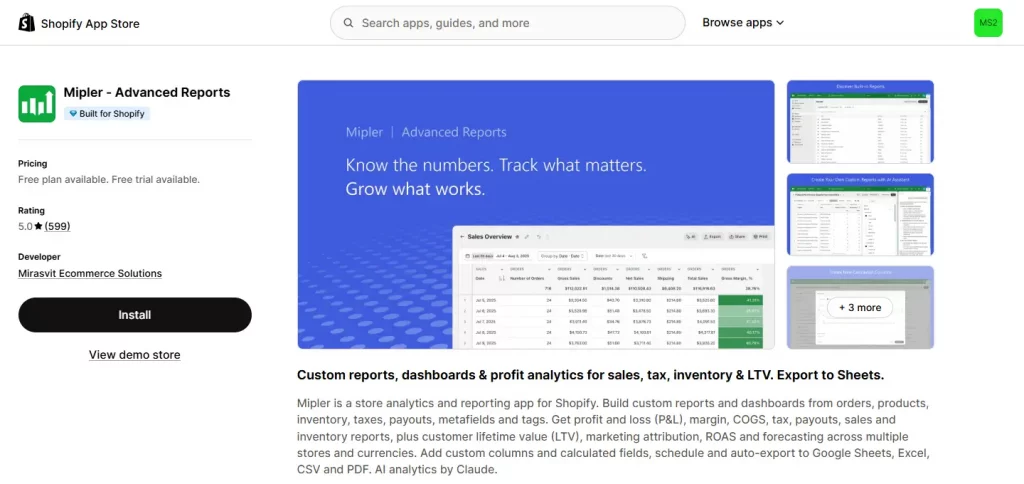
Rating: ⭐ 5.0 | Pricing: Free plan for stores under 1,000 lifetime orders; paid plans from $19.99/month, 7-day free trial.
Best for: Multi-store merchants who want both financial reporting (P&L, tax, COGS) and general analytics in one custom, AI-assisted dashboard.
Mipler – Advanced Reports combines over 100 pre-built reports with a full custom report builder, covering everything from sales and inventory to LTV, marketing attribution, and forecasting — with AI analytics powered by Claude built directly into the report-building process.
Key features:
- 100+ pre-built reports plus a drag-and-drop custom report builder
- Financial reports: P&L, margin, COGS, tax, and payments
- Customer analytics: LTV, marketing attribution, ROAS, and UTM tracking by channel
- Scheduled reports and forecasting with auto-export to Sheets, Excel, CSV, and PDF
- AI analytics by Claude plus secure, shareable report links

6. RealtimeStack: Live Analytics
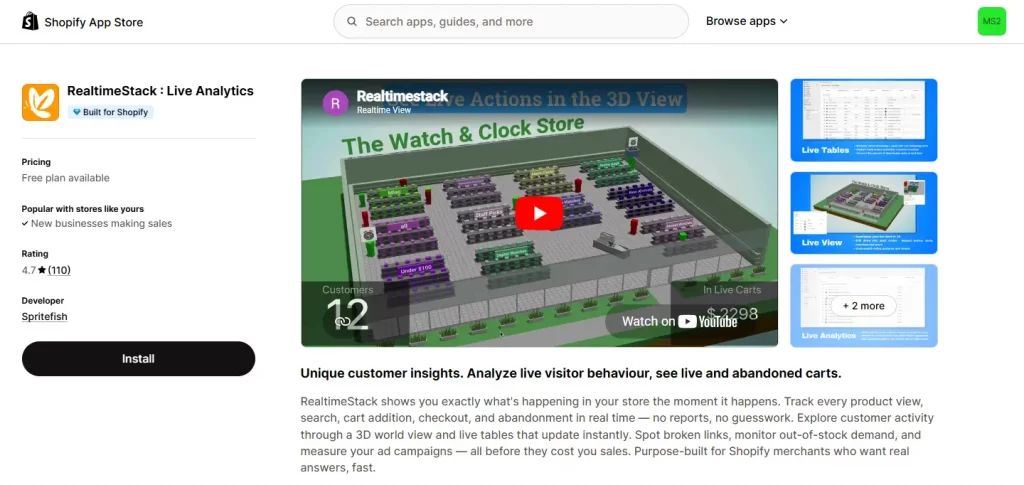
Rating: ⭐ 4.7 | Pricing: Free plan available; paid plans from $14/month.
Best for: Merchants who want to watch what’s happening on their store the moment it happens, especially useful during launches, flash sales, or live ad campaigns.
RealtimeStack: Live Analytics tracks every product view, cart addition, and checkout as it happens, displayed through live auto-updating tables and a 3D world map of active shoppers, so you can catch broken links, unexpected demand, or a campaign underperforming within minutes rather than days.
Key features:
- Live feed of every customer action: views, searches, cart additions, and checkouts
- Auto-updating live tables to spot behavior trends instantly
- World map showing real-time locations of active shoppers
- Real-time and historical tracking of ad campaign performance
- Instant alerts for broken links, bot traffic, and out-of-stock demand

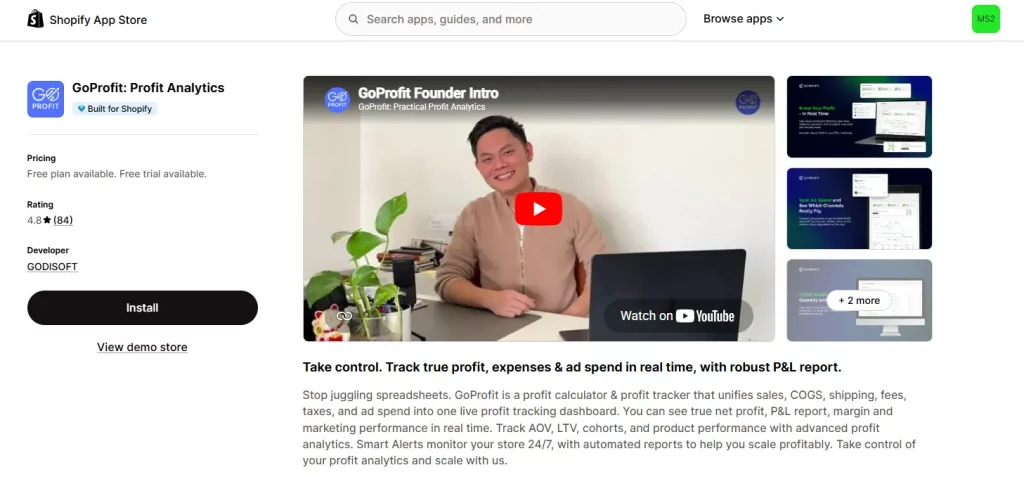
7. GoProfit: Profit Analytics
Rating: ⭐ 4.8 | Pricing: Free plan (50 orders/month); paid plans from $12/month, 14-day free trial.
Best for: Growing stores that want net-profit tracking similar to TrueProfit but at a lower entry price point, with proactive alerts built in.
GoProfit: Profit Analytics unifies sales, COGS, shipping, fees, taxes, and ad spend into a single live profit dashboard, and its Smart Alerts feature actively flags profit drops or spikes as they happen rather than waiting for you to notice them in a report.
Key features:
- Real-time profit dashboard and P&L report combining all cost sources
- Auto-synced COGS, shipping, fees, and taxes
- Ad spend sync and true ROAS/CAC tracking across Google, Facebook, and TikTok
- Smart Alerts that catch profit drops or spikes the moment they happen
- Daily and weekly profit reports with on-demand exports

8. Polar: AI-Analytics Platform
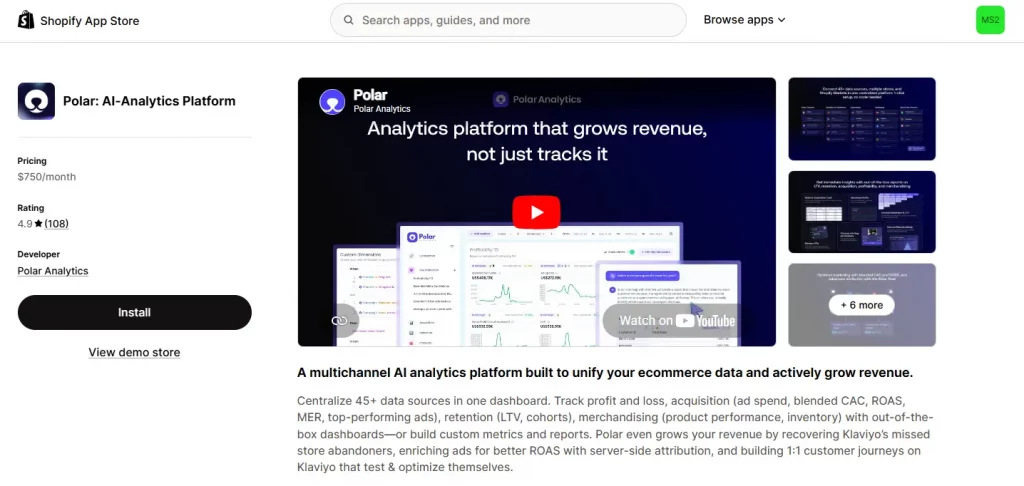
Rating: ⭐ 4.9 | Pricing: From $750/month, pricing scales with online GMV.
Best for: Larger or fast-scaling DTC brands that need a single, unified BI platform pulling in dozens of data sources.
Polar: AI-Analytics Platform centralizes over 45 data sources (Shopify, Meta, Google, TikTok, Klaviyo, Amazon, etc.) into a single dashboard covering profit and loss, acquisition, retention, and merchandising. It goes beyond passive reporting by actively recovering missed Klaviyo abandoners and improving ad attribution accuracy with server-side tracking, functioning more like a growth platform than a standard analytics app.
Key features:
- One-click integration with 45+ data sources including Shopify, Meta, Google, TikTok, and Klaviyo
- Custom KPIs and reports: spend, CAC, LTV, ROAS, CVR, cohorts, and inventory
- Automatic recovery of missed Klaviyo store abandoners
- Server-side pixel for more accurate ad attribution
- Omnichannel reporting across multiple brands, stores, and markets in one view

Conclusion
Choosing the right Shopify analytics app can give you a much clearer understanding of your store’s performance beyond basic sales reports. From tracking profit margins and customer behavior to measuring marketing effectiveness and identifying new growth opportunities, each app offers a different set of strengths depending on your business goals. Take the time to evaluate the metrics that matter most to your store, compare the features and pricing of each solution, and select the best analytics app for Shopify that fits your workflow today while supporting your growth as your business continues to scale.
If you’re selling on Shopify and need a professional invoice solution, then Vify Shopify Order Printer app is the best choice for you. Try it for free today and experience it for yourself. We’re confident you’ll love it.