



Choosing the best Google Shopping app for Shopify depends on how much control a store needs over its product feed. Google & YouTube provides a free connection to Google Merchant Center, while third-party apps such as Simprosys, Multifeed, Nabu, and DataFeedWatch offer more advanced feed management features. This guide compares all five options based on product data control, multi-country selling, pricing, and merchant feedback, helping clarify which solution fits different store requirements.
What a Google Shopping app for Shopify actually does
Google Shopping runs on product data, not on your web pages. Google reads a feed, a structured list of every product with its title, price, availability, image, identifiers such as GTIN, and shipping details, from Google Merchant Center. A Google Shopping app for Shopify builds that feed from your catalog and keeps it current as you change prices and stock.
Apps fall into two layers:
- The connector (Google & YouTube). It links Shopify to Merchant Center, Google Ads, Google Analytics 4, and YouTube. Shopify’s help center says that for eligible US stores, products synced through the channel can show in Google Shopping tab results at no charge, and Google’s Merchant Center Help adds that free listings can appear on the Shopping tab, YouTube, Google Search, Google Images and Google Lens.
- The feed manager (Simprosys, Multifeed, Nabu, DataFeedWatch). These tools let you rewrite titles, map metafields to Google attributes, apply rules, build separate feeds per country or language, and often submit the same data to Meta, Microsoft Advertising or Pinterest.
One more distinction saves confusion later. Free listings cost nothing. Shopping ads, including Performance Max campaigns, are paid through Google Ads. On the Google & YouTube listing, Shopify states that when you run a campaign, ad spend is billed directly to your Google Ads account and you set the daily budget. None of the apps below change that: the app price and the ad spend are separate costs.

Google Shopping app Shopify comparison
| App | Developer | Rating (reviews) | 1-star share | Starting price | Best for |
|---|---|---|---|---|---|
| Google & YouTube | Google LLC | 4.5 (5,524) | 12% | Free to install | Getting started; free listings; Performance Max and GA4 in one place |
| Simprosys Google Shopping Feed | Simprosys InfoMedia | 4.9 (4,918) | 1% | $4.99/month | Most stores that want paid feed control at a low price |
| Multifeed Google Shopping Feed | WoolyTech | 4.9 (1.097) | 1% | Free plan; paid from $5.95/month | Granular attribute control with expressions |
| Nabu for Google Shopping Feed | AdNabu Global | 4.8 (507) | 3% | Free tier; paid from $39.99/month | Disapproval fixing; Plus and headless stores |
| Data Feed Watch Shopping Feeds | DataFeedWatch | 4.7 (341) | 5% | $64/month | Multi-channel feeds; agencies |
The 1-star share is the percentage of ratings that are 1 star, taken from each listing’s rating breakdown.
One deposit on that table. Google & YouTube has the lowest rating and the highest 1-star share, but it is also the largest and most widely installed app, it is free, and it is used by stores of every skill level. The numbers are not a like-for-like quality score. Read them as a prompt to check the setup requirements before you install, which the next section covers.

Google & YouTube
Rating: 4.5/5 · Price: free to install · Developer: Google LLC · Launched: November 28, 2017
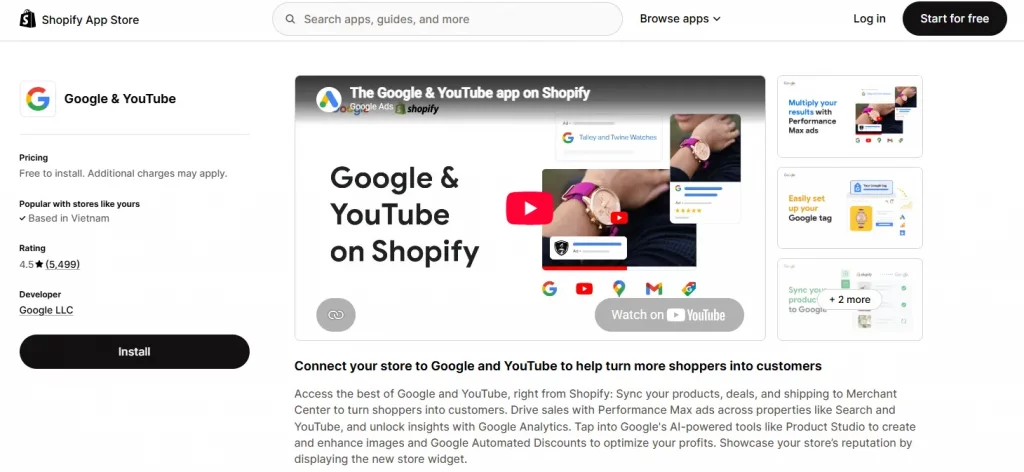
This is the official Google Shopping app for Shopify, and for many stores it is the only one you need. The listing describes it as a way to sync products, deals and shipping to Merchant Center, run Performance Max campaigns across Search and YouTube, connect Google Analytics, use Google’s AI image tools in Product Studio, and use Google Automated Discounts. It also lists a store reputation widget. The listing supports 21 languages, which matters if you manage the store admin in a language other than English.
Outstanding features: Setup is the headline. Recent merchant reviews on the listing describe connecting Merchant Center and Google Analytics as straightforward and managing products and ads from one place as a time saver. Shopify’s AI-generated review summary points to the same themes: easy connection, reliable sync even for large catalogs, and visibility gains from free listings. It is also the only option here that Google itself publishes.
Requirements:
- Your store needs to meet Google Merchant Center requirements, including shipping settings for the countries you target.
- Products without a GTIN need an MPN (Manufacturer Part Number) and a brand added to the product data in the app.
- Products in apparel, media and book categories need extra attributes.
- Your store’s currency settings determine which countries you can target.
Considerations: The app lets you set title and description preferences, but control stops there. Merchants on Shopify Community have asked for custom metafield support for product titles, which the app did not offer in the thread I reviewed. A reviewer on the Multifeed listing says they moved over after getting frustrated with the Google & YouTube app’s limited feed controls. If you want to rewrite titles per product, add custom labels from your own data, or send a different feed per market, you will eventually want a feed manager.
Best for: new stores, small catalogs, and anyone whose products already have clean titles, GTINs and shipping settings.

Simprosys Google Shopping Feed
Rating: 4.9/5 · Price: from $4.99/month, 21-day free trial · Developer: Simprosys InfoMedia · Launched: August 16, 2017
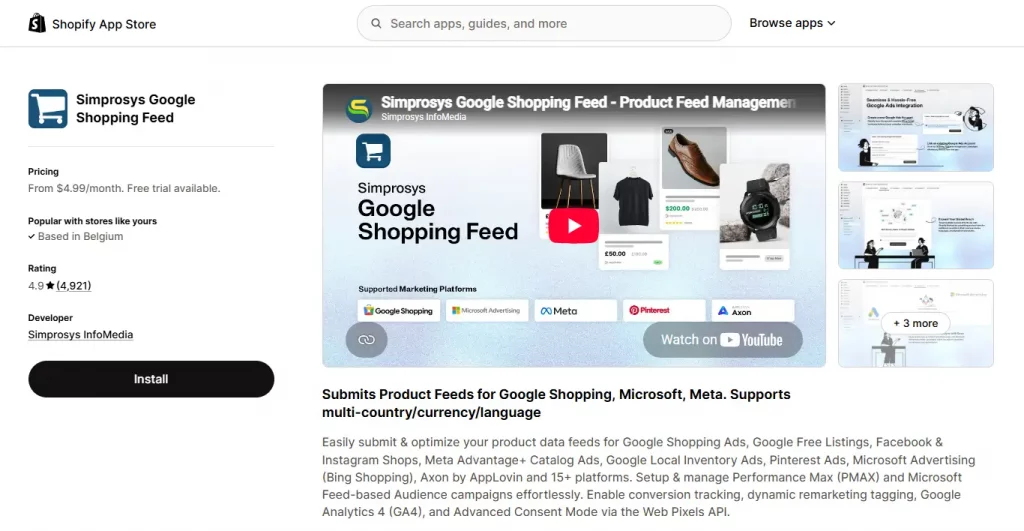
Simprosys is the most-reviewed paid app in this group, and 97% of its ratings are 5 stars. It submits feeds to Google Shopping, Google free listings, Meta, Microsoft Advertising, Pinterest and more, and its listing highlights Performance Max management, conversion tracking with Consent Mode V2, and server-side GA4 tracking through Google Tag Manager. On the feed side, it offers automated feed rules, bulk editing, metafield mapping, a promotions feed, and support
for Shopify Markets with multiple languages, currencies and top-level domains.
Outstanding features: Support is the recurring theme. Reviews from the first week of October 2026 describe a multi-country feed override problem diagnosed and fixed within a day, and a screen-share walkthrough for a merchant new to Google Ads. Another merchant says it got their feed working in Merchant Center when other methods had failed. Shopify’s AI-generated review summary also calls out fast, patient support on technical feed and tracking problems.
Considerations: The plan price is not the whole bill. The listing shows three Shopify Markets feeds included, then a per-feed monthly charge beyond that ($0.50 on the entry tier, rising to $1.80 on the top tier). AI feed optimization is $1.00 per 25 products as a one-time charge, and an XML feed is priced separately. A store selling into six countries with AI-rewritten titles will pay noticeably more than the headline price.
Best for: stores with up to roughly 5,000 products that want real feed control and ad tracking without a large monthly bill.

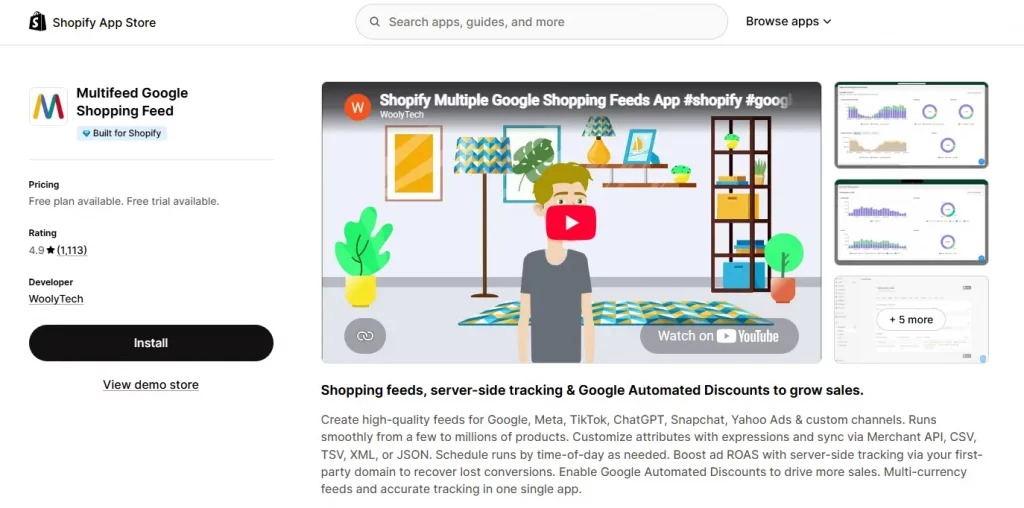
Multifeed Google Shopping Feed
Rating: 4.9/5 · Price: free plan; paid $5.95 to $25.95/month · Developer: WoolyTech · Launched: April 20, 2020 · Built for Shopify
Multifeed describes customizing every feed attribute with expressions, rules and filters, and delivering feeds through the Content API, XML, TSV, CSV or JSON. It also offers server-side tracking for Google Ads, GA4, Meta and TikTok, scheduled feed runs by time of day, and Google Automated Discounts URL integration with in-app reports.
What merchants say. One UK reviewer who switched from the Google & YouTube app says it gives all the feed controls you are likely to need, but warns that replicating an existing feed took some skill with the command expressions. A Hong Kong merchant says you can reshape almost any field without touching products in Shopify, and undo the change with one click. A German store credits the support team with resolving a feed attribute issue quickly.
Best for: merchants or agencies comfortable with formulas who want to shape titles, labels and attributes precisely.

Nabu for Google Shopping Feed
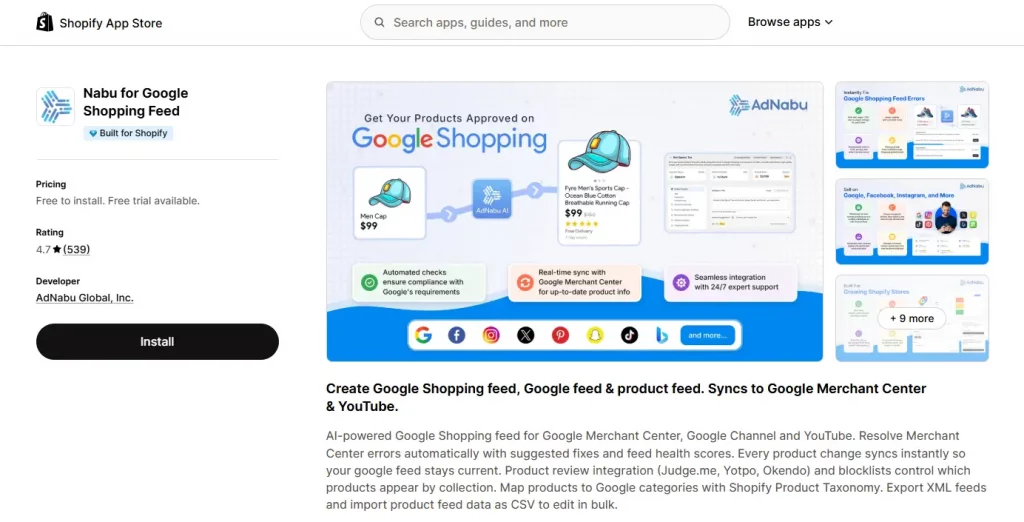
Rating: 4.8/5 · Price: free tier; paid $39.99 to $249.99/month · Developer: AdNabu Global · Launched: March 26, 2020 · Built for Shopify
Nabu leans on error resolution. The listing says it resolves Merchant Center errors with suggested fixes and feed health scores, syncs product changes instantly, uses Shopify Product Taxonomy for Google category mapping, and integrates review apps (Judge.me, Yotpo, Okendo and Loox appear in the listing) so star ratings can flow into your feed. It also supports Shopify Flow and headless stores on higher plans.
What merchants say. A UK reviewer who says they manage Google Ads and Merchant Center professionally praised support for investigating the account, explaining a Merchant Center capacity issue on a large multi-country feed, and advising on avoiding conflicts between Shopify integrations. Two other reviews from August 2026 describe quick fixes to setup errors.
Pricing is plan-based:
| Plan | Price | Key limits and features |
|---|---|---|
| Explore | Free for up to 10 orders/month; $19.99/month above that | Up to 100 products, 1 target country |
| Grow | $39.99/month | Unlimited products and countries, AI optimization, bulk edit, multi-language/currency |
| Advanced | $99.99/month | Hourly sync, headless support, review integration, 5 feed rules |
| More | $249.99/month | Instant sync, unlimited marketplaces, blocklists and metafields, dedicated account manager |
All paid plans include a 14-day trial. The free tier is generous for a very small store, but the jump to $39.99 is steeper than Simprosys or Multifeed at the same catalog size.
Best for: stores with frequent disapprovals, large or complex catalogs, Shopify Plus, and headless setups.

Data Feed Watch Shopping Feeds
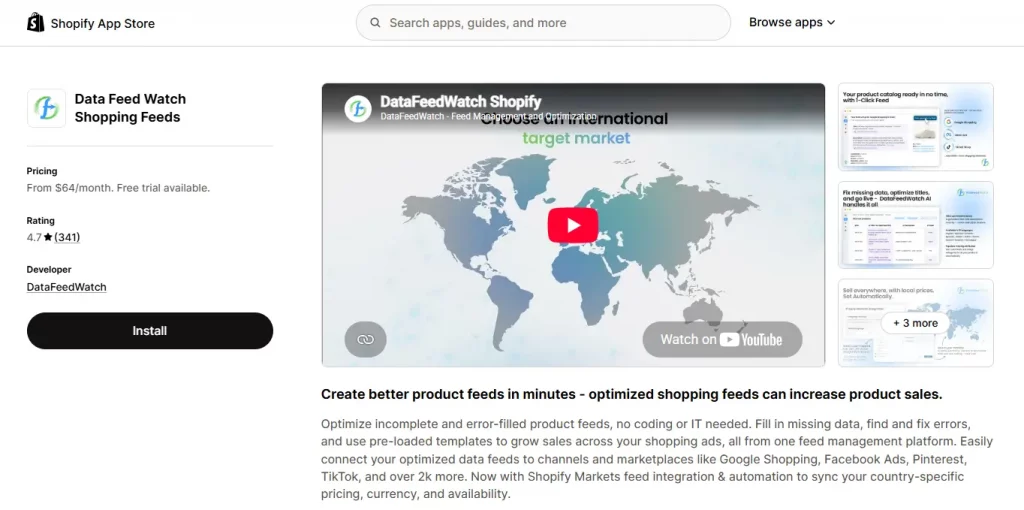
Rating: 4.7/5 · Price: from $64/month, 15-day free trial · Developer: DataFeedWatch (Kraków, Poland) · Launched: April 12, 2013
Data Feed Watch is the veteran here, and the most expensive entry point. Its listing describes feeds for Google Shopping, Meta, TikTok, Pinterest and over 2,000 other channels, AI-assisted optimization of titles and descriptions, custom labels, Shopify Markets feed automation, and automatic pausing of low or out-of-stock products to cut wasted ad spend.
What merchants say. Long-term users describe flexible rules, regex and lookup logic, and years of reliable runs. The reviews are less uniform than the other apps. A 2025 reviewer says AI features were not available in their language (Italian), and the developer’s reply says its listed AI languages were English, Polish and German, with Italian planned. A May 2025 review criticized the onboarding call, and the developer offered an extended session. Check the current language list before buying if your catalog is not in English.
Best for: stores sending the same catalog to many channels, and agencies managing several shops. If you only need Google, it is probably more tool than you need.

How to choose the best Google Shopping app for Shopify
There is no single winner because the apps solve different problems. Use your situation, not a ranking:
| Your situation | Best pick | Why |
|---|---|---|
| New store, clean product data, starting with free listings | Google & YouTube | Free, official, and covers Merchant Center, Ads and GA4 |
| You want Performance Max and conversion tracking at the lowest cost | Google & YouTube first; Simprosys if you outgrow it | Both manage campaigns; Simprosys adds feed rules and Consent Mode V2 |
| Up to ~5,000 products and you want titles and attributes rewritten | Simprosys | Highest review volume, lowest paid entry price |
| Heavy metafield use or per-product custom logic | Multifeed | Expression-based attributes |
| Frequent disapprovals, More or headless | Nabu | Error suggestions, feed health scores, headless support |
| Selling the same catalog to many channels, or running an agency | DataFeedWatch | 2,000+ channels and multi-shop plans |
| Selling in several countries through Shopify Markets | Any of the four feed managers | Each lists Markets or multi-currency feed support; compare per-feed limits and fees |
A practical rule: start with the free app and switch when you hit a specific limit, such as titles you cannot customize, a country you cannot target the way you want, or disapprovals you cannot diagnose. Paying for a feed manager before you have that problem is a common waste in this category.
Conclusion
The best Google Shopping app for Shopify is the one that matches the problem you actually have. For most stores that is Google & YouTube: it is free, official, and connects Merchant Center, Ads, GA4 and YouTube in one install. When you hit its limits, Simprosys is the default paid upgrade on review volume and price, Multifeed rewards technical control, Nabu earns its price on messy or enterprise catalogs, and DataFeedWatch makes sense when Google is only one of many channels.
Whichever you choose, keep one primary feed, record your Merchant Center numbers before you switch, and re-check pricing on the live listing, since all of it can change.
For Shopify stores looking for a professional invoice solution that’s easy to customize without any coding, Vify Shopify Order Printer app is worth considering. Try it for free and see how it fits your store’s needs.