



Choosing the right Shopify accounting apps can make it easier to manage sales, expenses, taxes, payouts, and other financial data without relying on manual bookkeeping. With many options available, each app offers different integrations, automation features, and pricing models. In this guide, we compare five of the best Shopify Accounting Apps to help you find a solution that fits your store’s accounting needs and workflow.
Why Shopify sellers need an accounting app
Shopify records orders, but it does not handle double-entry bookkeeping. Payment processing fees, refunds, sales tax collected on behalf of the store, gift cards, and multi-currency conversions still need to be recorded correctly in the general ledger. Errors in these areas can affect the accuracy of profit and loss reports. A dedicated Shopify accounting app helps automate this process by syncing order data or summarizing payouts into journal entries that are easier to reconcile.
For stores processing around 100 to 300 orders per month, manual bookkeeping can also become increasingly time-consuming. At this point, managing entries manually may cost more in time and bookkeeping work than using one of the Shopify accounting apps available for ecommerce stores.

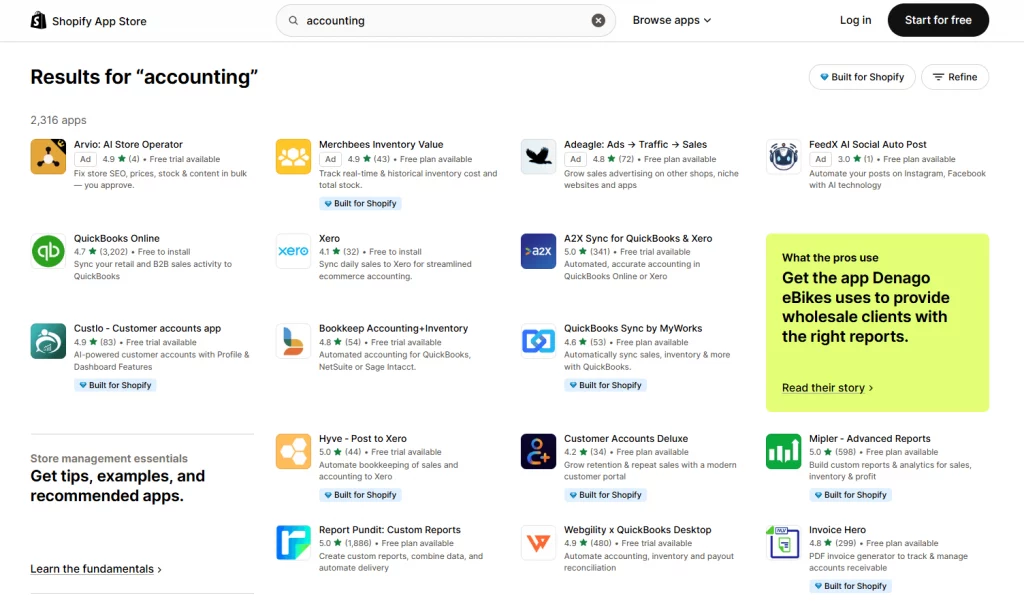
5 best Shopify accounting apps
Choosing the best accounting app for Shopify depends on the store’s accounting system, order volume, sales channels, and reporting needs. The best Shopify accounting app for a small store may not be the right fit for a multi-channel business. The options below cover different workflows, including payout reconciliation, real-time syncing, multi-channel accounting, and detailed data mapping.
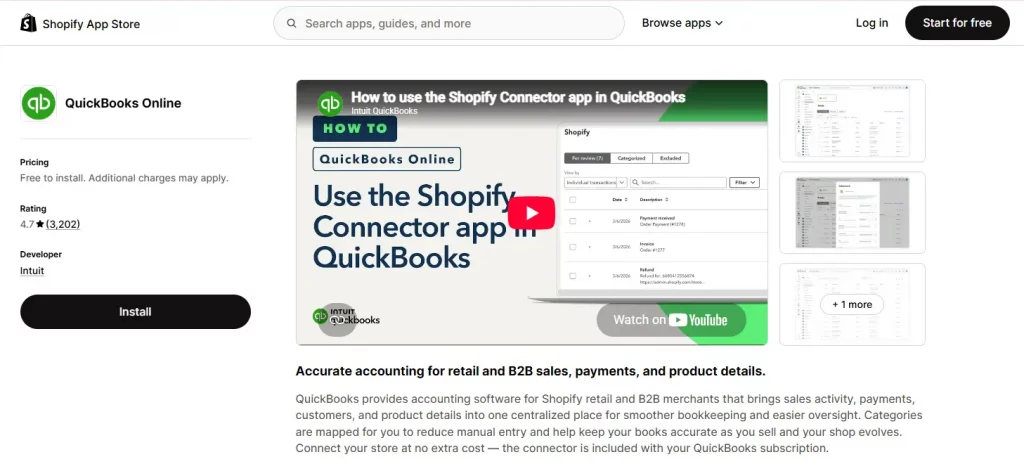
1. QuickBooks Online (by Intuit)
Rating: 4.7/5 | Pricing: Free to install; requires a separate QuickBooks Online subscription billed by Intuit.
Best for: Merchants who are already on QuickBooks Online and want the official, first-party Shopify connector with no extra middleware fee
This is the officially maintained QuickBooks Online connector from Intuit. It syncs Shopify orders, payouts, and products with QuickBooks Online, matches deposits with bank transactions, and tracks cost of goods sold for profitability reporting. Recent reviews of the current connector still mention occasional sync issues and inconsistent support between Intuit and Shopify, so testing the integration with a small number of transactions is a practical step before relying on it for ongoing bookkeeping.
Key features:
- Syncs orders, refunds, and payouts with QuickBooks Online
- Tracks COGS and expenses for profitability reports
- Matches payouts with bank deposits for easier reconciliation
- Free to install with no separate app fee

2. A2X Sync for QuickBooks & Xero
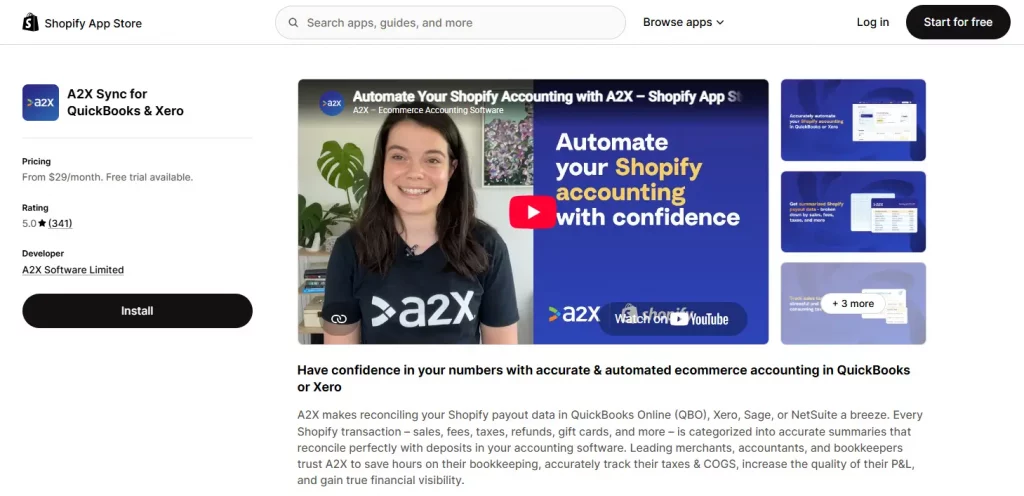
Rating: 5/5 | Pricing: From $29/month, billed by order volume; 30-day free trial.
Best for: Sellers and accountants who want every Shopify payout broken into an accurate, reconciliation-ready journal entry rather than posting each order as a separate line item.
A2X focuses on payout reconciliation rather than syncing individual orders. Instead of sending every sale to the accounting ledger, it organizes each Shopify payout into a summarized entry covering sales, fees, refunds, taxes, and shipping. This makes the recorded amount match the actual bank deposit and simplifies reconciliation.
Key features:
- Summarizes each Shopify payout with sales, fees, refunds, and taxes
- Syncs with QuickBooks Online, Xero, Sage, and NetSuite
- Applies tax rules by transaction type
- Guided onboarding on every plan

3. Webgility ‑ QuickBooks Online
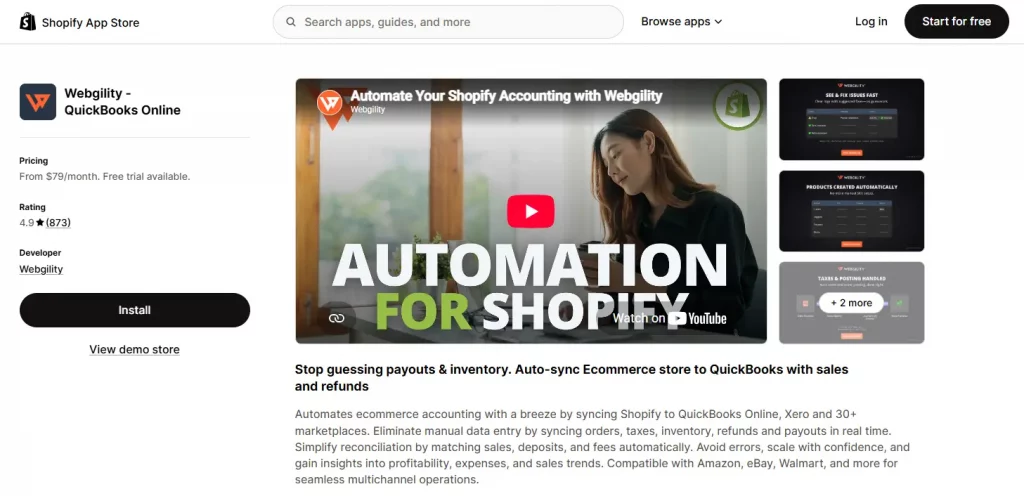
Rating: 4.9/5 | Pricing: From $79/month, billed by order volume; 15-day free trial.
Best for: Multi-channel sellers running Shopify alongside Amazon, eBay, or Walmart who need real-time, two-way sync of orders, inventory, and payouts.
Webgility automates ecommerce accounting by connecting Shopify and more than 30 other marketplaces with QuickBooks Online or Xero. It syncs orders, taxes, inventory, refunds, and payouts in real time, while its two-way inventory sync helps keep stock levels and pricing consistent across sales channels. Webgility also includes B2B features such as purchase order numbers, payment terms, payment syncing, and company or location matching.
Key features:
- Real-time sync of orders, taxes, and payouts to QuickBooks Online or Xero
- Matches Shopify payouts with QuickBooks deposits for easier reconciliation
- Multichannel inventory sync across connected sales channels
- B2B tools for purchase orders, payment terms, and company matching
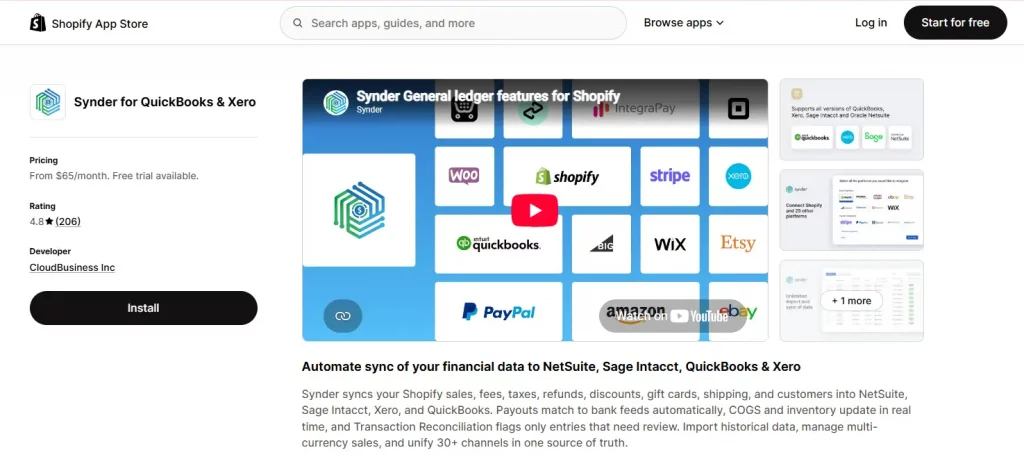
4. Synder for QuickBooks & Xero
Rating: 4.8/5 | Pricing: From $65/month; 15-day free trial.
Best for: Agencies, bookkeepers, and multi-store sellers who need one tool to consolidate several sales channels and payment platforms into a single ledger.
Synder connects Shopify with more than 25 sales channels and payment platforms, including Amazon, Etsy, PayPal, and Stripe. The platform syncs this data with QuickBooks Online, Xero, Sage Intacct, or NetSuite. It also supports historical data imports, multi-currency transactions, and GAAP-compliant revenue recognition, making it a practical option for accounting firms and businesses managing multiple ecommerce channels.
Key features:
- Connects 25+ sales channels and payment platforms in one ledger
- Hourly or real-time sync with smart reconciliation and duplicate protection
- Supports multi-currency transactions and historical imports
- GAAP-compliant revenue recognition for subscription and multi-entity businesses

5. QuickBooks Sync by MyWorks
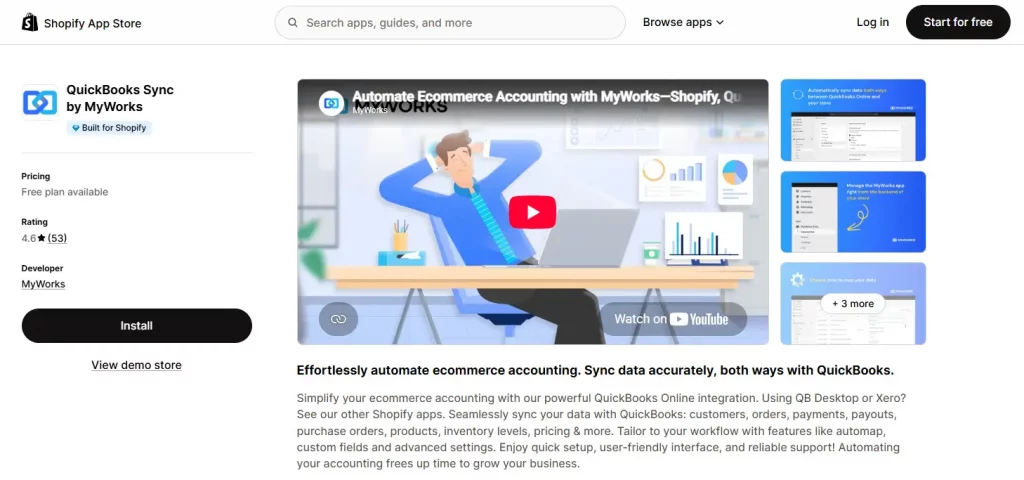
Rating: 4.6/5 | Pricing: Free plan available; paid tiers scale with order volume.
Best for: Smaller stores that want a free-to-start, configurable two-way QuickBooks Online sync without committing to an enterprise-priced platform.
MyWorks supports two-way syncing for customers, orders, payments, payouts, purchase orders, products, and inventory between Shopify and QuickBooks Online. Custom field mapping and automap settings also make it easier to match specific accounting workflows.
Key features:
- Two-way sync of orders, customers, payments, payouts, and inventory
- Custom field mapping and automap for flexible workflows
- Purchase order sync with Stocky on higher plans
- Free plan with guided 1:1 setup calls

Conclusion
The right Shopify accounting apps can simplify bookkeeping, reduce manual data entry, and make financial records easier to manage as a store grows. The best choice depends on factors such as transaction volume, accounting requirements, sales channels, and the level of automation needed. When evaluating an accounting app Shopify, focusing on compatibility, data accuracy, pricing, and ease of reconciliation can help create a more reliable and efficient accounting workflow.
If you’re selling on Shopify and need a professional invoice solution, then Vify Shopify Order Printer app is the best choice for you. Try it for free today and experience it for yourself. We’re confident you’ll love it.