


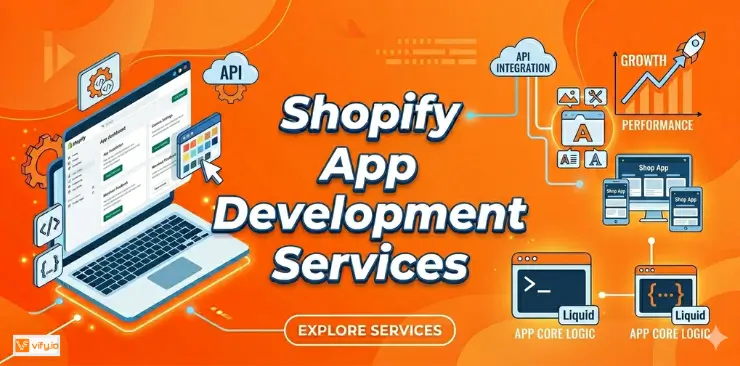
The Shopify App Store has over 16,000 apps. For most merchants, that is more than enough to handle everyday needs. But at some point, many growing businesses hit a moment where no existing app does exactly what they need. Maybe your business model requires a pricing logic that is too specific for any off-the-shelf tool. Maybe you need your store to communicate with a proprietary warehouse system in real time. Maybe you want a checkout experience that’s completely unique to your brand. That’s when Shopify app development services become the right conversation to have.
What are Shopify app development services?
Shopify app development services refer to the technical work involved in designing, building, and maintaining custom applications that integrate with or extend your Shopify store’s functionality.
Unlike installing an app from the Shopify App Store, custom app development builds software specifically for your business — your workflows, your data structures, your customer experience. These apps live inside the Shopify ecosystem and communicate with your store through Shopify’s APIs, but they’re not available to anyone else. They’re yours.
Shopify custom app development services are particularly valuable when:
- You’ve tried multiple App Store solutions and none fit your exact workflow
- Your business has industry-specific compliance or operational requirements
- You need two or more systems (ERP, CRM, WMS, custom databases) to talk to Shopify seamlessly
- You want to offer your customers a highly differentiated buying experience that no template can replicate

Types of Shopify apps developers can build
Not all Shopify apps are the same. Here’s a breakdown of the different types app development services Shopify can deliver:
1. Private/Custom apps
Private apps are built exclusively for a single Shopify store. They’re not listed in the App Store and aren’t available to other merchants. This is the most common type of custom development — the app exists to serve one business and solve one specific set of problems.
2. Public apps
If you’re building a product to sell to other Shopify merchants, you need a public app. Public apps go through Shopify’s review process and are listed in the App Store. Building one requires strict adherence to Shopify’s technical and design requirements.
3. Embedded apps
Embedded apps appear directly inside the Shopify admin interface using Shopify App Bridge — giving merchants a seamless experience without needing to switch between tools. Most modern Shopify apps are embedded apps.
4. Sales channel apps
Sales channel apps connect your Shopify store’s product catalog to an external platform — a marketplace, a social commerce channel, or a proprietary sales surface. They’re complex to build but powerful for merchants selling across multiple channels.
5. Theme app extensions
These allow app functionality to be added to Shopify themes via the Theme Editor, without the developer directly modifying theme code. This approach is safer, more upgrade-friendly, and is now Shopify’s preferred pattern for apps that add on-storefront functionality.

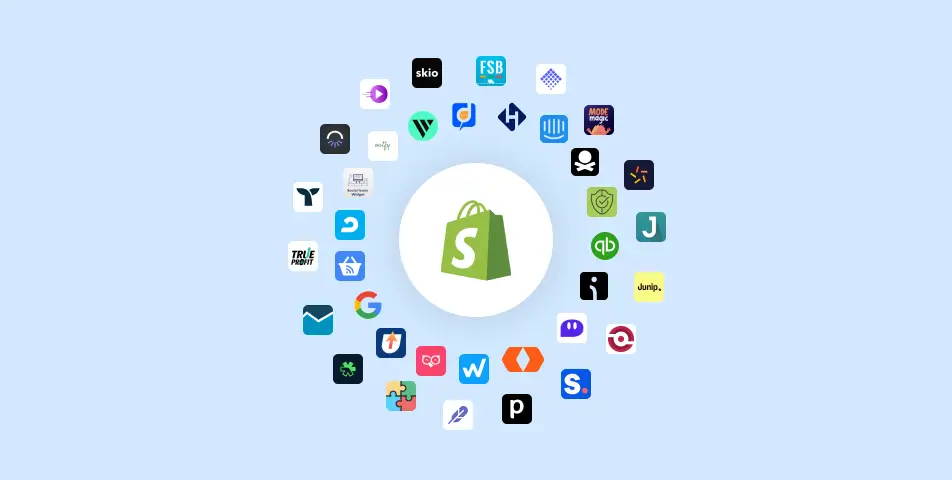
Use cases of Shopify app development
If you’re unsure whether custom Shopify app development services are the right fit, here are the most common use cases that make the investment worthwhile:
Custom Subscription & Billing Logic. Merchants with subscription-based products sometimes have billing structures (usage-based pricing, tiered billing, custom billing cycles) that no standard subscription app handles cleanly.
B2B Pricing & Ordering Portals. Wholesale and B2B merchants often need customer-specific pricing, minimum order quantities, account-based credit limits, and custom purchase approval flows. These requirements are almost always too nuanced for off-the-shelf B2B apps.
Custom Loyalty & Rewards Systems. If your loyalty program has unique earn/redeem logic, or needs to sync with a CRM or physical retail system, a custom app is typically more reliable than a third-party solution.
Checkout Customization. Custom upsell logic, conditional shipping rules, bespoke gift card flows, and checkout UI modifications are only possible through Shopify Functions and checkout extensions.
Proprietary Product Configurators. Merchants selling customizable products (engraving, custom sizing, build-your-own kits) often need configurators that are deeply integrated with their production workflow.

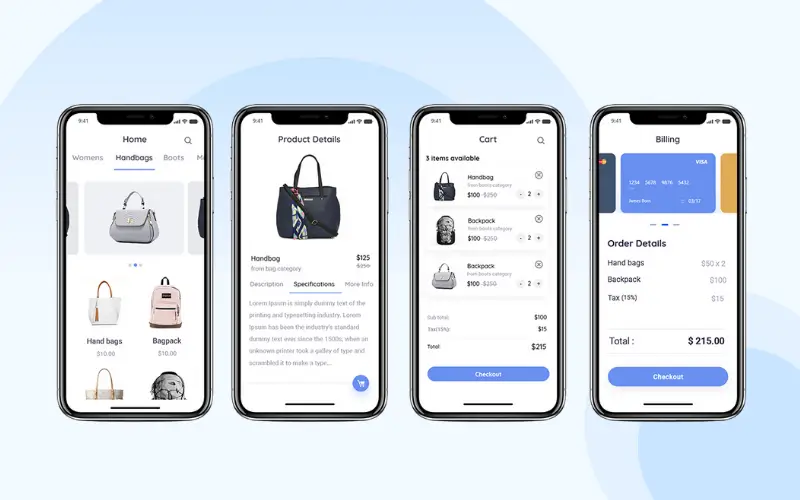
The Shopify app development process
Understanding the development process helps you plan your project realistically and evaluate proposals from developers with more confidence.
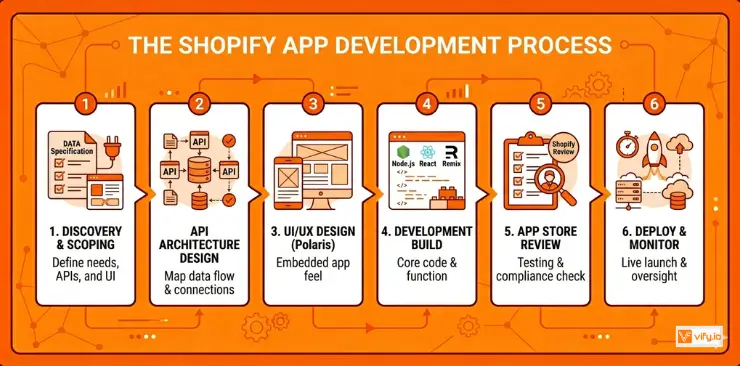
Step 1: Requirements & Scoping. A thorough discovery phase defines exactly what the app needs to do, which Shopify APIs it will use, how it connects to external systems, and what the user interface looks like. A detailed spec document produced here saves significant time and budget later.
Step 2: API Architecture Design. The developer maps out which Shopify APIs and external system APIs are involved, how data flows between them, and where authentication, rate limiting, and error handling need to be addressed.
Step 3: UI/UX Design. For embedded apps, the interface is designed using Shopify’s Polaris component library to ensure the app feels native inside the Shopify admin. For storefront-facing apps, design aligns with the store’s existing theme.
Step 4: Development. The core build phase. Shopify apps are typically built with Node.js, React, and Remix.
Step 5: App Review. If the app is intended for the Shopify App Store, it goes through Shopify’s review process before going live. This can take one to four weeks and may require revisions.
Step 6: Deployment & Monitoring. The app is deployed to a production environment, connected to the live store, and monitored for errors, API rate limit issues, and performance.
Conclusion
The Shopify App Store will solve 90% of problems for 90% of merchants. But for the businesses in that remaining 10% — those with genuinely unique operational needs, complex integrations, or differentiated customer experiences — off-the-shelf solutions are a compromise, not a solution. Shopify app development services give you the ability to build exactly what your business needs, integrated directly into the platform you’re already running on.
For context on how app development fits into the broader picture, see our guide to Shopify development services.
If you’re selling on Shopify and need a professional invoice solution, then Vify Shopify Order Printer app is the best choice for you. Try it for free today and experience it for yourself. We’re confident you’ll love it.