


More brands are moving their wholesale operations online, and Shopify B2B has become one of the most common ways to do it without building a separate storefront. If you sell to retailers, distributors, or other businesses, running B2B on Shopify lets you manage retail and wholesale customers from a single store, with custom pricing, order minimums, and payment terms built in. This guide walks through what Shopify B2B actually includes, how to set up wholesale selling, what it costs, and when you might need more than the native tools provide.
What is Shopify B2B?
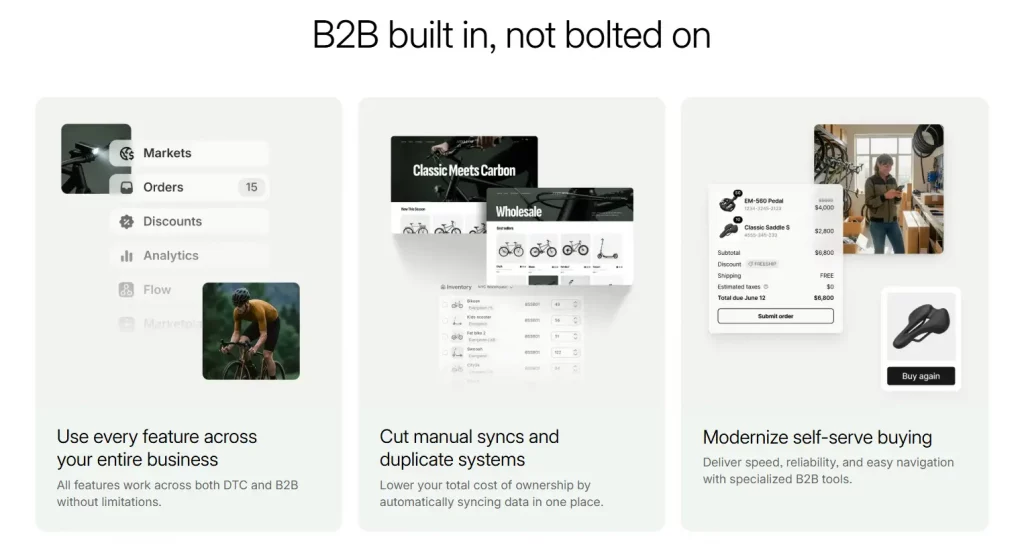
Shopify B2B is Shopify’s built-in wholesale solution that enables merchants to sell directly to business customers using the same store they already operate. Instead of managing wholesale orders through separate platforms, spreadsheets, or manual pricing arrangements, merchants can handle both retail and B2B sales within a single Shopify environment.
Originally, these wholesale capabilities were reserved for Shopify Plus merchants. However, beginning April 2, 2026, Shopify expanded access to key B2B features across all paid plans. Merchants now have access to essential tools such as company accounts, custom catalogs, volume-based pricing, and flexible payment terms without requiring an enterprise subscription.
For businesses that serve both consumers and wholesale buyers, this creates a much more streamlined setup. A single Shopify store can support retail and B2B operations simultaneously, allowing merchants to manage products, inventory, orders, and customer data from one centralized backend. This makes Shopify B2B particularly appealing for wholesalers, manufacturers, distributors, and brands looking to grow their wholesale channel without adding operational complexity.

How B2B on Shopify works
Shopify’s B2B functionality is designed around several features that create a dedicated buying experience for business customers while keeping retail operations separate.
Company accounts. Instead of creating accounts for individual shoppers, B2B customers are organized as companies. Each company can include multiple buyers, allowing purchasing teams within the same organization to place and manage orders under a shared business account.
Custom pricing and catalogs. Merchants can create tailored pricing structures for specific companies or customer groups. This makes it possible to offer negotiated rates, wholesale discounts, or exclusive product selections without affecting retail pricing.
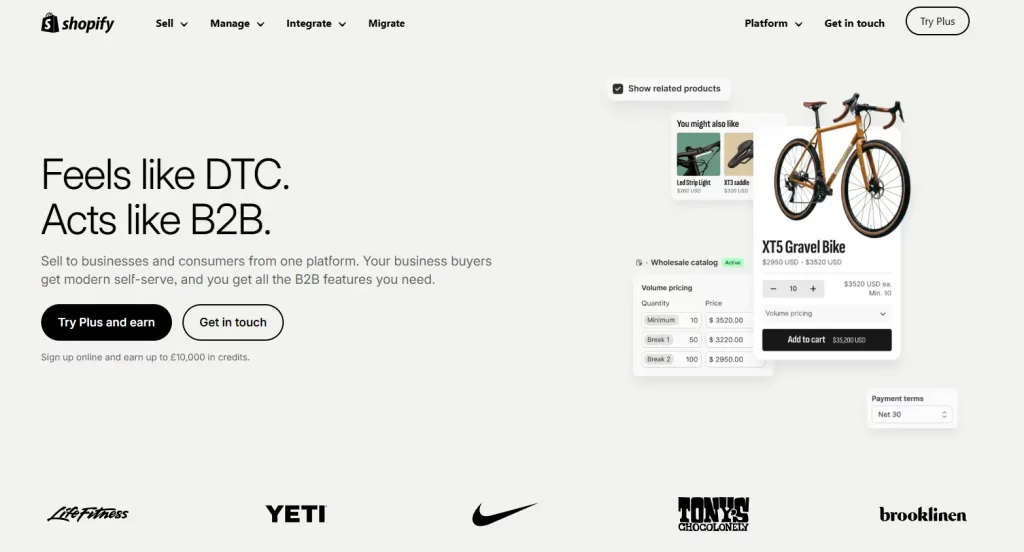
Order quantity controls. Businesses often purchase in larger volumes than retail customers. Shopify B2B allows merchants to set minimum order quantities, quantity increments, and volume-based pricing rules to support wholesale purchasing requirements.
Flexible payment terms. Rather than requiring payment at checkout, merchants can extend payment terms such as Net 30, Net 60, or Net 90. This mirrors the purchasing process commonly used in wholesale and distribution environments.
Dedicated customer portal. Approved B2B buyers receive access to a personalized account area where they can view their assigned pricing, available product catalogs, previous orders, and account information. This self-service experience reduces administrative work while making purchasing more convenient for business customers.

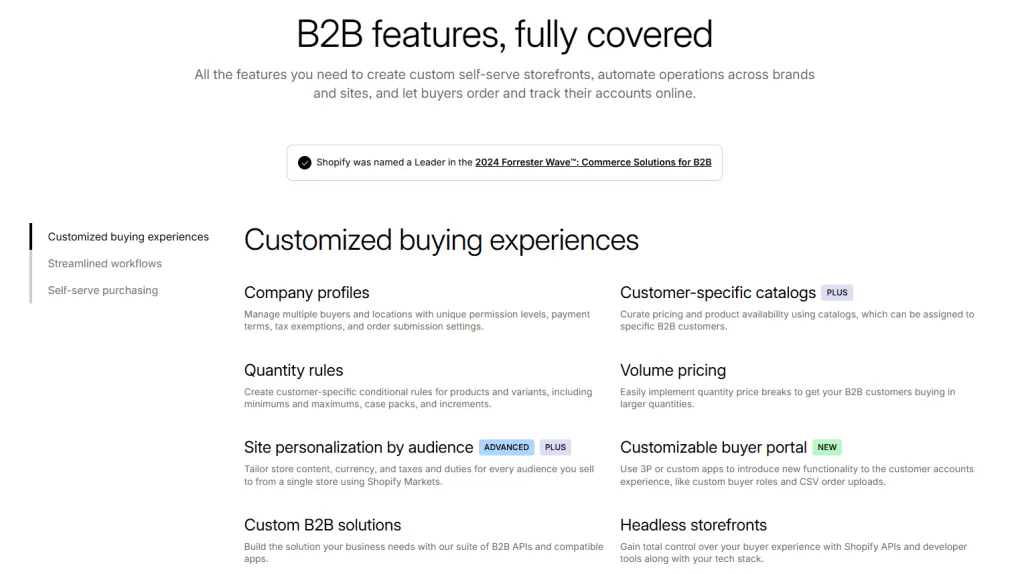
The overall result is a wholesale experience that operates alongside a traditional Shopify storefront while maintaining separate pricing, purchasing rules, and account management for business buyers. This allows merchants to support both B2C and B2B sales channels without managing multiple ecommerce systems.
| Feature | Standard Shopify (B2C) | Shopify B2B |
| Customer type | Individual shoppers | Companies with multiple buyers |
| Pricing | One price list for everyone | Custom price lists per company |
| Payment | Pay at checkout | Net terms available (30/60/90) |
| Ordering | Standard cart/checkout | Quantity rules, MOQs, quick order form |
| Catalog visibility | Same for all shoppers | Up to 3 custom catalogs per plan tier |
Setting up Shopify B2B wholesale
Requirements
Because the core B2B feature set now ships on every paid Shopify plan, you no longer need Shopify Plus just to turn on wholesale selling. Plus is still relevant if you need more than three catalogs, direct per-company catalog assignment, or advanced payment options like partial payments and deposits at higher volumes.
Step-by-step setup
- Enable B2B from your Shopify admin settings under the Customers or B2B section.
- Create a company profile for each wholesale customer and assign the appropriate contacts/buyers.
- Build a price list (or catalog) with your wholesale pricing, then assign it to the relevant company or customer segment.
- Set quantity rules, order minimums, and any pack-size requirements for your products.
- Decide on payment terms — upfront payment, or net terms if you want to offer invoicing.
- Test the buyer experience by logging in as a company contact to confirm pricing and catalog visibility are correct.
Common setup mistakes to avoid
- Forgetting to hide wholesale pricing from retail customers, which can undercut your public pricing.
- Setting order minimums too high or too low relative to your actual average wholesale order size.
- Not testing the buyer login experience before inviting real wholesale customers.

Shopify wholesale pricing & cost structures
Wholesale pricing on Shopify typically follows a tiered structure, with discounts increasing as order volume or account size grows. Some merchants also negotiate flat custom pricing per account, especially for long-term distributor relationships.
| Tier | Example Discount | Typical Use Case |
| Tier 1 | 10–15% off retail | New wholesale accounts, small retailers |
| Tier 2 | 20–25% off retail | Established accounts, repeat orders |
| Tier 3 | 30%+ off retail | High-volume distributors, contract pricing |
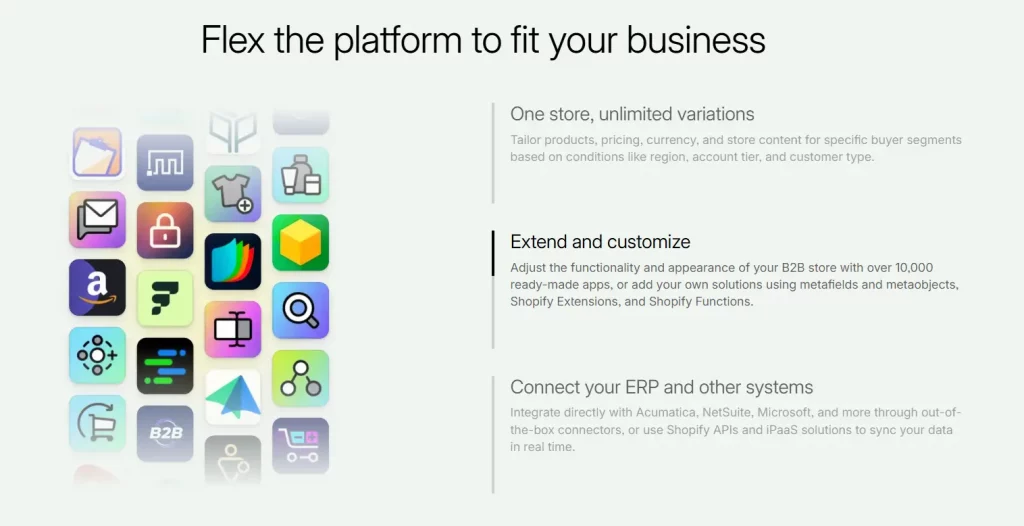
Native B2B on Shopify’s paid plans covers up to 3 catalogs at no additional app cost, which is enough for many merchants running 2 or 3 pricing tiers. Businesses with more complex pricing structures — tag-based rules, four or more tiers, or account-specific catalogs beyond the plan limit — typically need a dedicated wholesale app, covered in more detail below.
Shopify B2B vs. Other wholesale solutions
Native Shopify B2B is often enough for merchants with a small number of wholesale accounts and straightforward pricing. It becomes limiting once you need a public registration form for new wholesale sign-ups, more than three price tiers, minimum order quantities enforced with pack sizing, or tag-based pricing rules that don’t fit neatly into the built-in catalog structure.
At that point, most merchants layer a dedicated B2B app on top of native Shopify B2B rather than replacing it outright. This is where purpose-built wholesale apps — covered in our companion guide on the best Shopify B2B apps — come in, adding registration workflows, quoting, rep-assisted ordering, and deeper catalog logic.

Conclusion
Native Shopify B2B features have made wholesale selling far more accessible for merchants of all sizes. With company accounts, custom pricing, catalogs, and payment terms now available across all paid Shopify plans, businesses can launch and manage a wholesale channel without investing in a separate platform. For many merchants, these built-in tools provide everything needed to support day-to-day B2B operations. As wholesale requirements become more advanced, additional apps can help extend functionality while keeping your existing Shopify setup intact. The key is to start with the features you need today and scale your B2B infrastructure as your business and customer relationships continue to grow.
If you’re selling on Shopify and need a professional invoice solution, then Vify Shopify Order Printer app is the best choice for you. Try it for free today and experience it for yourself. We’re confident you’ll love it.