



Customers often have questions before they’re ready to buy, and responding quickly can have a direct impact on your sales. With Shopify chat, you can provide real-time assistance, resolve customer concerns instantly, and create a smoother shopping experience from product discovery to checkout. This complete guide explains how Shopify live chat works, how to implement it on your Shopify store, and how to use it effectively to improve customer satisfaction and drive more conversions.
What is Shopify chat?
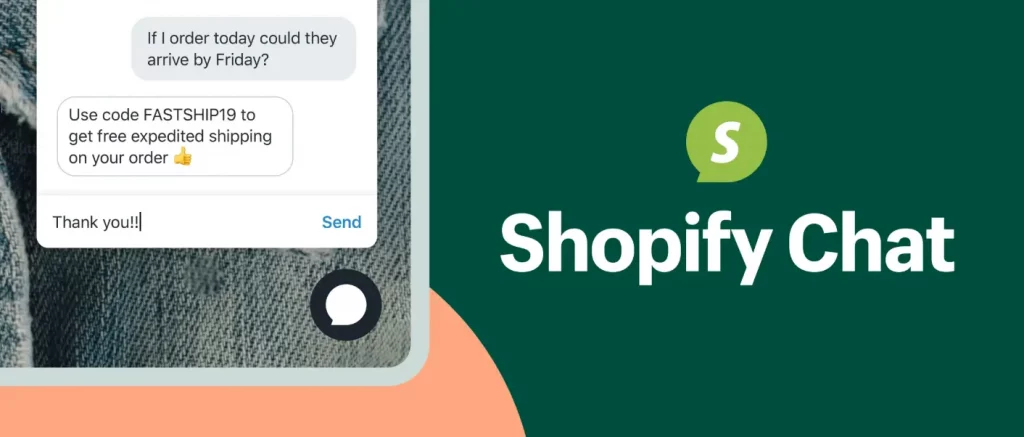
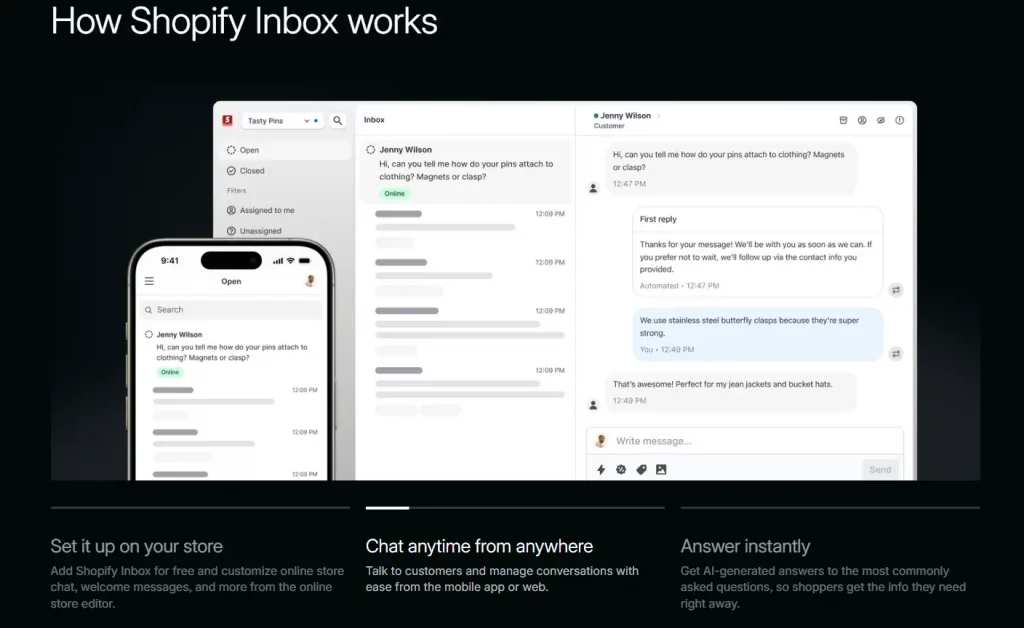
Shopify Chat generally refers to Shopify Inbox, Shopify’s free built-in messaging solution for online stores. It allows you to add a live chat widget to your storefront so customers can reach out while they’re browsing, while giving your team a centralized inbox to manage every conversation in one place.
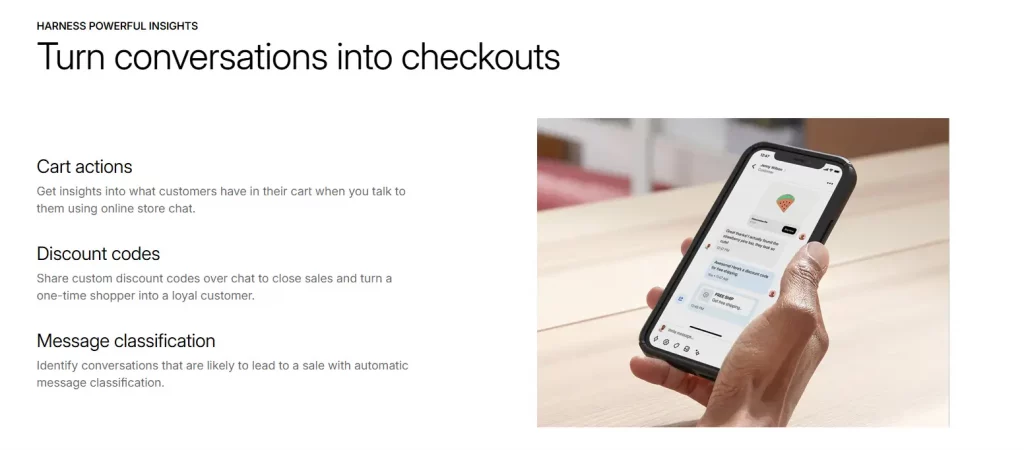
One of Shopify Inbox’s biggest advantages is the customer context it provides automatically. When someone starts a conversation, you can instantly see details such as the page they’re viewing, the items currently in their cart, and their previous order history if they’re an existing customer. This information helps your team deliver faster, more personalized support instead of asking customers to explain their situation from the beginning.
More broadly, the term Shopify chat also covers the wider range of messaging solutions available for Shopify stores. In addition to Shopify Inbox, the Shopify App Store offers hundreds of third-party live chat apps with different features and integrations. This guide focuses on Shopify’s native chat solution and the core concepts you need to know. If you’re comparing external tools, you can also explore our guide to the best Shopify live chat apps.

Why Shopify chat matters
For online shoppers, even a small unanswered question can be enough to stop a purchase. Concerns about product sizing, shipping times, availability, or return policies often arise right before checkout. Without immediate assistance, many visitors simply leave your store instead of searching for the answer themselves. That’s why implementing live chat on Shopify has become one of the most effective ways to improve both customer experience and conversion rates.
Beyond providing instant support, Shopify chat helps merchants engage customers at the exact moment they need assistance. Some of the biggest benefits include:
- Resolve pre-purchase questions instantly. Customers can quickly get answers about products, shipping, or returns without leaving the page, making it easier for them to complete their purchase.
- Reduce abandoned carts. Proactive chat messages during the shopping journey can encourage hesitant customers to continue to checkout instead of leaving your store.
- Build credibility and customer confidence. Offering Shopify live chat reassures visitors that real support is available whenever they need help, especially for first-time buyers who may not be familiar with your brand.
- Lower your overall support workload. Many common questions can be resolved in a short chat conversation, reducing the number of support emails, tickets, and repetitive inquiries your team needs to manage.

Shopify chat vs. Shopify support live chat
Although they’re often confused, Shopify chat and Shopify support live chat serve two completely different purposes.
Shopify chat refers to the live chat feature you add to your own storefront, allowing customers to contact your business while they browse or shop. Shopify Inbox is Shopify’s native solution for providing live chat on Shopify, making it easy to communicate with shoppers in real time.
Shopify support live chat, on the other hand, is Shopify’s own customer support service for merchants. If you need assistance with your account, billing, store settings, or technical issues, you can contact Shopify’s support team through the Shopify Help Center. This chat service is intended for merchants.
Understanding the difference helps ensure you’re using the right tool for the right purpose: one supports your shoppers, while the other supports your business.

How to Set Up Live Chat on Shopify
Getting started with Shopify chat is straightforward and only takes a few minutes.
- From your Shopify admin, go to Settings > Apps and sales channels, then add the Shopify Inbox sales channel.
- Once installed, Inbox appears in your admin sidebar. Open it and go through the short setup flow to connect it to your storefront.
- Customize the widget: set a welcome message, business hours, and an away message for when your team is offline.
- Turn on automated replies for common questions (shipping times, return policy, order status) so simple queries get answered instantly, even outside business hours.
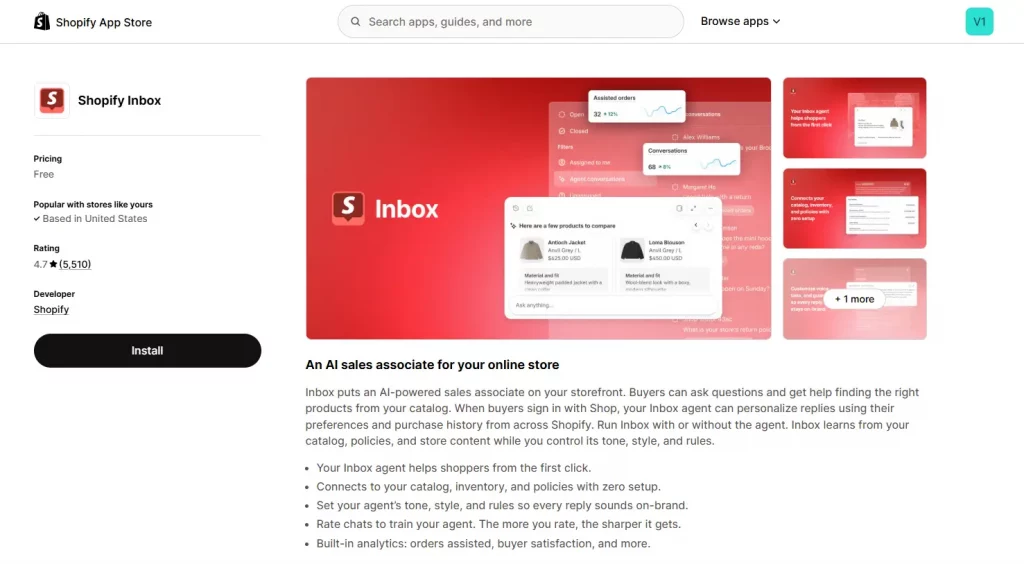
- If you want AI-assisted responses, enable the Inbox agent, which can answer from your product catalog and store policies while you keep control over tone and escalation rules.
- Install the Shopify mobile app or the Inbox app so your team gets push notifications and can reply from a phone, not just the desktop admin.
- Test the widget yourself from an incognito browser tab to confirm placement, color, and response time before you announce it’s live.
While setup is relatively simple, the real challenge is maintaining consistent response times. Even the best live chat for Shopify won’t improve customer satisfaction if messages go unanswered or automated replies fail to address common customer questions.

Conclusion
Shopify chat provides an easy and effective way to connect with customers exactly when they need assistance, making it a valuable tool for improving both conversions and customer satisfaction. For many merchants, Shopify Inbox offers everything needed to get started with live chat on Shopify without additional cost. As your business grows and customer support becomes more complex, you can evaluate the best live chat for Shopify based on your team’s workflow, automation needs, and support channels.
If you’re selling on Shopify and need a professional invoice solution, then Vify Shopify Order Printer app is the best choice for you. Try it for free today and experience it for yourself. We’re confident you’ll love it.