


Accessing the Shopify Partner Login portal is the first step to managing development stores, collaborating with merchants, and growing your business within the Shopify ecosystem. While the login process is straightforward, confusion often arises around account types, dashboard access, and authentication issues. This guide walks through everything you need to know about Shopify Partner Login, including how to sign in securely, access your Partner Dashboard, and resolve common account access problems.
What is the Shopify Partner Program?
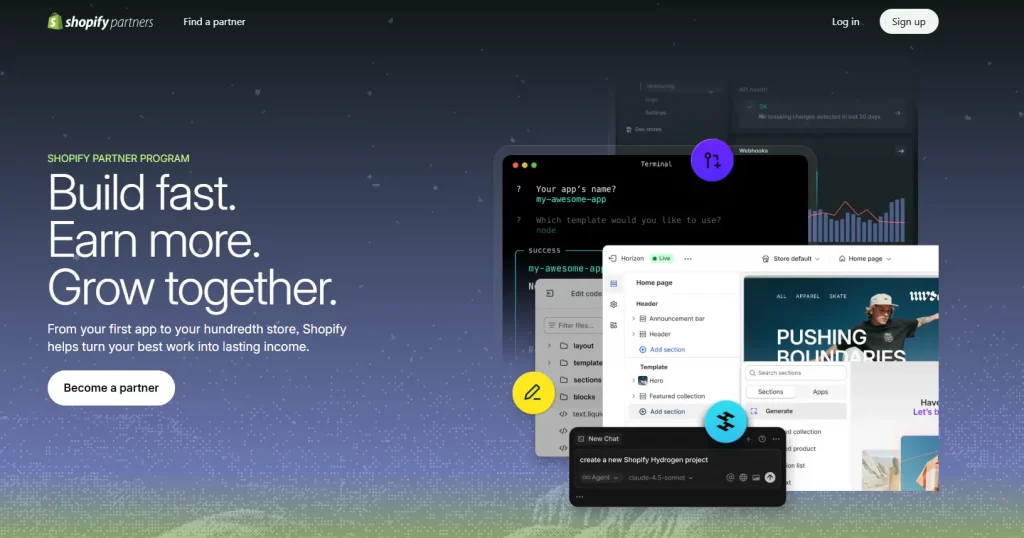
Shopify Partner Program is a free, performance-based membership for anyone who builds with, sells through, or provides services on the Shopify platform. It connects developers, agencies, consultants, technology providers, and affiliates who help Shopify merchants launch, grow, and scale their online stores.
Who can become a Shopify partner?
The Shopify Partner Program is open to:
- Web developers and app developers building on Shopify
- Designers and theme developers creating Shopify storefronts
- Digital marketing agencies and SEO consultants
- Ecommerce consultants and business advisors
- Affiliates who refer new merchants to Shopify
- System integrators and ERP/technology providers
Joining is completely free. Anyone can sign up for a partner account, access the Partner Dashboard, and begin referring clients or developing solutions immediately after account approval.

Key benefits of being a Shopify partner
Once you log in to your Shopify Partner account, you unlock a wide range of benefits:
- Unlimited free development stores for testing and client presentations
- Revenue share through merchant referral commissions and app/theme sales
- Access to Shopify Academy with courses, learning paths, and Verified Skills badges
- Early access to new Shopify features, APIs, and beta programs
- Dedicated partner support channels with faster response times
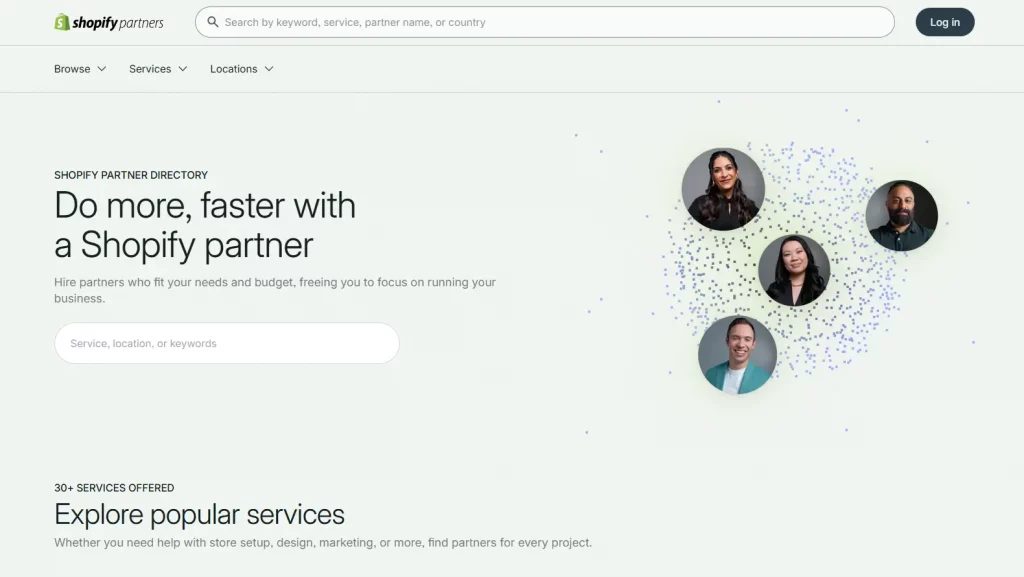
- Co-marketing resources, partner directory listing, and promotional opportunities
- A centralized Partner Dashboard for managing all client work, earnings, and tools
How to access the Shopify Partner Login Page
Many people search for “partner login Shopify”, “Shopify login partner”, or “partner.shopify login” and land on unofficial or confusing pages. The correct and only official URL for the Shopify Partner login is: https://www.shopify.com/partners
Always navigate directly to this URL. Avoid clicking sign-in links from third-party sites or unverified emails. Bookmark the official URL to ensure you always land in the right place.
How to sign up for the Shopify Partner Program
If you have not yet joined the Shopify Partner Program, you will need to create an account before you can log in for the first time. Here is how to get started:
- Go to shopify.com/partners and click “Join for free.”
- Enter your name, email address, and create a password (or use your existing Shopify ID).
- Fill in your business or personal details, including the type of work you do (developer, agency, affiliate, etc.).
- Agree to the Shopify Partner Program Agreement.
- Submit your application. Most accounts are approved almost instantly.
- Check your inbox for a confirmation email, then complete your first Shopify Partner login at partner.shopify.com.
The sign-up process is free and takes only a few minutes. There is no approval waitlist, you gain immediate access to the Partner Dashboard after completing registration.

How to log in to Shopify Partner account
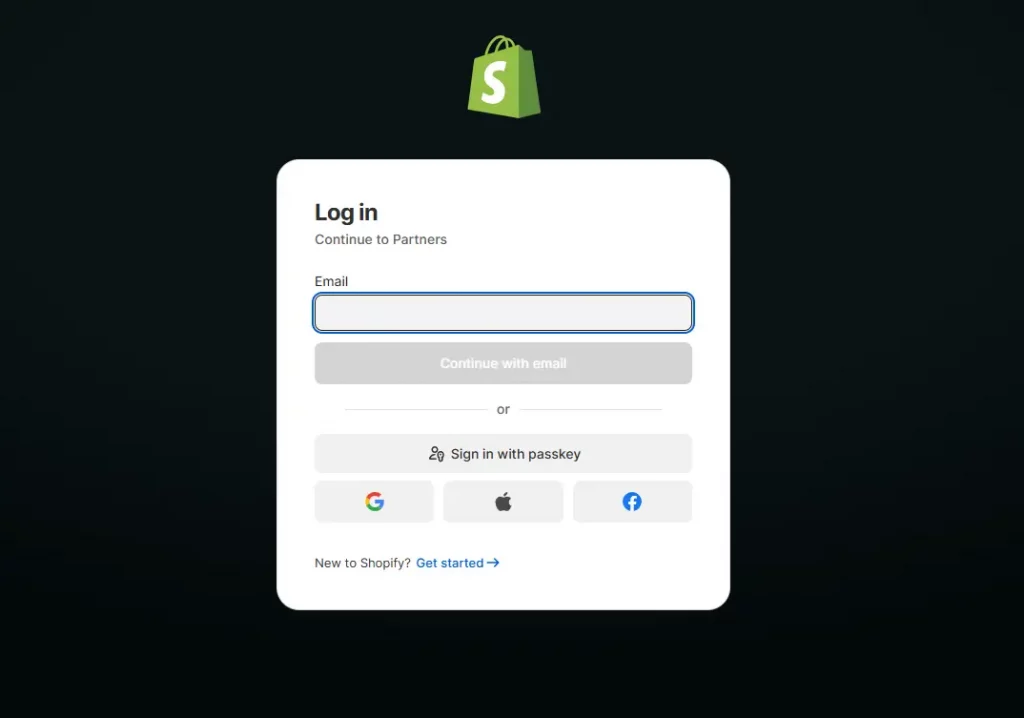
Logging in to your Shopify Partner account is straightforward. Follow these steps:
- Open your browser and go to shopify.com/partners.
- Click the “Log in” button on the top right of the page.
- Enter the email address associated with your Shopify Partner account.
- Enter your password and click “Log in.”
- If two-factor authentication (2FA) is enabled, enter the verification code from your authenticator app.
- Once authenticated, you will be taken directly to your Partner Dashboard.
If you manage multiple partner organizations, you may be prompted to select which organization to enter after logging in. Select the appropriate one to access its specific dashboard, stores, and earnings.
Logging in via Shopify ID vs. Email and Password
Shopify has introduced Shopify ID as its unified login system. If you already have a Shopify ID (a single account that works across Shopify admin, the Partner Dashboard, and other Shopify tools), you can use it.
If you created your partner account before Shopify ID was introduced, you may still be using a legacy email and password login. Both methods work at the partner Shopify login page, but Shopify encourages partners to migrate to Shopify ID for a more seamless, unified experience across the platform.

Common Shopify Partner login issues
Forgot Shopify Partner password
If you cannot remember your password, resetting it takes just a few steps:
- Go to shopify.com/partners and click “Log in.”
- Click “Forgot password?” below the password field.
- Enter the email address associated with your partner account and click “Send reset instructions.”
- Check your inbox for a password reset email from Shopify and click the link.
- Create a new password and save it. You can now log back in using your new credentials.
If you do not see the reset email, check your spam or junk folder. The email is typically sent within a few minutes.
Can’t log in to the Partner account
Several issues can prevent a successful Shopify Partner login. Here are the most common causes and their solutions:
- Wrong email address. Double-check that you are using the email associated with your partner account, not a personal or client email.
- Account not yet approved. If you signed up very recently, your account may still be under review. Check your inbox for a confirmation email from Shopify.
- 2FA code not working. If your two-factor authentication code is incorrect, ensure your phone’s time is synced correctly. Try refreshing your authenticator app.
- Account suspended. If your account has been suspended for a policy violation, you will see an error message at login. Contact Shopify Partner support to resolve.

Shopify Partner login not working
If your credentials are correct but you still cannot log in, the issue may be technical:
- Browser cache and cookies. Clear your browser cache and cookies, then try again. Cached data from a previous session can sometimes block the login process.
- Browser extensions. Ad blockers or privacy extensions can interfere with login scripts. Try logging in using a private/incognito window.
- Outdated browser. Ensure your browser is updated to the latest version. Shopify’s login page requires modern browser support.
- VPN or network issues. Some corporate networks or VPNs can block access to Shopify Partner. Try disabling your VPN and logging in again.
How to contact Shopify Partner Support for login help
If you have tried all the above steps and still cannot log in, Shopify Partner Support can help. Here is how to reach them:
- Go to help.shopify.com/en/partners and log in if possible.
- If you cannot log in at all, navigate to the Shopify Help Center and select “I’m a Shopify Partner”
- Choose your issue type (account access) and select either live chat or email support.
- Provide your partner account email, a description of the issue, and any error messages you are seeing.
Shopify Partner Support is known for fast response times, particularly for account access issues that may impact client work.
Conclusion
The Shopify Partner Login portal is the gateway to managing every aspect of your partner account. Understanding how the login process works and how to resolve common access issues can save time and help you stay productive when managing multiple merchants or ongoing projects.
If you’re selling on Shopify and need a professional invoice solution, then Vify Shopify Order Printer app is the best choice for you. Try it for free today and experience it for yourself. We’re confident you’ll love it.