


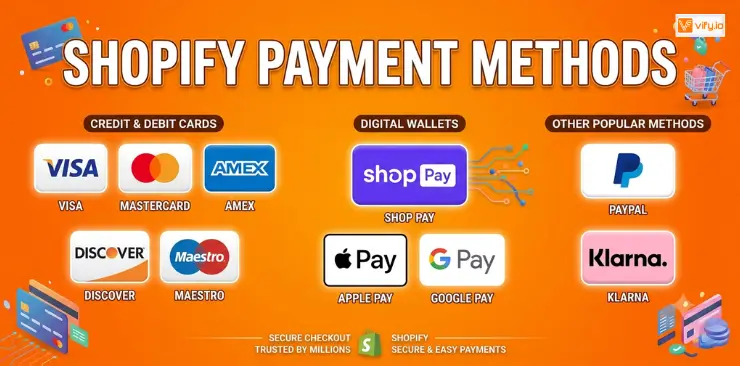
Offering the right Shopify payment methods is an essential part of creating a seamless checkout experience. As customer payment preferences continue to evolve, merchants need to support a range of payment options that balance convenience, security, and operational efficiency. This guide provides a complete overview of Shopify payment methods, including how they work, their advantages and limitations, and best practices for optimizing payments to support business growth.
What are Shopify Payment Methods?
Shopify payment methods are the ways your customers can complete a purchase on your store. At checkout, customers see a list of accepted payment options, and if their preferred method isn’t available, they’re more likely to abandon the cart entirely.
Shopify supports a broad ecosystem of payment options. Some are built directly into the platform; others require integrating a third-party gateway or installing an app from the Shopify App Store.
Built-in vs. Third-party payment methods on Shopify
Built-in methods are those powered by Shopify Payments. These include major credit and debit cards, Shop Pay, Apple Pay, Google Pay, and Shop Pay Installments. They work out of the box with no additional setup.
Third-party payment methods require you to connect an external gateway (like PayPal, Stripe, or Klarna) through Settings > Payments in your Shopify admin. Some are available as direct integrations; others require an app. Using a third-party gateway while Shopify Payments is available in your country will incur an additional transaction fee (0.5% – 2.0% depending on your plan).
Why payment method matters for conversion
Research consistently shows that offering the right payment methods significantly reduces cart abandonment. Customers who don’t see their preferred payment option at checkout frequently leave without purchasing. Offering a mix of card payments, digital wallets, and flexible BNPL options ensures you’re capturing the widest possible range of buyers.

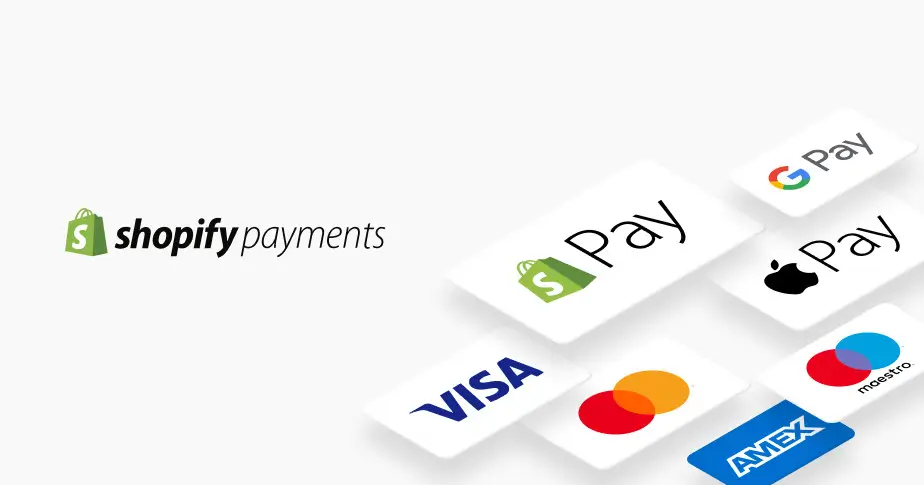
Payment methods that Shopify supports
Shopify Payments (native option)
Shopify Payments is a full payment processing platform that enables multiple methods simultaneously, such as Visa, Mastercard, Shop Pay, Apple/Google/Meta Pay, etc. All of these are activated from a single toggle in your Shopify admin.
Pros: No extra transaction fees, lowest friction setup, all accelerated checkout methods included, built-in fraud analysis, unified payout reporting.
Cons: Only available in 23+ countries (not global), account can be put on hold if Shopify flags unusual activity, limited flexibility for custom payment flows compared to Stripe.
Credit & Debit Cards
Standard card acceptance is the baseline for any ecommerce store. Through Shopify Payments or a third-party gateway like Stripe, you can accept Visa, Mastercard, American Express, Discover, JCB, and UnionPay. Card payments still account for the majority of ecommerce transactions globally, making this the single most important payment method to get right.
Digital Wallets
Digital wallets such as Apple Pay, Google Pay, Meta Pay are now the fastest-growing payment method in ecommerce, particularly on mobile devices. When a customer has a wallet set up on their device, they can complete a purchase in one or two taps without entering any card or shipping details manually.
Buy Now Pay Later
Buy Now Pay Later (BNPL) has become one of the most requested payment methods by online shoppers, especially for purchases over $50. BNPL lets customers split their purchase into equal installments, typically 4 payments over 6 weeks.
- Shop Pay Installments (powered by Affirm): available for US merchants. Customers can split orders from $50–$999.99 into 4 bi-weekly interest-free payments, or choose monthly plans for larger amounts. Merchants are paid the full amount upfront.
- Klarna: available through a direct Shopify integration or app. Offers Pay Now, Pay Later (30 days), and installment plans. Strong in Europe and growing rapidly in North America.
- Afterpay: popular in Australia, New Zealand, the US, UK, and Canada. Particularly strong in fashion, beauty, and lifestyle categories. Charges merchants 4–6% per transaction.

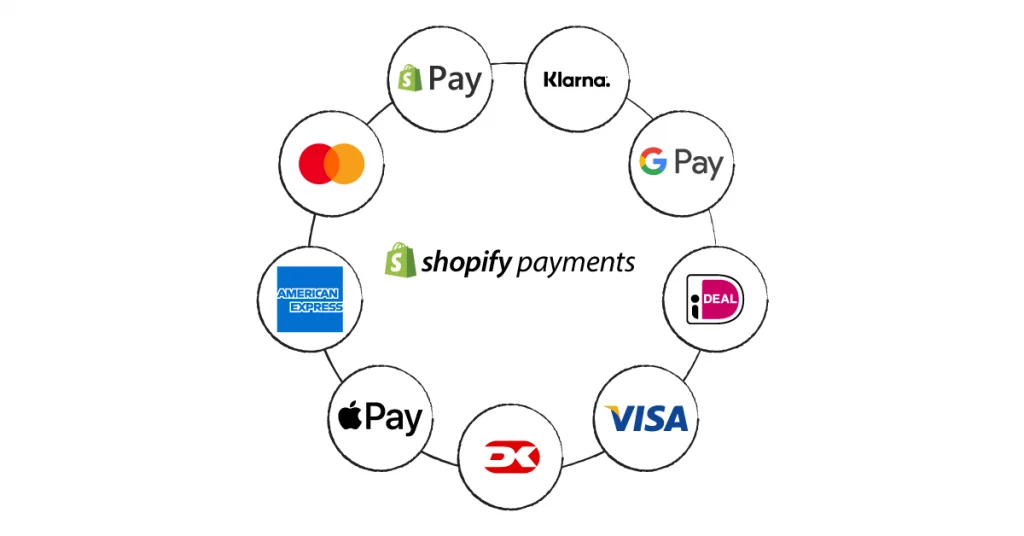
PayPal & Alternative Gateways
PayPal remains one of the most recognized payment methods globally, with over 400 million active accounts. Many customers trust PayPal more than entering card details directly on an unfamiliar store.
Beyond PayPal, Shopify supports hundreds of third-party gateways including Stripe, Authorize.net, Square, Braintree, 2Checkout, and many region-specific providers. Each gateway has its own fee structure, setup process, and country availability. Using any of these while Shopify Payments is available in your country incurs an additional Shopify transaction fee.
Crypto Payments
Crypto payment acceptance has become accessible to Shopify merchants through third-party apps and integrations. Options include Coinbase Commerce, BitPay, and CoinPayments. These apps convert crypto payments into your local fiat currency at the time of the transaction, so you receive standard payouts rather than holding crypto.
Crypto is a niche payment method, currently most relevant for tech-forward brands, gaming merchandise stores, or businesses with a strong crypto-native audience. Transaction fees are generally low (0% – 1%), but the audience size is limited.
Bank Transfers & Manual Payment Methods
Shopify also allows merchants to configure manual payment methods — bank transfers, checks, money orders, or custom payment instructions. These are typically used for:
- B2B or wholesale orders where invoiced payment is standard
- High-value orders where card or wallet processing fees are prohibitive
- Regions where card penetration is low
Manual methods don’t involve automated payment processing, merchants are responsible for confirming payment receipt before fulfilling the order.
Add and manage Payment Methods Shopify
Enable multiple payment methods
After activating Shopify Payments as your primary provider, you can add third-party methods in the Additional payment methods section. Search for any provider in the list, click Activate, and follow the provider-specific setup steps. Most third-party providers require you to create an account with them and connect via API keys or OAuth.

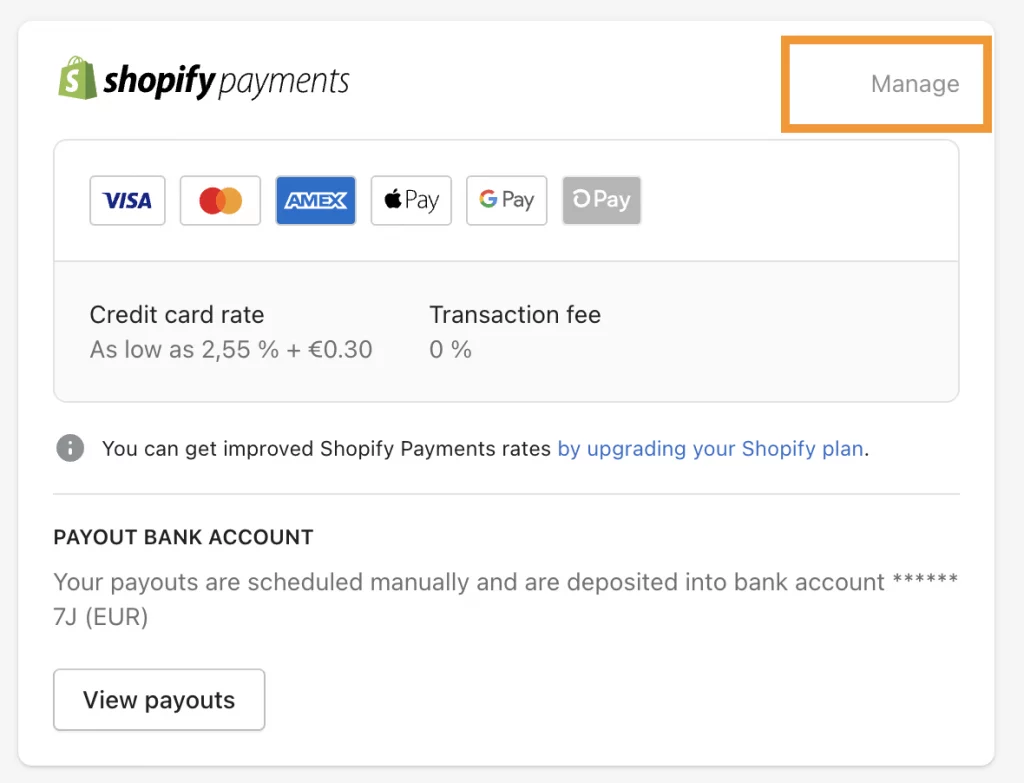
Remove/disable a payment method
To disable a payment method, go to Settings > Payments, find the provider under Additional payment methods, and click Manage > Deactivate. Note that deactivating a provider mid-operation may affect any pending orders or subscriptions that were using that gateway.
Best payment methods for Shopify
There is no single best payment method for Shopify. The right answer depends on your store type, target audience, and geographic focus.
| Store Type | Recommended Method | Why |
| New / Small Store | Shopify Payments | Zero setup friction, no extra transaction fees, all-in-one |
| High-Volume Merchant | Shopify Payments (Advanced plan) | Lowest per-transaction rate; saves thousands at scale |
| International Seller | PayPal + 2Checkout | 200+ country reach; multi-currency support |
| High-Ticket Items | Shop Pay Installments + Klarna | BNPL reduces the purchase barrier for expensive products |
| Subscription Store | Stripe | Best recurring billing APIs and subscription tooling |
| B2B / Wholesale | Bank Transfer + Net Terms | Flexibility for large invoices; lower processing costs |
Conclusion
The Shopify payment methods available to your store do more than facilitate transactions, they influence how easily customers can complete a purchase and how confident they feel throughout the checkout process. A payment setup that aligns with customer preferences can remove friction, improve conversion rates, and create a smoother buying experience across devices and markets.
As your business evolves, your payment strategy should evolve with it. By understanding the strengths and limitations of different Shopify payment methods, you can build a checkout experience that supports both customer satisfaction and sustainable business growth.
If you’re selling on Shopify and need a professional invoice solution, then Vify Shopify Order Printer app is the best choice for you. Try it for free today and experience it for yourself. We’re confident you’ll love it.