


As more retailers expand into omnichannel selling, understanding Shopify POS pricing has become an important part of planning retail expenses. Shopify POS allows merchants to manage online and in-store sales from one platform, keeping inventory, payments, customers, and orders perfectly synchronized. In this guide, we’ll break down Shopify POS cost, compare POS Lite with POS Pro, explain hardware and payment fees, and help you decide whether the investment makes sense for your business.
What is Shopify POS?
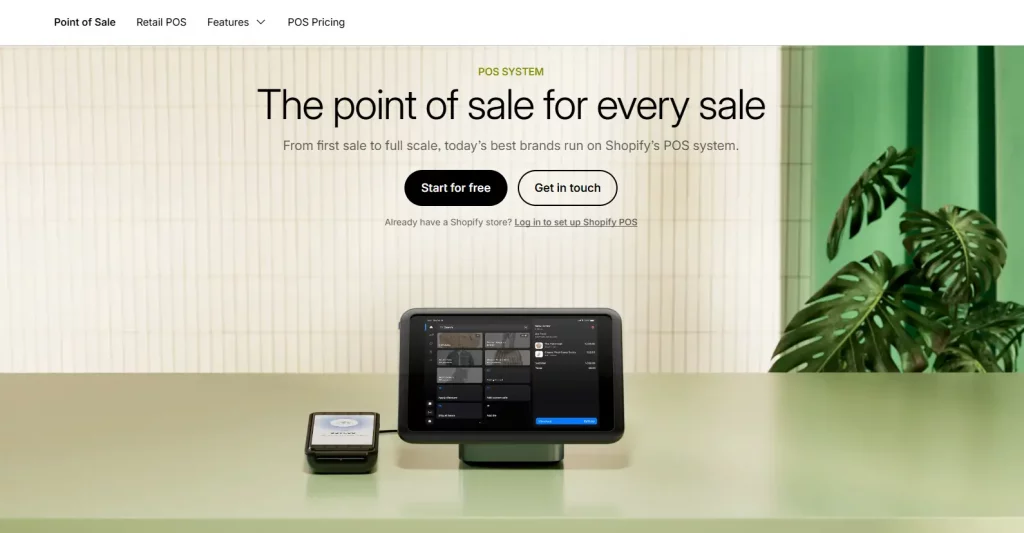
Shopify POS is Shopify’s native point-of-sale solution that lets merchants sell at physical locations while managing everything from a single Shopify admin dashboard. Available for both iOS and Android, it functions as a native sales channel instead of requiring a separate third-party POS platform.
Its biggest advantage is seamless integration. Your online store and retail location share the same inventory, customer profiles, order history, and reporting. Every in-store purchase updates online inventory instantly, while online orders are reflected in the POS system automatically. This eliminates manual syncing, reduces inventory mistakes, and helps prevent overselling.
Every Shopify subscription includes POS Lite, giving merchants the essential tools for in-person selling. Businesses with more advanced retail operations can upgrade to POS Pro, which unlocks additional features for inventory management, staff permissions, and reporting.

How much does Shopify POS cost?
When comparing Shopify POS pricing, it’s important to know that there isn’t a single flat fee. The total Shopify POS cost depends on several factors, including your Shopify subscription, the POS plan you choose, payment processing fees, and any hardware you need for your retail setup.
Shopify POS Lite vs. Shopify POS Pro pricing
Shopify offers two POS plans designed for different types of businesses.
Shopify POS Lite is included with every Shopify subscription at no extra charge. It provides the essential tools for accepting in-person payments, creating customer profiles, and processing basic returns or exchanges. For merchants selling at pop-up stores, local markets, or occasional events, POS Lite is often more than enough.
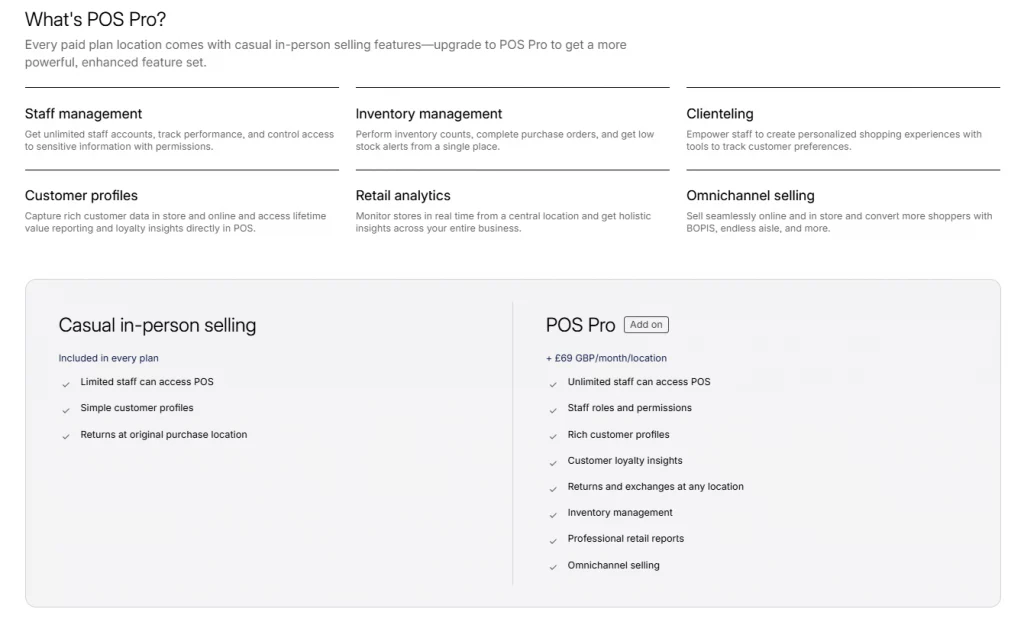
Businesses with a permanent retail location may benefit from Shopify POS Pro pricing, which starts at $89 per month per location on a monthly plan, or around $79 per month per location with annual billing.
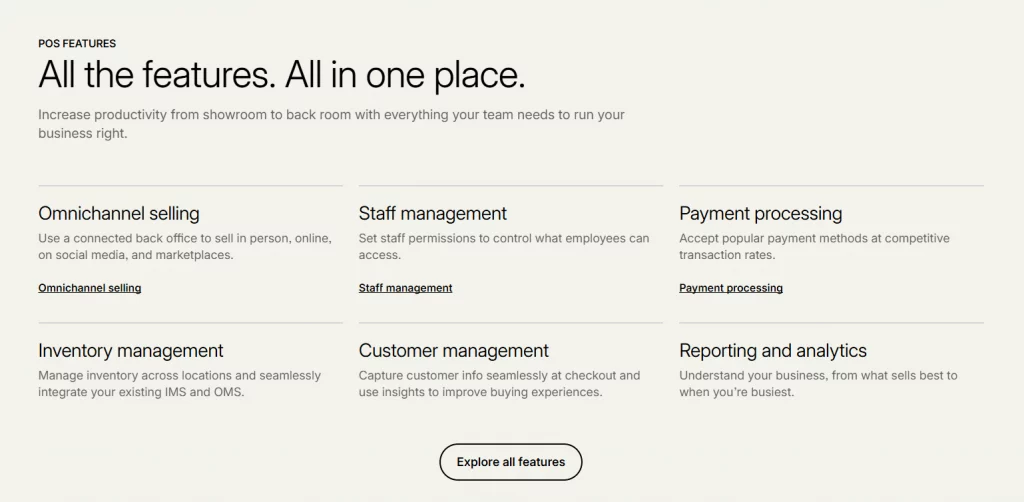
The upgrade unlocks a much more robust retail toolkit, including:
- Unlimited staff accounts and customizable permissions
- Advanced inventory management
- Purchase orders and stock counts
- Low-stock alerts
- Staff sales attribution
- Detailed retail reports and analytics
If you’re on Shopify Plus, POS Pro is included for up to 20 retail locations at no additional charge, provided each location uses Shopify Payments.

Shopify subscription costs
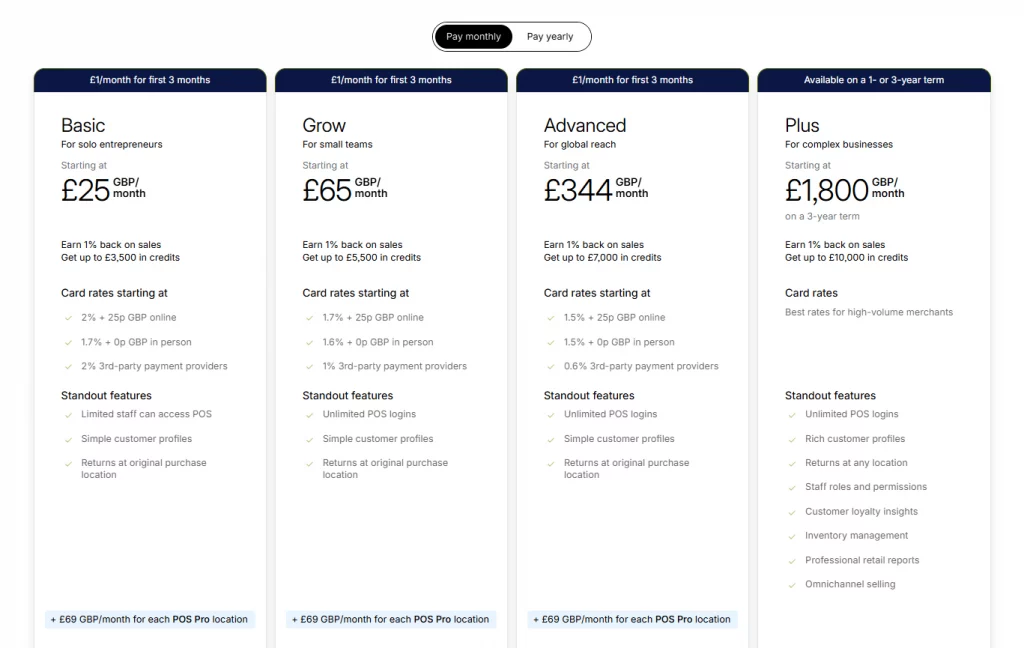
Another factor affecting the cost of Shopify POS is your ecommerce subscription. Depending on the plan you choose:
- Basic plans typically cost $25–$39/month
- Mid-tier plans suitable for retailers generally range from $79–$105/month
- Shopify Plus is designed for enterprise businesses with custom pricing
Your subscription determines not only your monthly ecommerce cost but also your payment processing rates.
Shopify POS fees for in-person payments
Besides monthly subscriptions, merchants should also consider Shopify POS fees for payment processing.
When using Shopify Payments, every in-store transaction incurs a processing fee. The exact rate varies by Shopify plan, with higher-tier subscriptions receiving lower fees. In most cases, merchants can expect rates between 2.4% and 2.6%, plus a small fixed fee per transaction.
If you choose a third-party payment gateway instead of Shopify Payments, Shopify may charge an additional transaction fee, increasing your overall payment costs.

Hardware costs
Software is only part of the investment. To accept payments in person, you’ll also need compatible POS hardware. A typical setup includes:
- Card reader: approximately $49–$79
- iPad stand or dock: starting around $300
- Receipt printer: about $250–$370
- Cash drawer: approximately $130–$140
For most small retailers, the one-time hardware investment falls between $600 and $850. If you’re just getting started, you can lower the upfront Shopify POS cost by using your own tablet together with a Bluetooth card reader.
Example first-year Shopify POS cost
To better understand the overall cost of Shopify POS, here’s an example for a retailer operating one physical location with a mid-tier Shopify plan and Shopify POS Pro.
| Cost component | Estimated cost |
|---|---|
| Shopify subscription | $79–$105/month |
| Shopify POS Pro (1 location) | $89/month ($79/month annually) |
| Hardware (one-time) | $600–$850 |
| Payment processing fees (based on ~$150,000 annual in-store sales) | ~$3,900–$4,100/year |
| Estimated first-year total | Approximately $6,000–$6,500 |
If you operate multiple retail stores, remember that Shopify POS Pro pricing is charged per location. For example, a business with five stores will pay five separate POS Pro subscriptions in addition to its Shopify ecommerce plan, so the monthly investment increases as you expand.
Is Shopify POS worth the cost?
For existing Shopify merchants, POS Lite offers excellent value because it’s already included with every Shopify subscription. If you mainly sell at markets, pop-up events, or seasonal locations, there’s little reason to spend more on advanced features you may never use.
The decision becomes more important when evaluating Shopify POS Pro pricing. Retailers with a permanent storefront, multiple employees, or a large inventory often find the upgrade worthwhile. Features like staff permissions, purchase orders, inventory tracking, and advanced reporting can save time, improve inventory accuracy, and simplify day-to-day operations.
Ultimately, whether the Shopify POS cost is worthwhile depends on how your business operates. For stores that rely on both online and in-person sales, one of Shopify POS’s biggest advantages is its native integration with the Shopify ecosystem. Inventory, customer profiles, orders, and sales data stay synchronized automatically, eliminating the need to manage separate ecommerce and retail systems. This unified workflow often delivers value that extends well beyond the monthly subscription fee.

How to set up Shopify POS
Setting up Shopify POS is a relatively simple process for existing Shopify merchants.
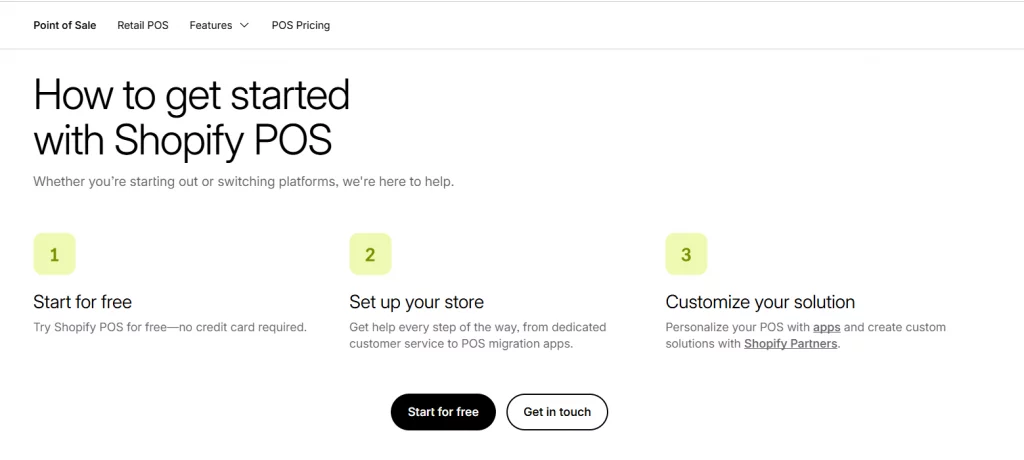
- Download the Shopify POS app on your iOS or Android device.
- Sign in using your existing Shopify admin account.
- Configure Shopify Payments or connect a supported third-party payment provider.
- Pair your POS hardware, such as a card reader, receipt printer, or cash drawer.
- Create staff accounts and assign permissions if you’re using Shopify POS Pro.
- Start accepting in-store payments while inventory, customer data, and orders automatically sync with your Shopify store in real time.

Conclusion
Before investing in a POS solution, take time to compare Shopify POS pricing alongside the features your business truly needs. Looking beyond the subscription fee and factoring in hardware, payment processing, and day-to-day operations will give you a much clearer picture of the overall cost of Shopify POS. Whether POS Lite is enough for occasional in-person sales or POS Pro is the better fit for a growing retail business, choosing the right plan today can help you run a more efficient and scalable store in the long term.
If you’re selling on Shopify and need a professional invoice solution, then Vify Shopify Order Printer app is the best choice for you. Try it for free today and experience it for yourself. We’re confident you’ll love it.