
How to get an invoice from Shopify
Creating and downloading invoices on Shopify doesn’t have to feel technical or time-consuming. If you’ve ever struggled with generating..

Creating invoices has never been easier. Simply choose a template that fits your business from Vify’s template library, then customize the fields to match your specific needs. With powerful customization features, you can easily tailor your invoices without any coding knowledge. This level of flexibility is only available with the Shopify order printer & PDF invoice app.

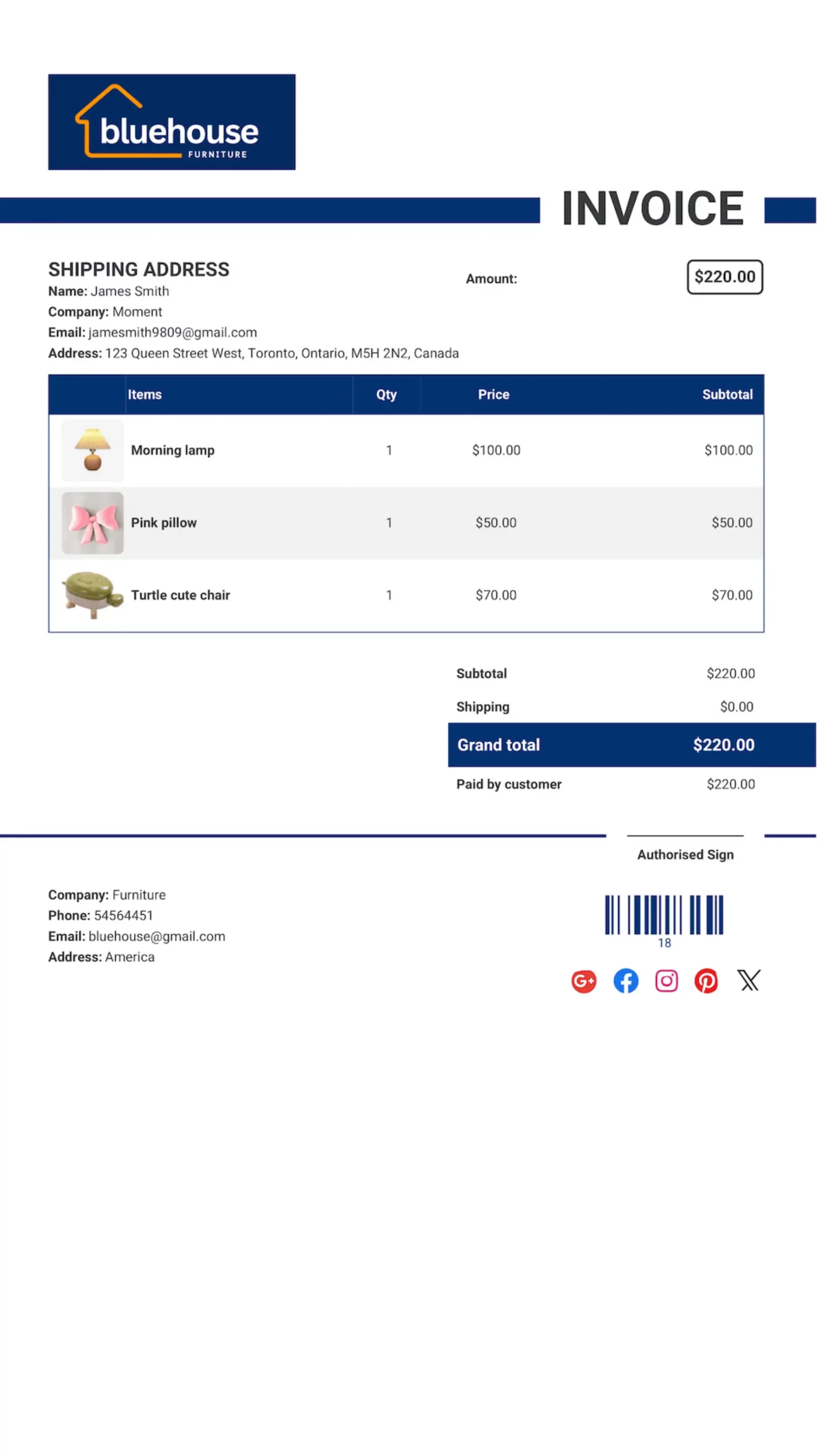
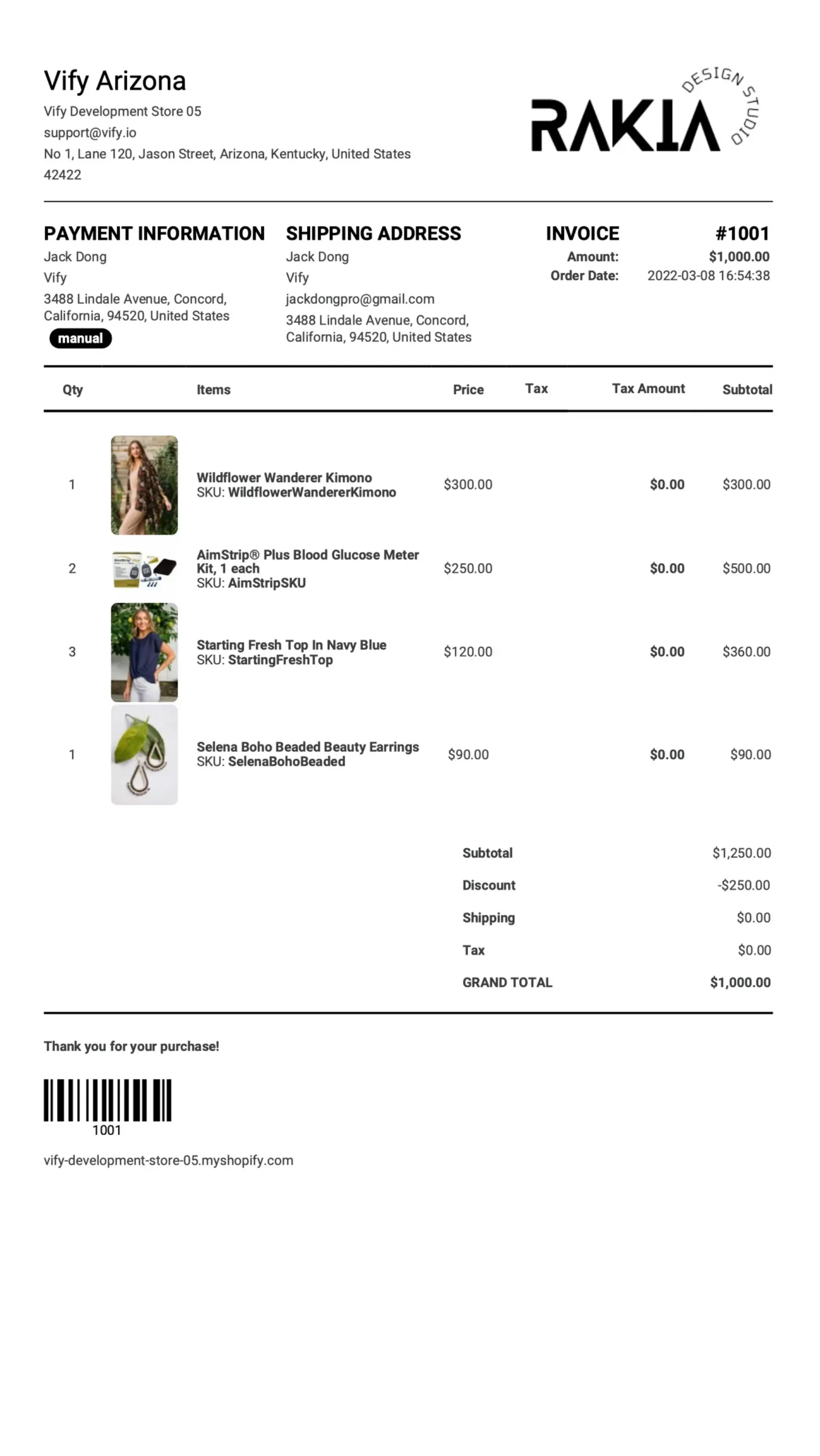
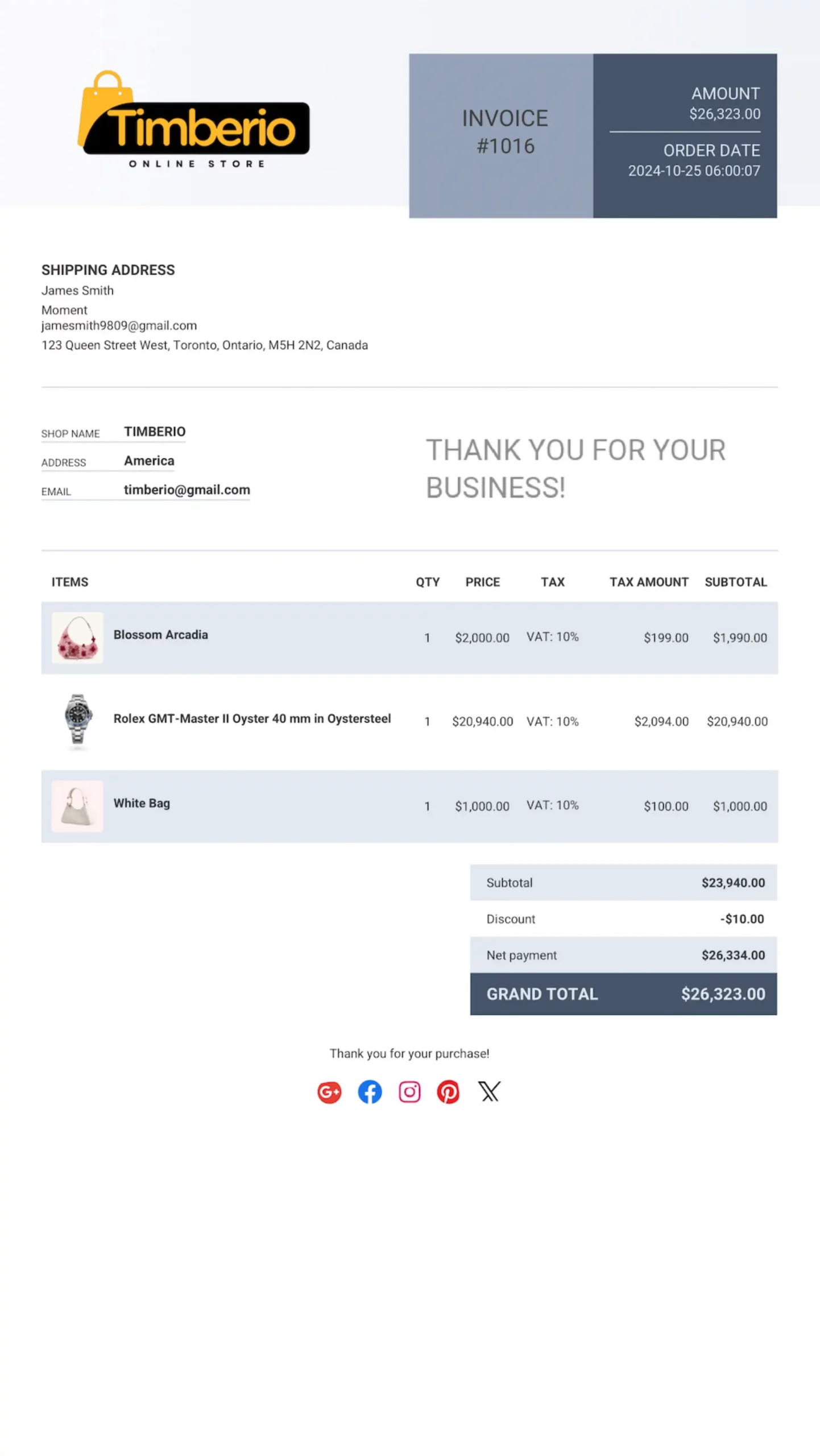
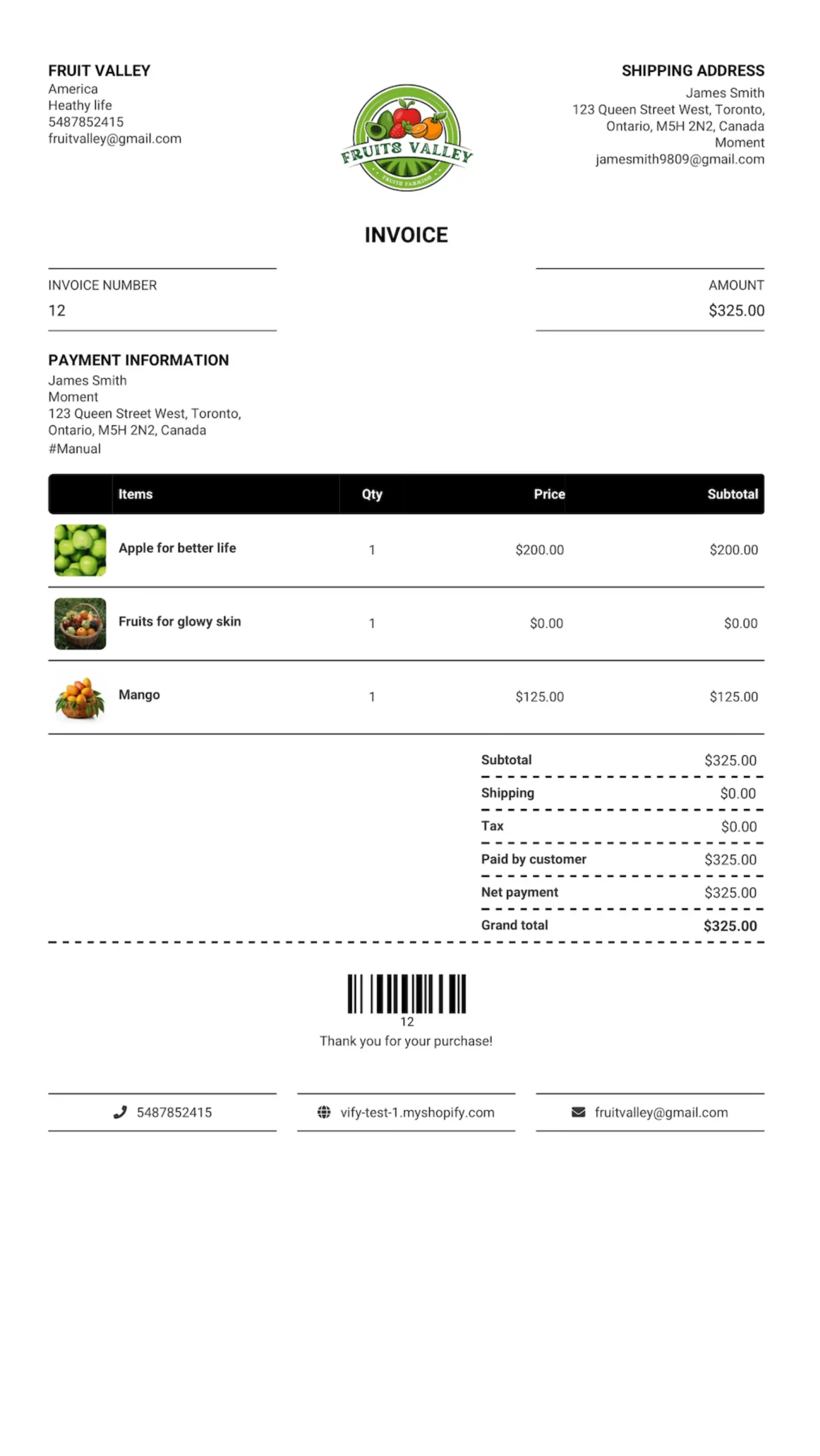
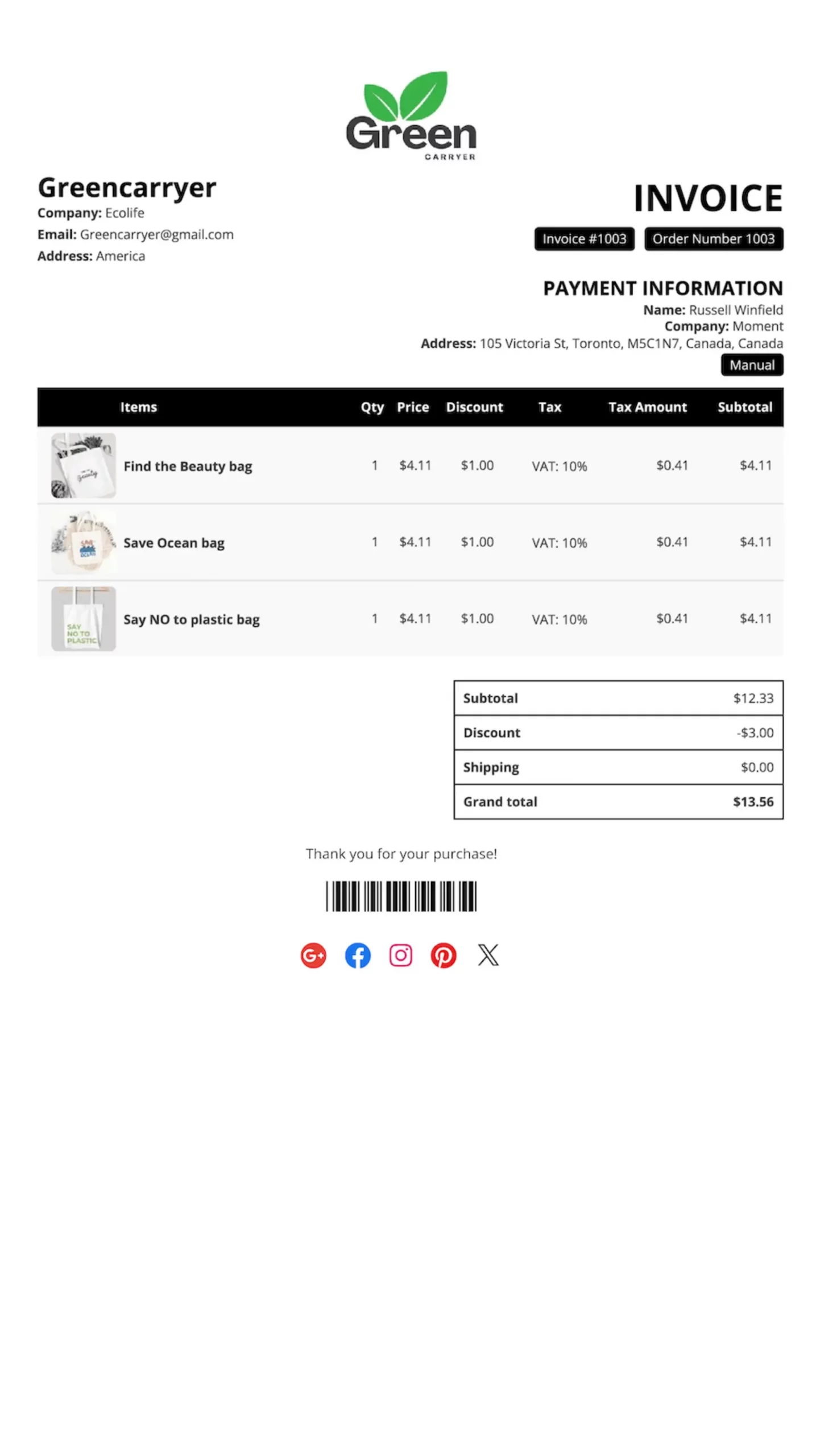
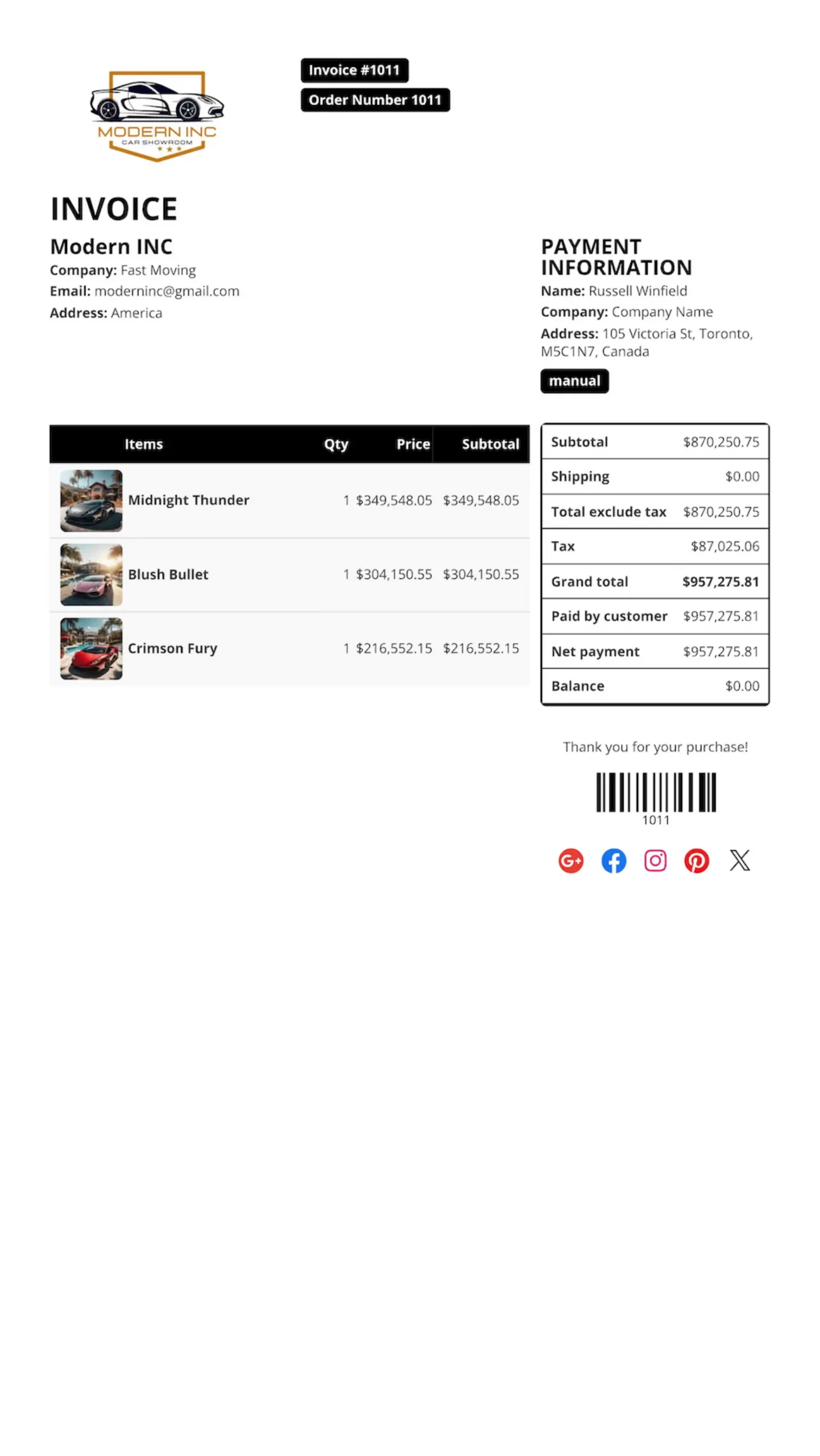
Vify is a powerful and reliable Shopify order printer PDF invoice app built to help merchants create professional invoices with ease. By combining flexible customization, automated workflows, and a user-friendly interface that requires no coding skills, Vify streamlines order management and helps store owners save time while delivering a polished, professional experience to their customers.
The Vify Order Printer PDF Invoice app is an expert solution for creating professional, beautifully designed invoices for online Shopify stores.

Easy to customize, even for users with no coding knowledge—this is exclusively available in the Vify Order Printer PDF Invoice app.

Vify Order Printer PDF Invoice streamlines automated workflows to optimize operational time while helping Shopify store owners save on costs.

Vify offers fast 24/7 support. Contact us anytime to share your needs for invoice creation and printing—we’re always ready to help.
Why are over 30,000 Shopify stores using the Vify Shopify Order Printer PDF Invoice app? What value does it bring to merchants? Let’s start exploring.
Vify Shopify Order Printer PDF Invoice is a powerful invoicing app for shopify stores, helping merchants optimize operations, reduce costs, and save time.
Vify Shopify Order Printer PDF Invoice offers powerful yet simple customization, allowing you to enable or disable options with just a few clicks—perfect for users with no coding knowledge.
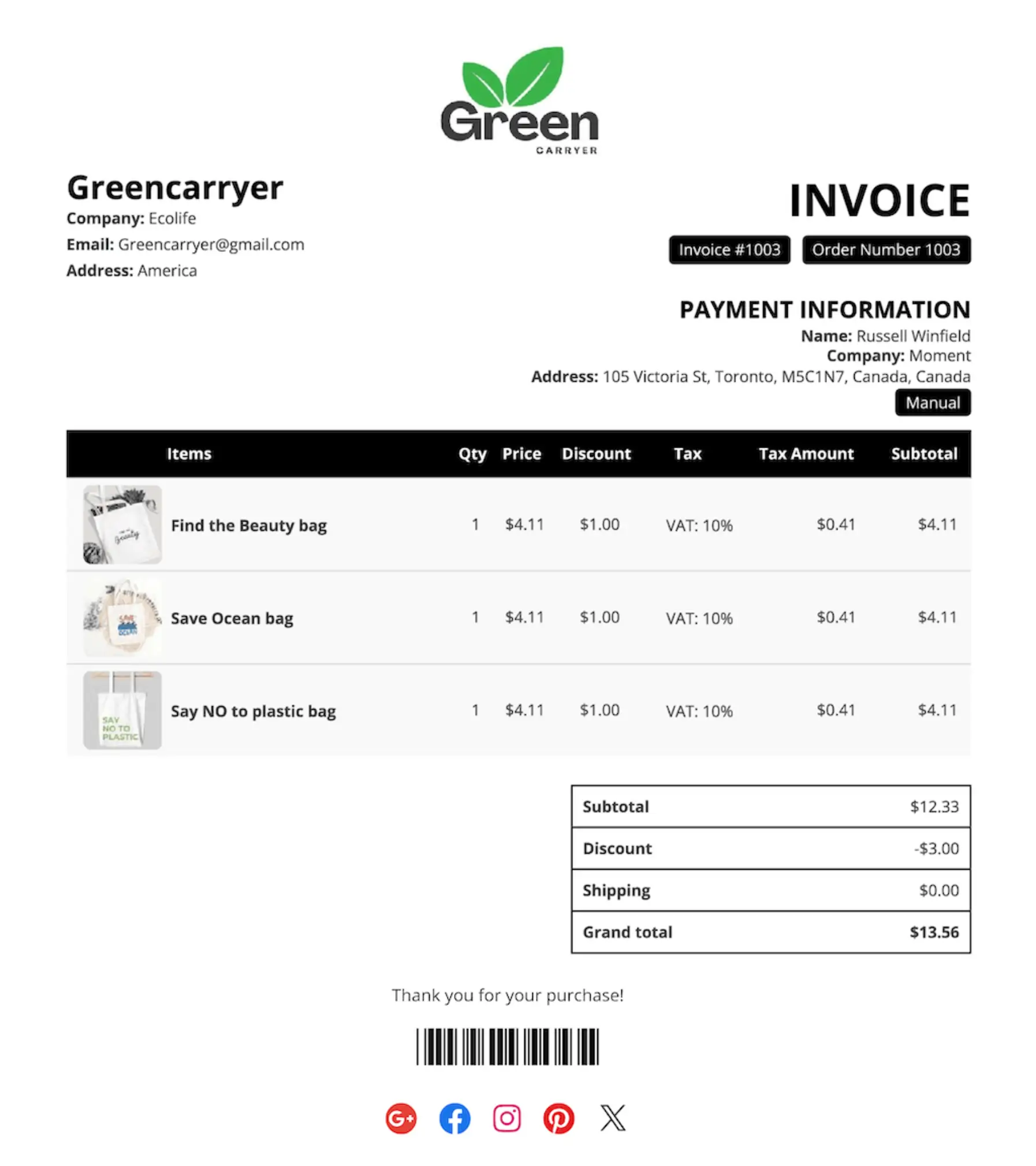
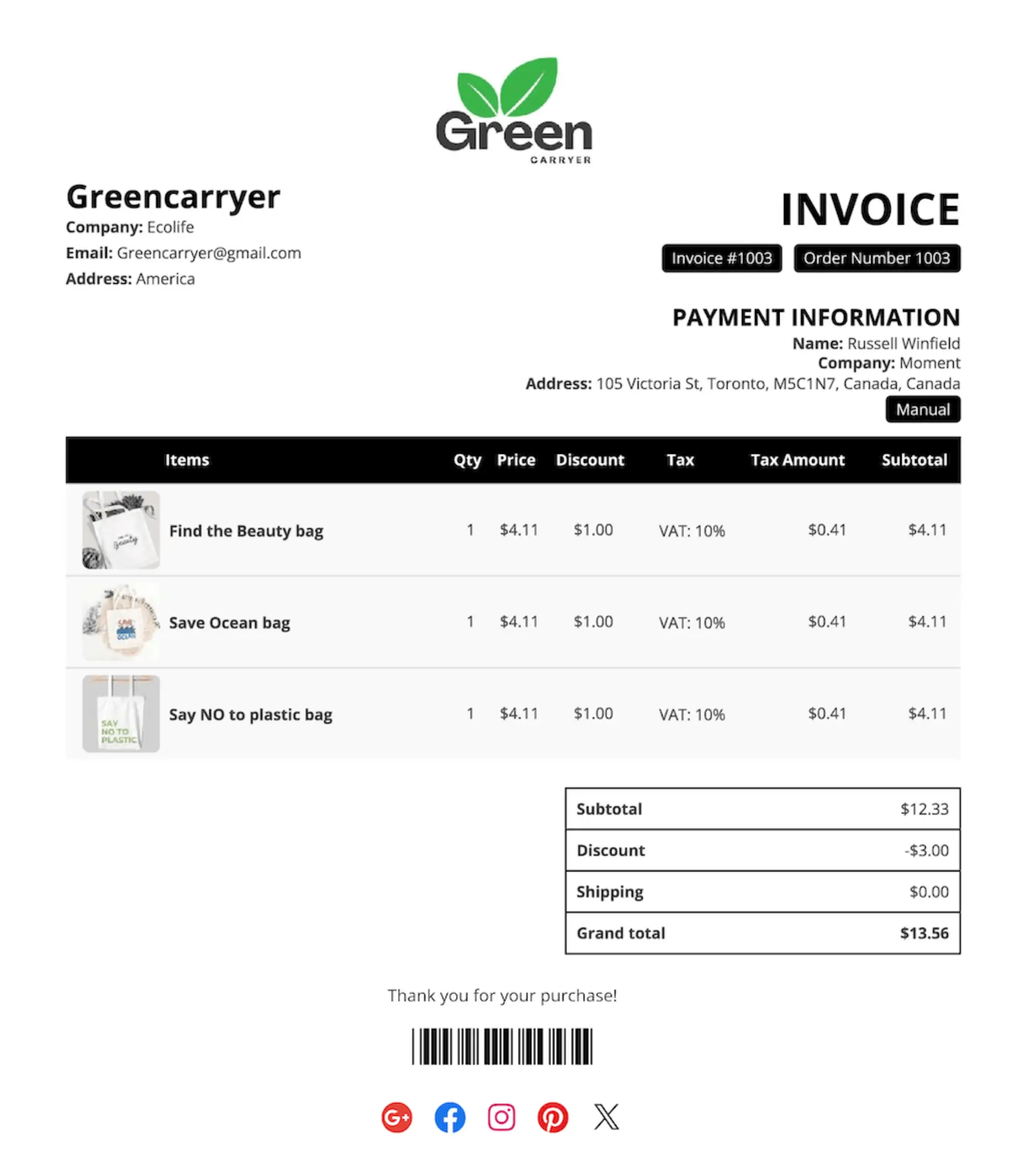
Vify provides customers with a diverse library of invoice templates suitable for various industries, featuring professional, modern, and visually appealing designs.
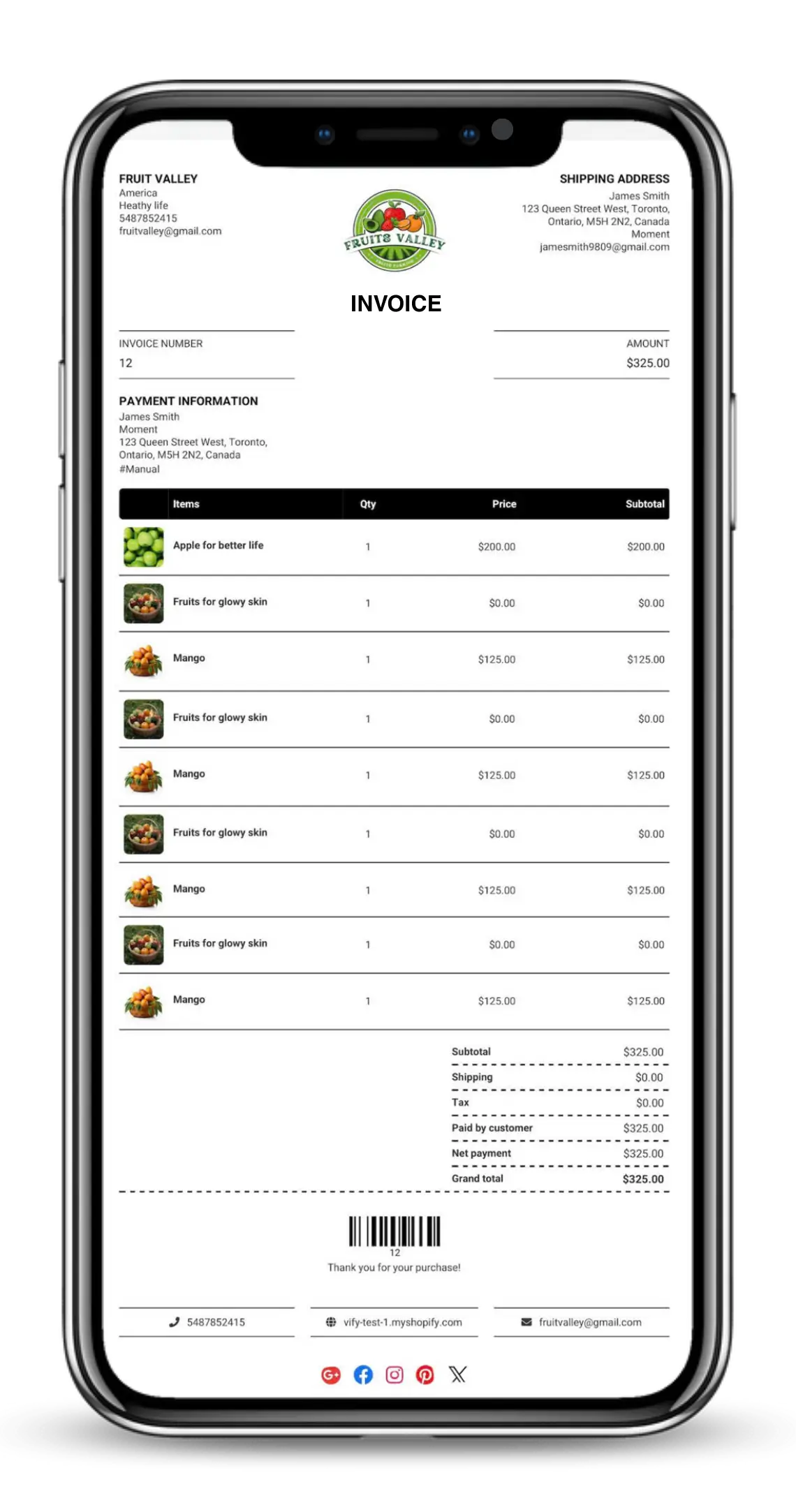
Automatic invoice emailing is a must-have feature that optimizes workflows and helps shopify store owners save time and reduce operational costs.
Ultimate Order is Vify’s exclusive advantage. Unlike other invoice solutions that restrict orders by pricing tiers, all Vify Order Printer PDF Invoice plans come with unlimited Ultimate Orders.
Vify Shopify Order Printer PDF Invoice app lets store owners create invoices in any language and seamlessly deliver them to customers worldwide.
Great little app for invoicing, all the key features are unlocked with the free version as well! Customer service was really responsive and even removed the watermark for free! dont see that too often.

Really good and helpful app that helps to have orders and invoices at one place. Support is amazing.
Vify order printer PDF invoice app, very simple to set up and use once installed and no coding or mass editing required on my part. Like that it has a free option for those of us just getting started and figuring this all out. Will definitely upgrade with this app once the time comes.
Great app. Really gets the job done for us. Lots of options and templates to choose from. Had an issue customizing specific details of our invoice. Used their chat to get assistance. Tracy was very helpful. She answered all of my questions and helped guide me to get the best results for what we need. Very highly recommend this app to other merchants. They have lots of other services that will be exploring also.
Vify order printer PDF invoice is a really great app, soo easy to manage and understand, and the free Plan is perfect for small businesses or Startups. Customer support is really reactiv and very kind. It takes less than 15 min to set everything up and afterwards you will win so much time for all the invoices preparations and emails. Thanks for this great work.
I was desperately looking for an app for invoices as I need it for tax. Since most apps don’t support many features, I ended up with Order Printer. It really has all the features I need. Needed help which was solved in chat within 10 minutes. I am really thankful that it has made my life a lot easier.
Install App
Members
Happy Clients
Awards Won
App installation guide: Click on Shopify PDF invoice App to open the Vify order printer PDF invoice app → click Install.
Vify order printer PDF invoice app offers a wide range of professional invoice templates, allowing you to choose the one that best suits your store.
Powerful yet simple customization features let you enable or disable options with just a few clicks—no coding required. This is exclusively available in the Vify Order Printer PDF Invoice app.
This is an overview video of the Vify Shopify order printer & PDF invoice app that you can refer to. If you’re looking for a professional and highly customizable PDF invoice solution—even without any coding knowledge—we believe this is the best Shopify order printer app for your store.
The Vify Shopify order printer app’s plans have already received excellent reviews from customers—but its pricing is rated even more highly. Starting at just $10.99, users get access to powerful features with no limits on the number of orders. In contrast, most other apps restrict order volume based on different pricing tiers. As a smart consumer, you probably already know which invoice app provider to choose, don’t you?
Click Templates from the sidebar or the top menu bar. The Template page will display all your available and enabled templates. Each template can be used for:
Template actions
Choose the templates you want to use:
* Go to Vify main menu -> *Templates -> Choose type of documents (Invoice/ Packing Slip/ Refund/ Draft orders) -> Navigate to your ideal template -> Click Edit
Editing template:
This guideline gives information about how to Print and Download your Invoice/ Packing Slip/ Refund from your Shopify Admin.
Accessing Email Automation
Naviagte to Email Automation -> Email automation **from the menu bar.
Email Automation configuration options
Additional Settings
After customizing the settings, click Save to apply the changes.
This is a centralized hub for the most useful information about the Shopify order printer app. Here, you can easily find everything from installation guides and instructions on customizing invoice templates to best practices for managing and operating your invoicing system. In addition, if you need quick assistance with any issue related to the Shopify order printer app, you can contact Vify’s support team directly. We’ll assist you right away.