5 Best Shopify FAQ Apps
Every Shopify store owner has been there: a potential customer lands on your product page, has a question about sizing, shipping, or returns — and instead of finding an answer, they leave. That abandoned cart could have been a sale. Studies consistently show that customers want to find answers on their own before reaching out to support. This is exactly where Shopify FAQ apps come in. A well-placed FAQ section builds trust, reduces support ticket volume, keeps shoppers on your page longer. Let’s explore the best Shopify FAQ apps available, covering both free and paid options.
What to Look for in an FAQ Shopify App
Before diving into specific apps, it’s worth knowing what separates a great FAQ app from a mediocre one. Not all Shopify FAQ apps are created equal — and the wrong choice can mean a clunky, off-brand experience that hurts more than it helps.
Ease of Setup and Customization
The best Shopify FAQ app requires no coding knowledge. Look for a drag-and-drop or visual editor that lets you create, reorder, and group questions quickly. You should also be able to customize fonts, colors, and accordion styles to match your store’s branding.
Design Flexibility
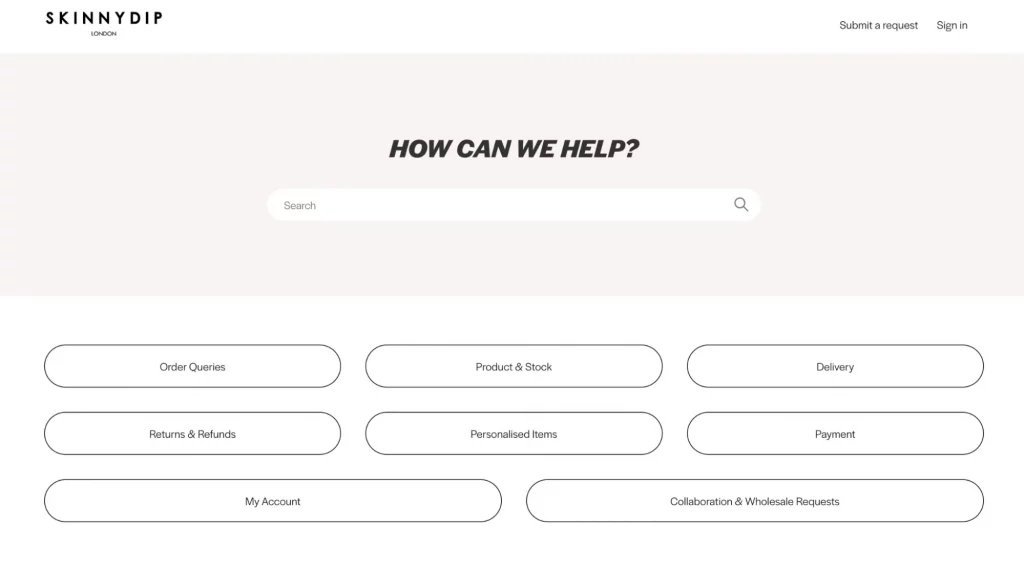
Your FAQ section should feel like a native part of your store, not a bolted-on widget. Good apps offer multiple layout options — accordion, toggle, tab-style — and let you control where the FAQ appears: on the product page, a dedicated FAQ page, in a popup, or even at checkout.
SEO Support
This is a big one. Apps that generate FAQ schema (also called structured data) allow Google to display your questions and answers directly in search results as rich snippets. This drives significantly more organic traffic and captures “People Also Ask” placements — without any extra SEO work on your part.
Placement Options
The most flexible Shopify FAQ apps let you embed FAQ sections anywhere: on individual product pages, a standalone FAQ page, a help center, or a floating widget. The more placement options, the better.
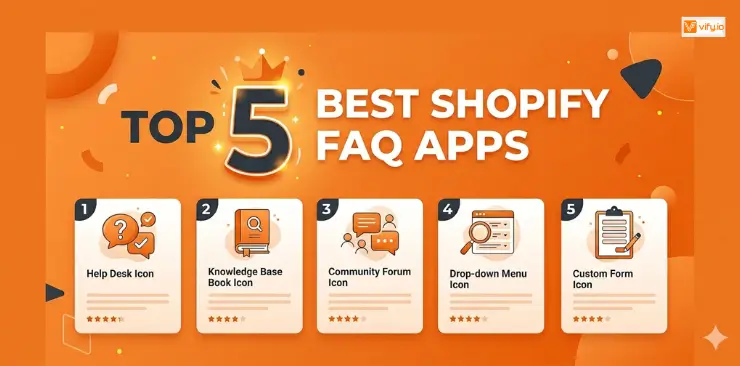
5 Best Shopify FAQ Apps
After evaluating dozens of options, these are the top Shopify FAQ apps worth your attention. Let’s explore the best FAQ app Shopify that fits your store most.
1. HelpCenter
Best For: Stores that want an all-in-one support solution, not just a standalone FAQ section.
HelpCenter is one of the most comprehensive FAQ apps for Shopify available today. It’s a full self-service help center that lets you create a multi-tab FAQ page, manage support tickets, and connect a live chat widget, all from one dashboard.
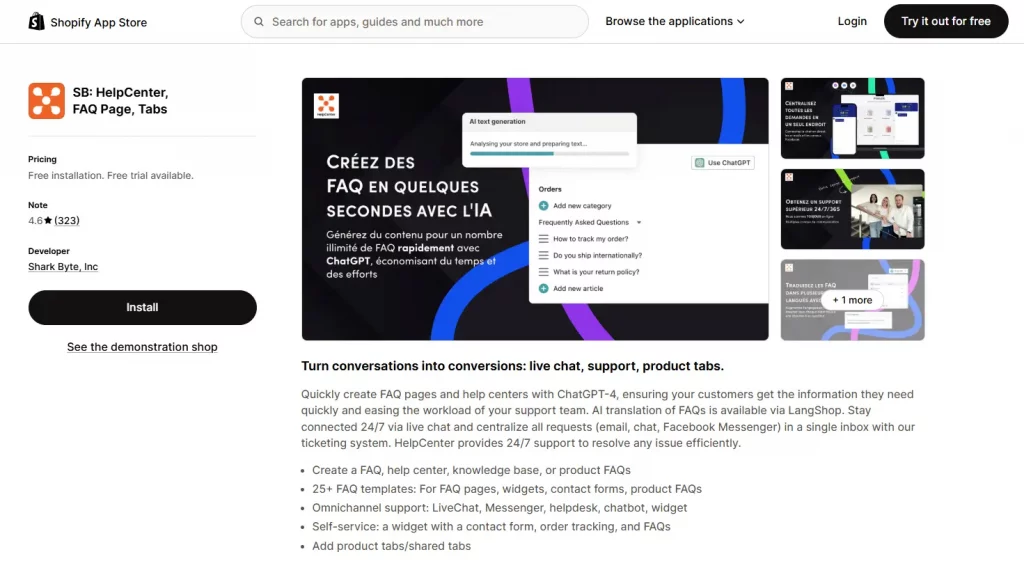
Pricing: Free plan available. Paid plans from $5.99/month
Pros
- All-in-one: FAQ + helpdesk + chat in one app
- Clean, professional design out of the box
- Schema markup included on all plans
Cons
- The free plan is quite limited for growing stores
- Full feature set requires a paid plan
2. Tidio Live chat & chatbot
Best For: Stores that want FAQ + live chat + AI automation in one place.
Tidio is primarily known as a live chat and AI chatbot tool, but it includes a powerful FAQ and self-service widget that can dramatically reduce inbound support volume. Its AI can automatically answer common questions using your FAQ content.
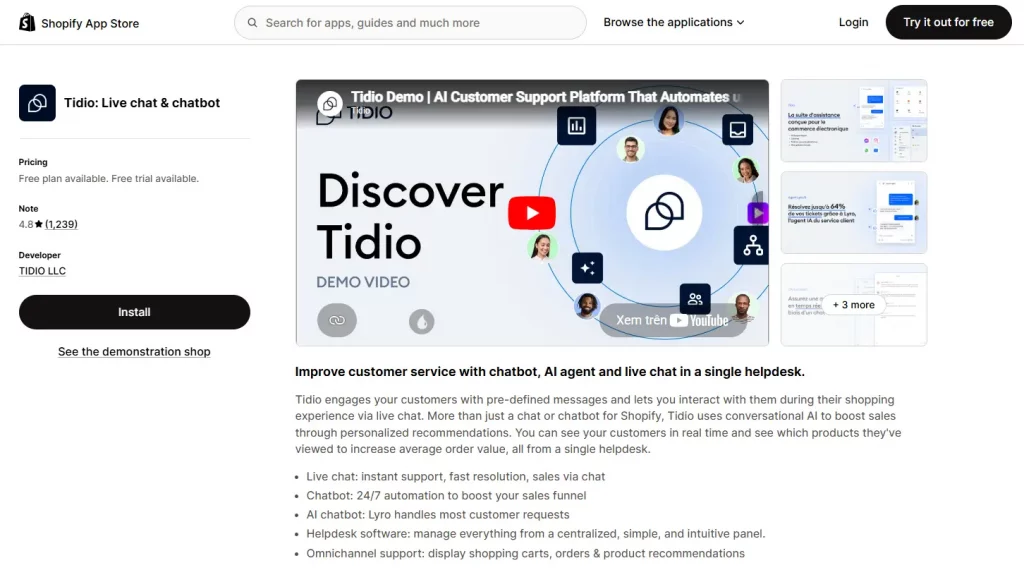
Pricing: Free plan available. Paid plans from $29/month
Pros
- AI handles FAQ responses automatically — huge time saver
- Deep Shopify integration (order tracking, product info)
- Excellent mobile experience
Cons
- Primarily a chat tool — not a traditional static FAQ page builder
- AI features are limited on lower-tier plans
3. Simesy Product FAQs & FAQ Page
Best For: Stores that want a simple, beautiful FAQ section without paying much for it. Excellent value.
Simesy is a lightweight, highly focused FAQ app for Shopify that does one thing extremely well: building beautiful, on-brand FAQ sections. If you want a clean FAQ accordion with strong design flexibility and no bloat, this is the app.
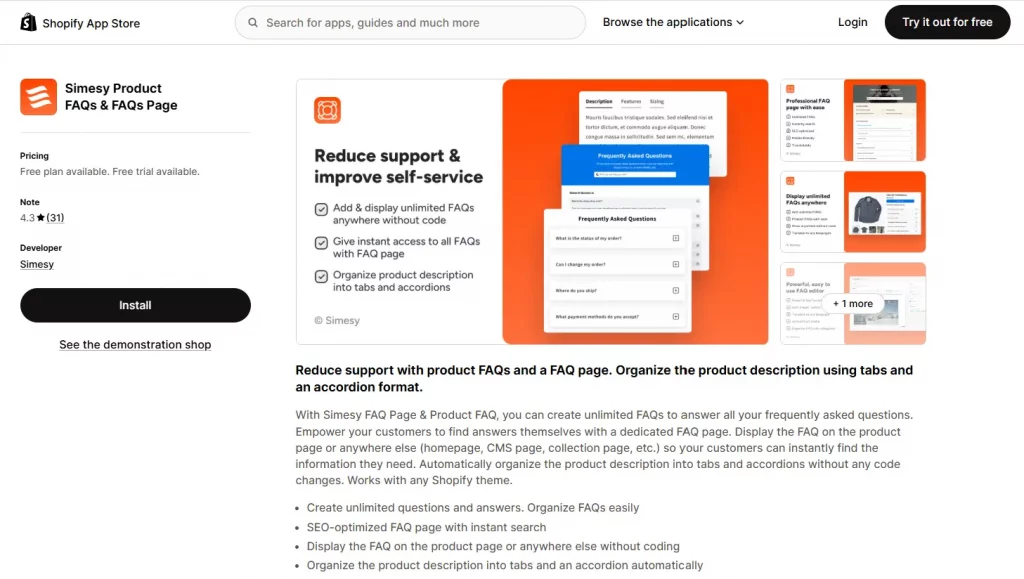
Pricing: Free plan available. Only one paid plan costs $4.99/month.
Pros
- Extremely affordable
- Wide range of design options
- Simple, clean interface
Cons
- No helpdesk or chat features — purely a FAQ builder
- Limited analytics
4. POWR Help Center Product FAQs
Best For: Stores already using other POWR apps who want to consolidate under one provider.
POWR is considered the best free FAQ app for Shopify, a well-known Shopify app builder that offers a dedicated FAQ widget as part of its suite. The POWR FAQ app is flexible, easy to configure, and designed to work seamlessly with any Shopify theme.
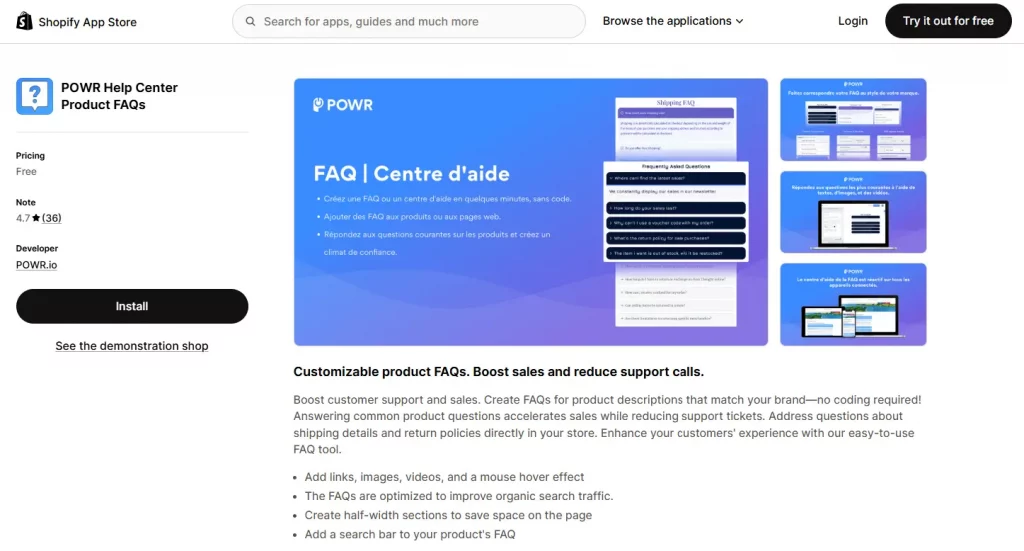
Pricing: Totally Free.
Pros
- Part of a larger app ecosystem (easy to bundle with other POWR apps)
- Clean and simple editor
- Reliable performance
Cons
- No AI chatbot to help answer questions based on FAQ
- Limited analytics
5. FAQify
Best For: Stores that want a flexible and visually customizable FAQ solution that blends seamlessly with their Shopify theme.
FAQify is a lightweight yet powerful Shopify FAQ app that helps merchants quickly create beautiful FAQ pages and product-specific FAQs without coding. Designed to match your storefront’s branding, FAQify makes it easy to build informative support sections that improve customer experience, reduce repetitive support requests, and help shoppers make faster purchase decisions.
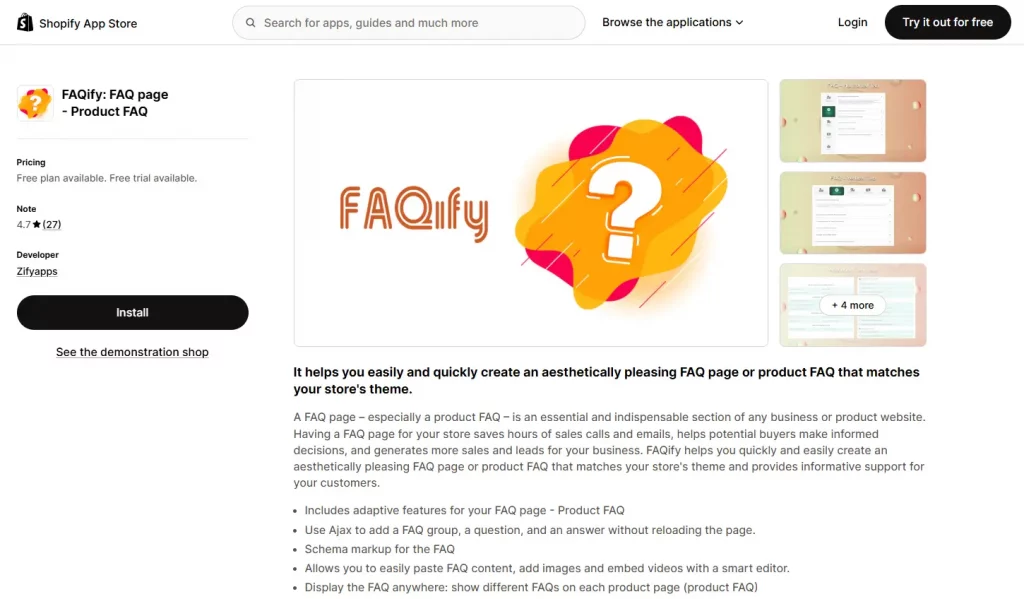
Pricing: Free plan available. Paid plans from $4.99/month
Pros
- Decent free version
- Unlimited FAQ items for paid users
- Smart text editor is included
- Variety of FAQ options
Cons
- Not a multi-language option
- No integrations with popular social media platforms
Explore more: How to add an FAQ Section to your Shopify Store.
Conclusion
Figuring out the best Shopify FAQ apps is one of the highest-leverage, lowest-effort improvements you can make. It reduces support tickets, keeps customers on your page longer, builds trust before the purchase decision, and — with the right app — actively improves your search engine visibility.
Start with a free option, write 10–15 genuinely helpful answers to your customers’ most common questions, enable schema markup, and embed the FAQ on your top product pages. The impact on your support volume and conversion rate will speak for itself.