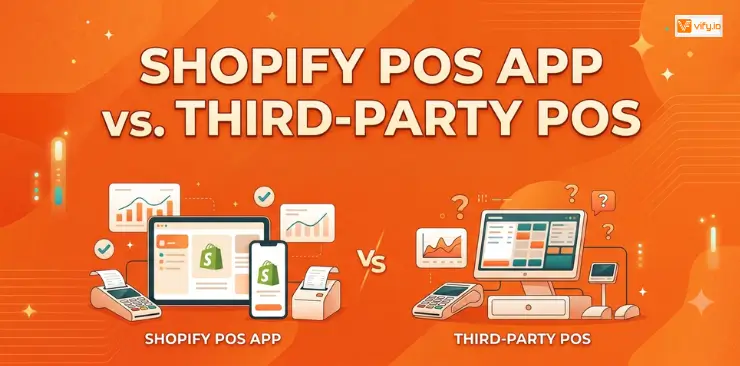
For merchants selling both online and in person, choosing the right point-of-sale solution can have a direct impact on daily operations, costs, and scalability. The Shopify POS app offers seamless integration with Shopify ecosystem, while third-party POS systems may provide specialized features or greater flexibility for certain retail models. This guide compares both options to help identify which solution best fits your store’s needs.
What is a Shopify POS app?
A Shopify POS app helps merchants process in-person sales while keeping orders, inventory, and customer data connected to their Shopify store. However, not every POS app works in the same way.
The main difference comes down to how deeply the system is integrated with Shopify and what role it plays in the sales process. The native POS app Shopify is designed to manage online and in-store sales within the same system. Third-party options such as ConnectPOS can provide an alternative POS interface while still syncing key data with Shopify, which may be useful for retailers with more specialized operational needs.
There are also POS-related apps that do not replace the checkout system at all. Instead, they add specific functions, such as staff management, appointment booking, restaurant order handling, or other features that extend an existing POS setup.
For this reason, choosing between the Shopify POS app and third-party POS apps is not simply a matter of finding the option with the most features. The better choice depends on how the store operates, the level of integration required, and whether the priority is a simple native setup or a more specialized retail solution.
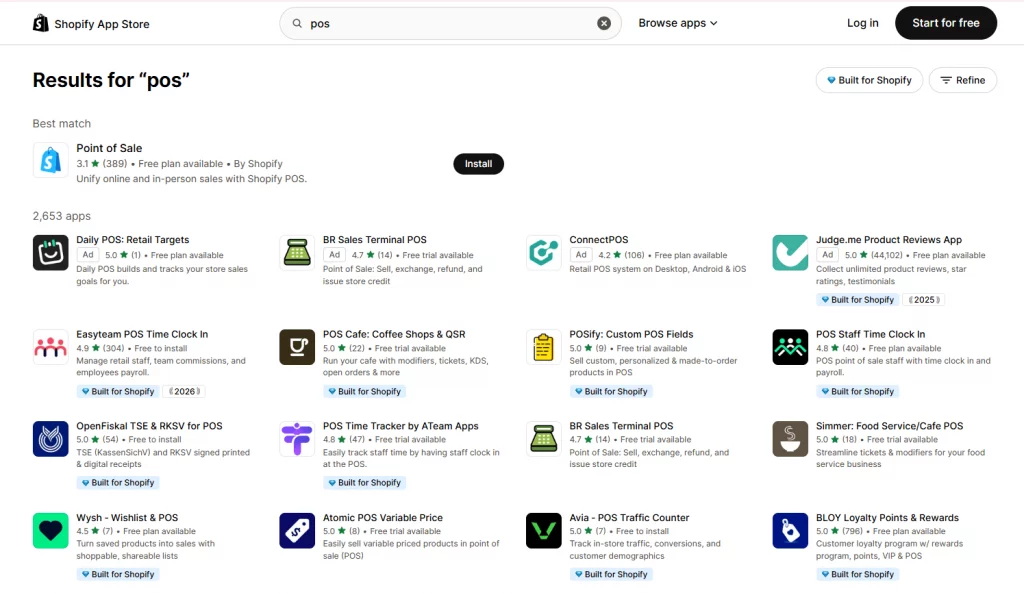
6 best Shopify POS apps
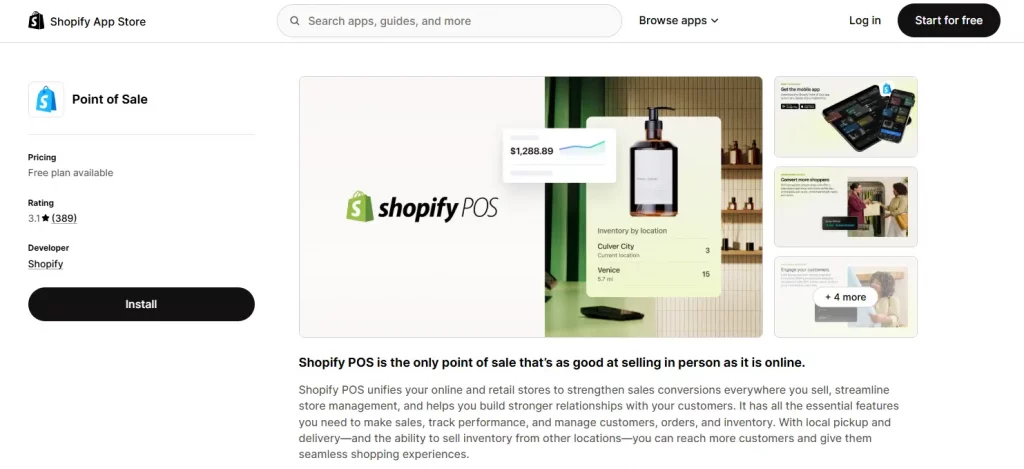
1. Point of Sale (Shopify’s native app)
Rating: 3.1/5 | Pricing: Shopify POS Lite is free and included with every Shopify plan; Shopify POS Pro is $89/month per location
Best for: Shopify merchants looking for a straightforward starting point, especially pop-ups, markets, and single-location stores without advanced retail requirements.
Point of Sale is Shopify’s native app for managing online and in-person sales within the same ecosystem. Available on iOS and Android, it syncs orders, inventory, and customer profiles with the Shopify admin in real time without requiring a third-party connector. The Lite plan covers essential selling features such as payments, discounts, receipts, and gift cards, while POS Pro adds tools for multi-location inventory, staff permissions, and sales commission tracking.
Key features:
- Local pickup, shipping, and emailed carts
- Real-time inventory and customer data sync
- Gift cards, split payments, exchanges, and refunds
- Tap to Pay and Shopify card reader support
- Staff permissions and commission tracking on Pro
The 3.1-star rating needs some context. Reviews are divided between merchants who value its seamless connection with Shopify and those who feel POS Pro is expensive compared with dedicated retail systems. Some users also mention slow navigation and limited reporting on the Lite plan. As Shopify’s own POS solution, it has no integration concerns, but businesses with complex retail operations may need more specialized functionality.
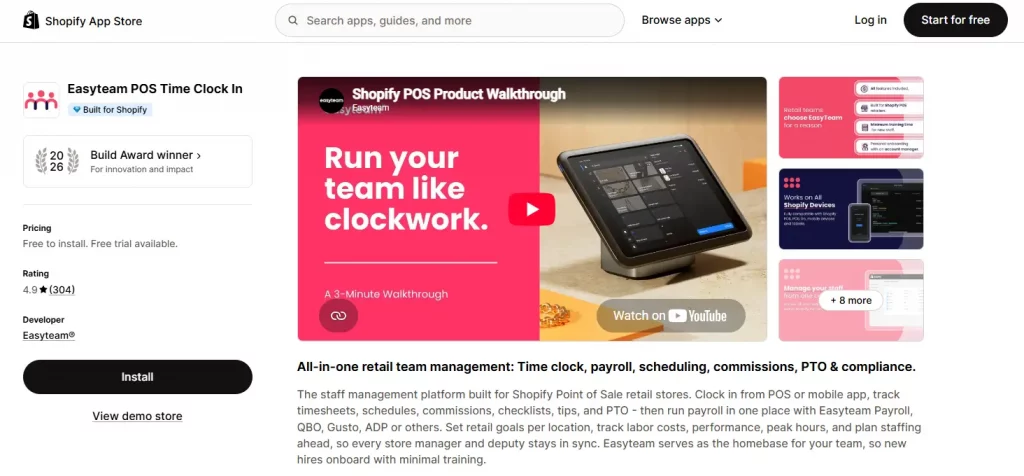
2. Easyteam POS Time Clock In
Rating: 4.9/5 | Pricing: Free to install, with a free payroll add-on for up to 2 locations in the US and Canada. Paid plans from $30/month.
Best for: Shopify POS stores that need staff time tracking, scheduling, commissions, or payroll management in one system.
Easyteam adds staff management tools to the Shopify POS workflow. Employees can clock in and out through Shopify POS or a mobile app, while managers can handle scheduling, checklists, sales commissions, PTO, and payroll. The app is a 2026 Shopify Build Award winner.
Key features:
- POS and mobile time tracking with anti-fraud controls
- Retail-focused staff scheduling
- Automated sales commission tracking
- Opening and closing checklists
- Payroll and tax filing support in the US and Canada
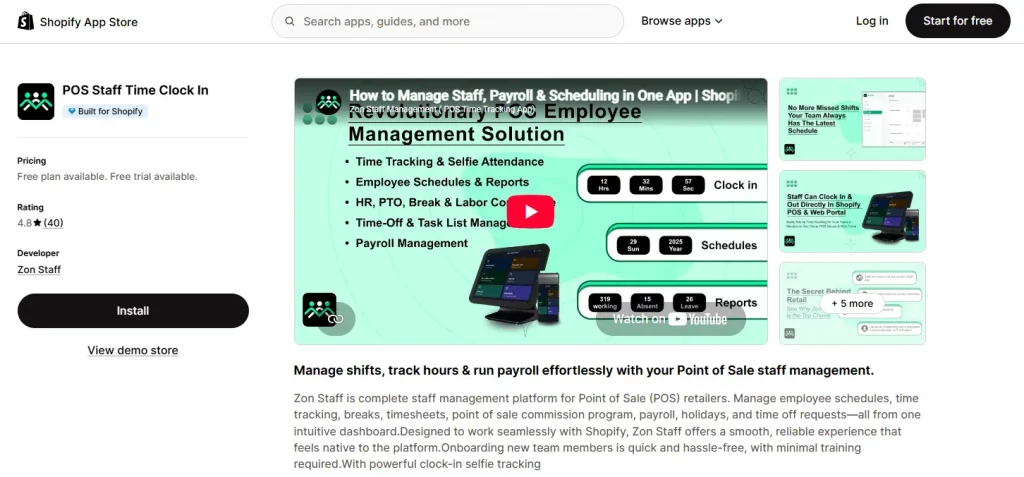
3. POS Staff Time Clock In (Zon Staff)
Rating: 4.8/5 | Pricing: Free plan available; paid plans from $24.99/month.
Best for: Stores that need selfie verification for clock-ins and a self-service portal for staff management.
Zon Staff is a staff management platform for Shopify POS retailers that brings scheduling, time tracking, breaks, timesheets, sales commissions, payroll, holidays, and time-off requests into one dashboard. Its main advantage is selfie-based clock-in verification, which helps prevent employees from clocking in on behalf of someone else. The app also provides a dedicated web portal where staff can manage schedules, tasks, shifts, and time-off requests without accessing the POS.
Key features:
- Selfie verification for clock-in accuracy
- Staff portal for schedules, tasks, and time-off
- Time and shift tracking across POS and multiple devices
- Payroll provider integrations
- Free plan with options for teams of up to 100 staff
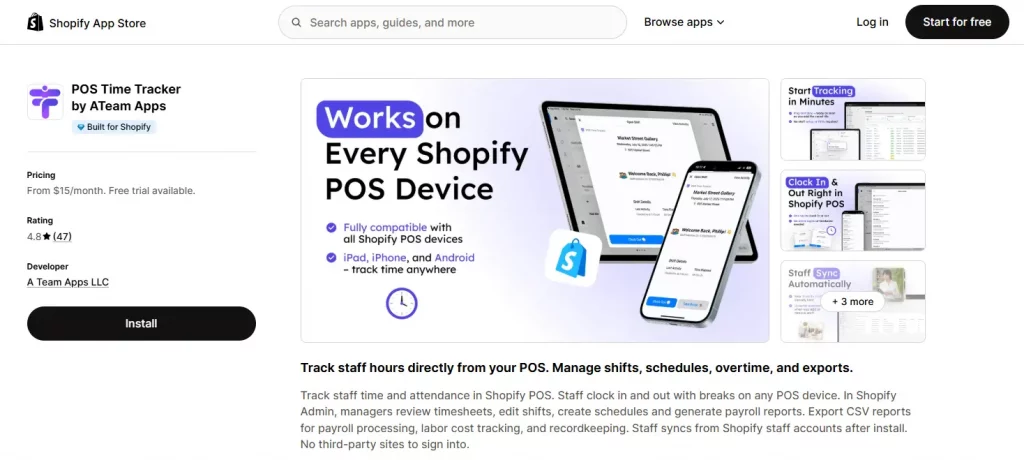
4. POS Time Tracker by ATeam Apps
Rating: 4.8/5 | Pricing: Paid plans from $15/month; 7-day free trial.
Best for: Small teams that need a simple and affordable time-tracking solution without per-location fees.
POS Time Tracker focuses on essential staff time management. Employees can clock in and out, including breaks, directly through Shopify POS, while managers can review timesheets and shifts in Shopify Admin. Payroll-ready reports can also be exported as CSV files. The app automatically syncs with existing Shopify staff accounts, so there is no separate platform or additional login for employees. Every plan also includes unlimited locations.
Key features:
- POS clock-in and break tracking
- Timesheet management and CSV payroll exports
- Employee scheduling and shift planning
- Unlimited locations on every plan
- ADP and Paychex export support on Enterprise
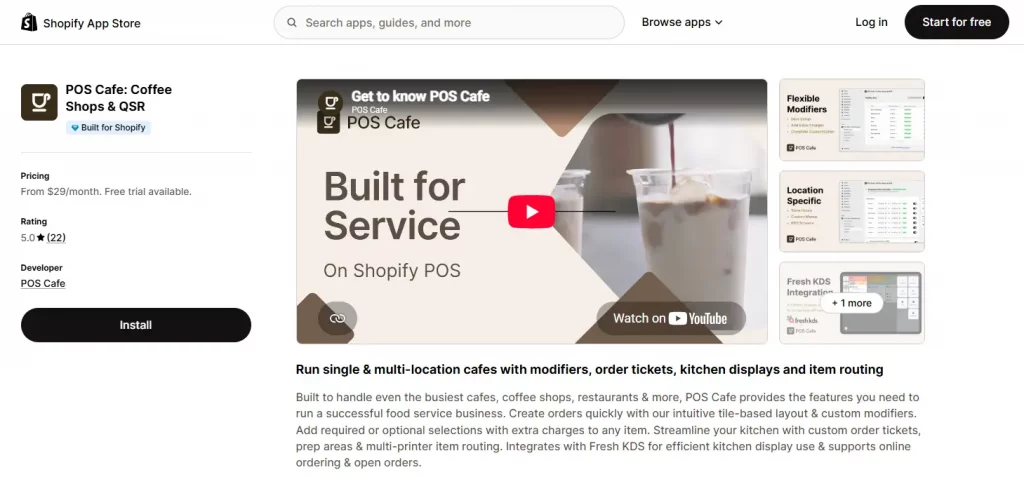
5. POS Cafe: Coffee Shops & QSR
Rating: 5.0/5 | Pricing: Paid plans from $29/month; 21-day free trial.
Best for: Cafés, coffee shops, restaurants, and quick-service businesses that need food-service features such as modifiers, kitchen tickets, and open tabs.
POS Cafe extends Shopify POS with features designed specifically for food and beverage businesses. It supports item modifiers, kitchen order tickets, kitchen display systems, and open customer tabs for table service. Rather than replacing Shopify POS, the app works alongside it.
Key features:
- Unlimited modifiers with optional extra charges
- Kitchen tickets and Fresh KDS integration
- Native support for Shopify reports, discounts, and taxes
- Online and table ordering
- Open orders and customer tabs
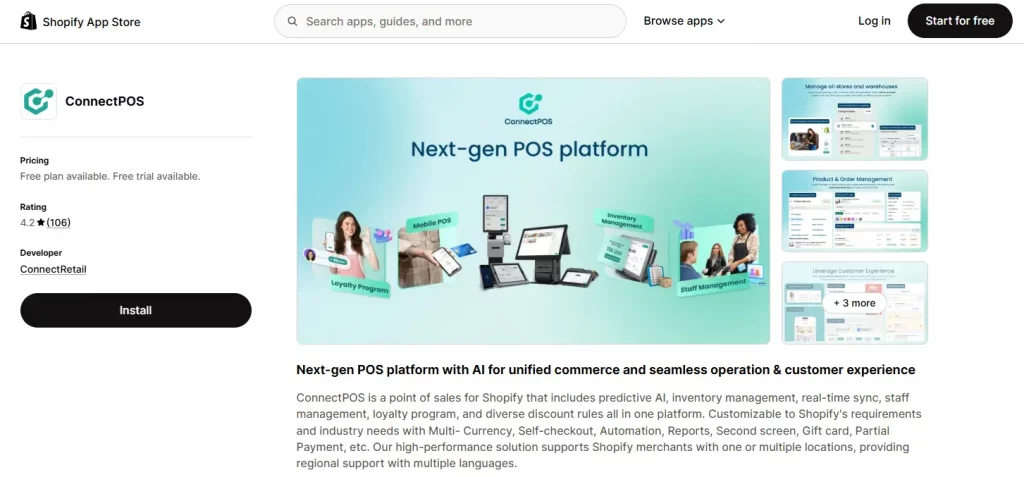
6. ConnectPOS
Rating: 4.2/5 | Pricing: Free 14-day trial; Standard $49/month, Advanced $79/month, Premium $99/month, billed per register.
Best for: Multi-location or multi-register retailers looking for a flexible POS platform with desktop, Android, and iOS support.
ConnectPOS is a Shopify POS app designed for retailers that need more advanced functionality across different devices. It supports desktop, Android, and iOS, along with offline selling, self-checkout, and kiosk options. The platform also integrates with external tools such as Adyen, Stripe, LoyaltyLion, Yotpo, and Sage Intacct.
Key features:
- Multi-currency, gift cards, and partial payments
- Real-time data sync across stores and warehouses
- AI-powered sales and inventory forecasting
- Self-checkout and kiosk options
- Offline selling support
Conclusion
Choosing the right Shopify POS app depends on the type of business, store size, and features needed for daily operations. Some apps focus on unified online and in-person selling, while others add specialized tools for inventory, food service, staff management, or time tracking. By comparing pricing, integrations, and the features that matter most to the business, Shopify merchants can find a POS solution that supports smoother operations and a better customer experience.
If you’re selling on Shopify and need a professional invoice solution, then Vify Shopify Order Printer app is the best choice for you. Try it for free today and experience it for yourself. We’re confident you’ll love it.