
Running an online store comes with constant questions — from setting up payments and customizing themes to fixing checkout errors and managing apps. That’s where the Shopify Help Center becomes one of the most valuable resources for merchants at every stage. Whether you’re launching your first store or scaling a growing ecommerce business, knowing how to navigate the Shopify App Help Center can save hours of troubleshooting and help you solve issues faster. In this guide, we’ll walk through how Shopify’s support system works and where to find reliable answers to operate your store more efficiently.
What is Shopify Help Center?
The Shopify Help Center is Shopify’s official, self-serve knowledge base. It is maintained directly by Shopify’s team and covers every aspect of running a store on the platform — from the very first setup steps to advanced configurations for high-volume merchants.
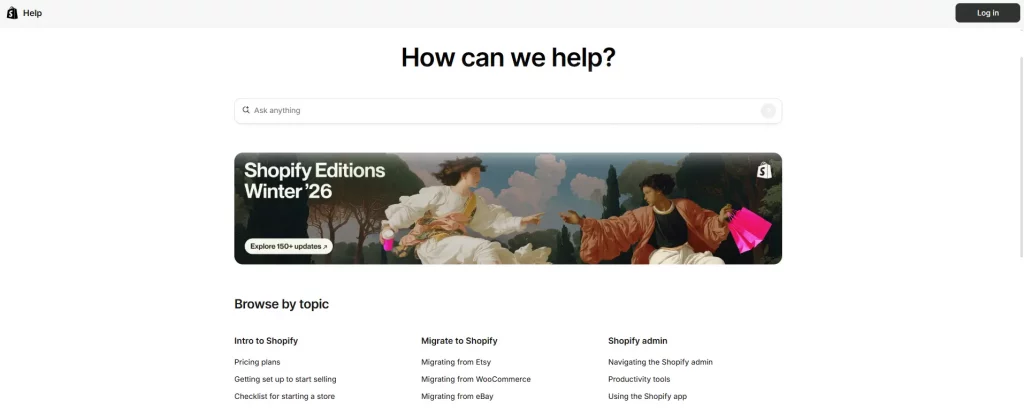
Think of it as a library built specifically for Shopify merchants. The Help Center search bar is your fastest route to answers — it uses keyword matching to surface the most relevant articles. If the search doesn’t return what you need, use the category sidebar to browse by topic. Many articles include embedded video walkthroughs and step-by-step screenshots, making them easier to follow than written instructions alone.
How to access Shopify Help Center
There are three main ways to reach the Shopify Help Center, depending on where you are when you need help.
Via your Shopify admin dashboard
- Log in to your Shopify store
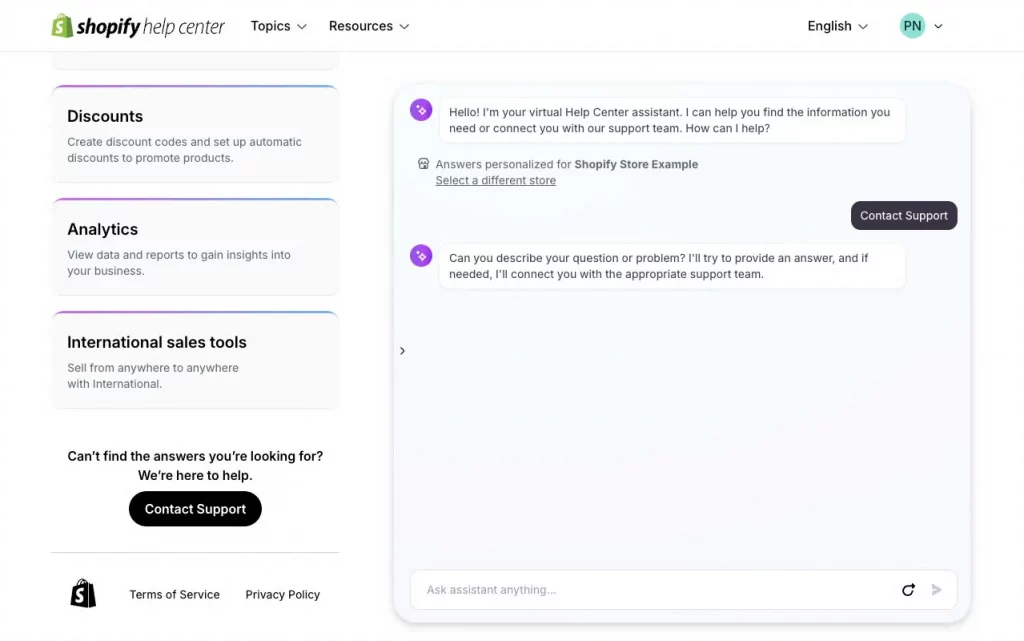
- Look for the “?” (Help) icon in the bottom-right corner of the screen
- Click it to open the contextual help panel
- Type your question or browse suggested topics
- If the articles don’t solve your issue, use the panel to start a live chat or submit a support ticket
Via direct URL
You can access the Help Center at any time by visiting help.shopify.com in your browser. You do not need to be logged in to read articles, but logging in allows Shopify to tailor suggestions to your plan and store configuration.
Via the Shopify mobile app
On iOS or Android, open the Shopify app, tap the menu icon, then scroll to “Help” at the bottom. This opens a mobile-optimized version of the Help Center with access to chat support if it’s available on your plan.
Getting Support for Third-Party Apps
Many merchants get confused: If an app you installed is misbehaving, who do you contact? Shopify or the app developer?
Every app on the Shopify App Store is required by Shopify’s partner guidelines to offer a support channel. This typically takes the form of a dedicated help documentation site, a support email, or a built-in chat widget inside the app itself.
- Contact Shopify if: the app installation itself is failing, an app charge appeared incorrectly on your Shopify bill, or the Shopify App Store is not loading
- Contact the app developer if: a feature inside the app isn’t working, settings aren’t saving, the app is producing errors in your storefront, or you want to request a refund for an app subscription
In short, Shopify owns the App Store marketplace and billing infrastructure, while the individual developer is responsible for everything that happens inside the app itself.
This is why responsive app support matters more than many merchants realize. A slow support response can directly affect your store operations, customer experience, and even revenue if critical workflows stop working.
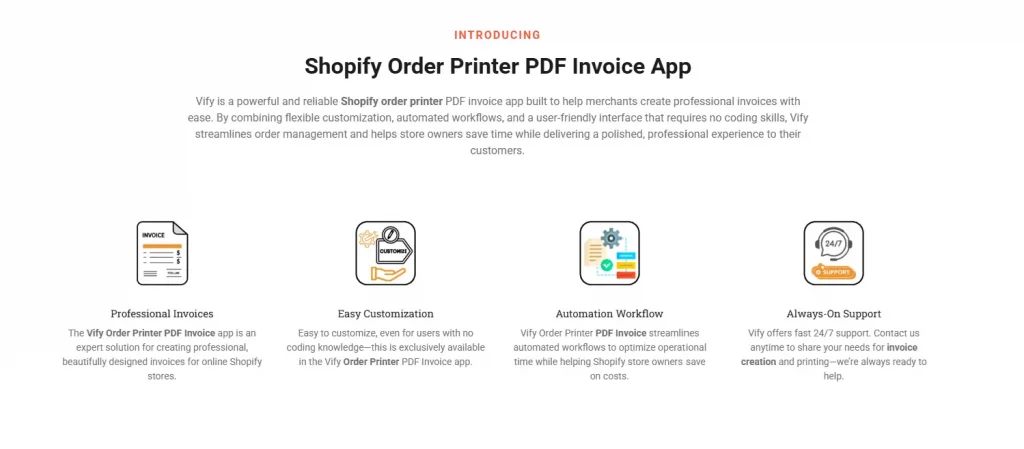
Vify Order Printer PDF Invoice provides 24/7 customer support in multiple languages to help merchants resolve issues as quickly as possible, regardless of time zone. Whether you need help configuring invoice templates, troubleshooting PDF generation, or customizing app settings, our Vify support team is available through live chat and email to ensure problems are solved fast and your store keeps running smoothly.
Ways to Contact Shopify Support
Beyond the self-serve Help Center articles, Shopify offers several direct support channels. Which ones you can access depends on your plan.
Live chat
Live chat is available on all paid Shopify plans (Basic, Grow, and Advanced). Access it through the Help icon in your admin dashboard. Wait times are typically short, and support agents can view your store context in real time, making troubleshooting more efficient.
Email support and ticket submission
If your issue is too complex for chat or you need a written record, submitting a support ticket via the Help Center is the best option. Expect a response within 24–48 hours. This channel is also useful for issues that require screenshots or file attachments.
Phone support (Shopify Plus only)
Phone support is exclusively available to Shopify Plus merchants. If your business is on the Plus plan, you’ll have access to a dedicated support line and a merchant success manager for priority issues.
Shopify Community Forum
The Shopify Community (community.shopify.com) is an active forum with millions of posts from merchants, developers, and Shopify partners. It’s especially useful for niche questions, theme customization, and app compatibility issues that official documentation may not cover in depth.
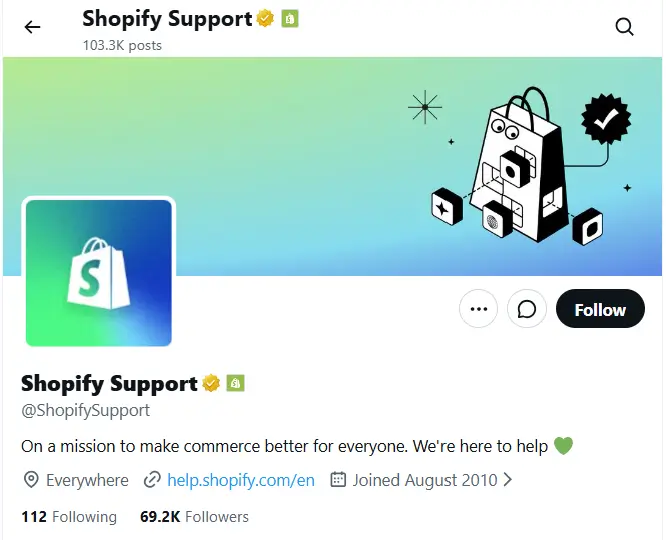
Twitter/X @ShopifySupport
For urgent issues or when you feel your ticket isn’t moving, reaching out to @ShopifySupport on X (formerly Twitter) can sometimes accelerate a response. Public visibility often prompts faster action. Keep your message professional and avoid sharing sensitive store details publicly — ask them to move the conversation to DMs.
Most Common Issues Solved in the Shopify Help Center
The Shopify Help Center covers hundreds of topics, but these are the categories that merchants search most frequently:
Payment and billing questions
From setting up Shopify Payments to understanding transaction fees and reconciling your payouts, the billing section of the Help Center is detailed and regularly updated. If you’re seeing unexpected charges, the Help Center has a dedicated article on reading your Shopify invoice.
Setting up shipping rates and zones
Shipping configuration is one of the most complex areas of Shopify. The Help Center walks through flat rate shipping, carrier-calculated rates, local delivery, and international shipping profiles step by step. If you’re using a third-party fulfillment app, check the Shopify App Help Center for that specific app’s documentation.
Domain connection and DNS settings
Connecting a custom domain is consistently one of the top search terms in the Shopify Help Center. The articles cover connecting domains from all major registrars (GoDaddy, Namecheap, Google Domains, etc.) with specific DNS record instructions for each.
App installation errors and conflicts
When an app causes layout issues or conflicts with your theme, the Shopify Help Center provides general troubleshooting steps. For app-specific bugs, remember to also check the Shopify App Help Center for that app — the developer’s documentation will have more targeted fixes.
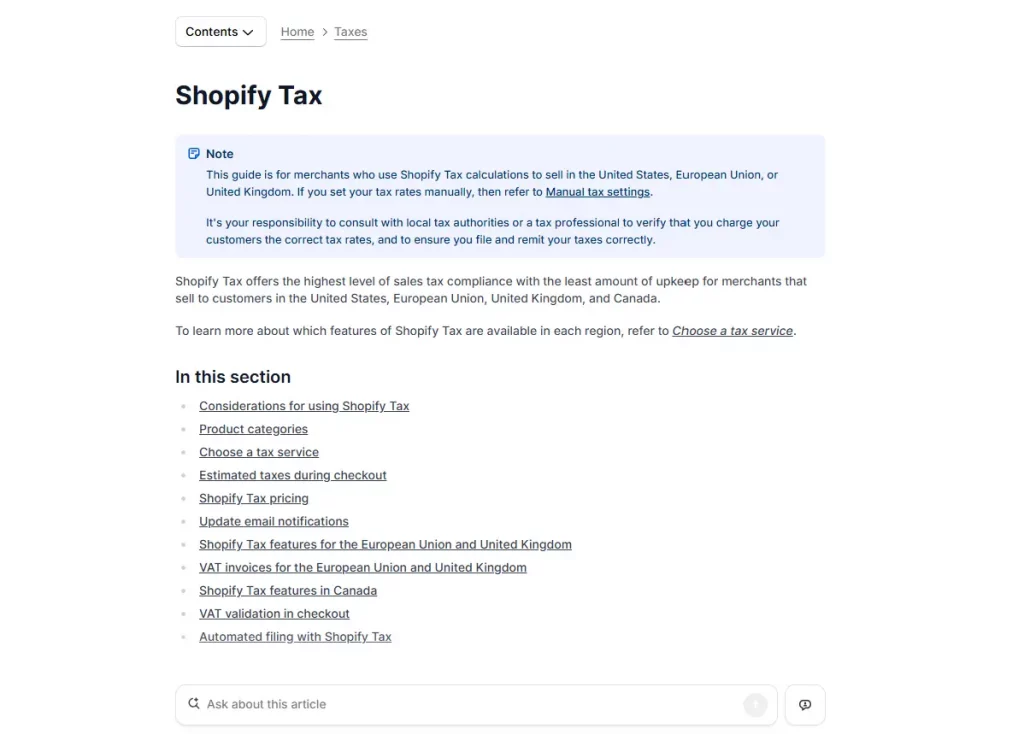
Tax settings and legal compliance
Tax configuration — including VAT for EU merchants, GST for Australian stores, and US state tax settings — is covered in depth. The Help Center also includes guidance on setting up a returns policy and terms of service, though Shopify recommends consulting a local legal professional for jurisdiction-specific advice.
Conclusion
The Shopify Help Center is a core resource that helps merchants solve problems faster, learn how the platform works, and run their stores with more confidence. Knowing how to use Shopify Help Center effectively can save you time, reduce operational headaches, and prevent costly mistakes as your business grows.
At the same time, many day-to-day operational issues come from third-party apps — which is why choosing apps with reliable support is equally important. A responsive Shopify app help center can make the difference between a minor issue and a major disruption to your store. Apps like Vify not only provide detailed documentation and easy-to-use features, but also offer 24/7 multilingual customer support to ensure merchants can resolve problems quickly and keep their stores running smoothly without unnecessary downtime.
If you’re selling on Shopify and need a professional invoice solution, then Vify Order Printer app Shopify is the best choice for you. Try it for free today and experience it for yourself. We’re confident you’ll love it.