Shopify Partner Dashboard is the central place for managing development stores, client projects, earnings, and other tools within the Shopify Partner ecosystem. Understanding how the dashboard works, how to access it, and how to resolve common login issues helps developers, agencies, and other partners manage their Shopify work more efficiently. This guide covers the key features, login steps, account setup, and common access problems.
What is the Shopify Partner Program?
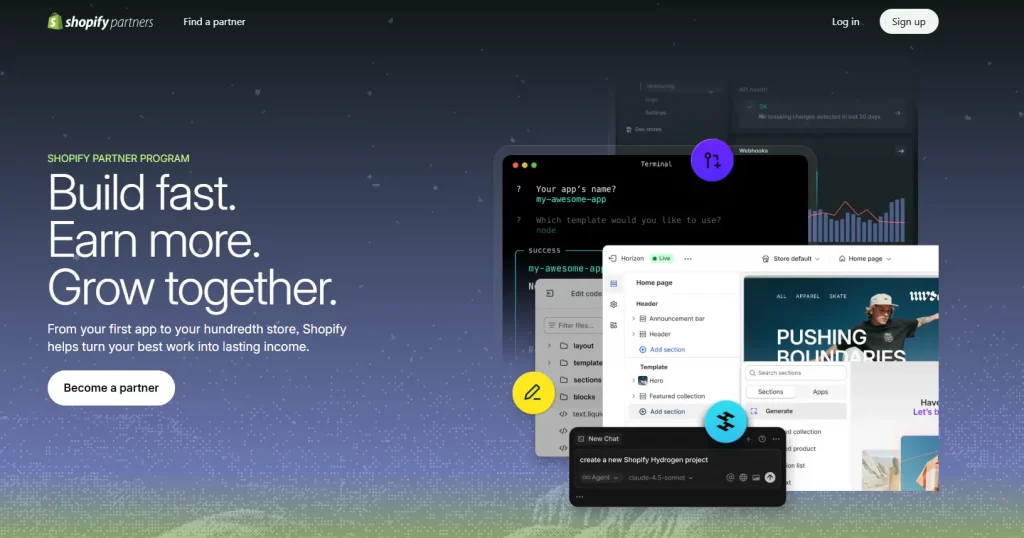
The Shopify Partner Program is a free program for developers, agencies, consultants, technology providers, and affiliates who build solutions, provide services, or refer merchants through Shopify. It provides access to tools and resources that support client projects, app and theme development, merchant referrals, and business growth.
The program is designed for professionals working across different areas of the Shopify ecosystem, including:
- Web and app developers
- Theme and storefront developers
- Digital marketing and SEO agencies
- Ecommerce consultants and business advisors
- Shopify affiliates
- System integrators and technology providers
Joining the program is free. After creating an account, partners can access the Shopify Partner Dashboard and use the available tools for development, client management, and partner activities.
Key benefits of the Shopify Partner Program
A Shopify Partner account provides access to several resources that can support development work and merchant services. The main benefits include:
- Free development stores for testing and client presentations
- Revenue opportunities through merchant referrals, apps, and themes
- Shopify Academy courses and Verified Skills badges
- Early access to selected features, APIs, and beta programs
- Dedicated partner support channels
- Marketing resources and partner directory opportunities
- A centralized dashboard for managing stores, projects, and earnings
The partner Shopify dashboard brings many of these resources together, giving partners a central workspace for their Shopify activities.
How to sign up for the Shopify Partner Program
A Shopify Partner account is required before accessing the Partner Dashboard. The registration process is straightforward:
- Visit the Shopify Partners website and select Join for free.
- Enter the required account and contact information.
- Provide business or professional details, including the type of Shopify work involved.
- Review and accept the Shopify Partner Program Agreement.
- Submit the registration.
After registration is complete, the account can be used to access the Shopify Partner Dashboard and its available tools.
How to log in to a Shopify Partner Account
Logging in via website
The Shopify Partner login process only takes a few steps:
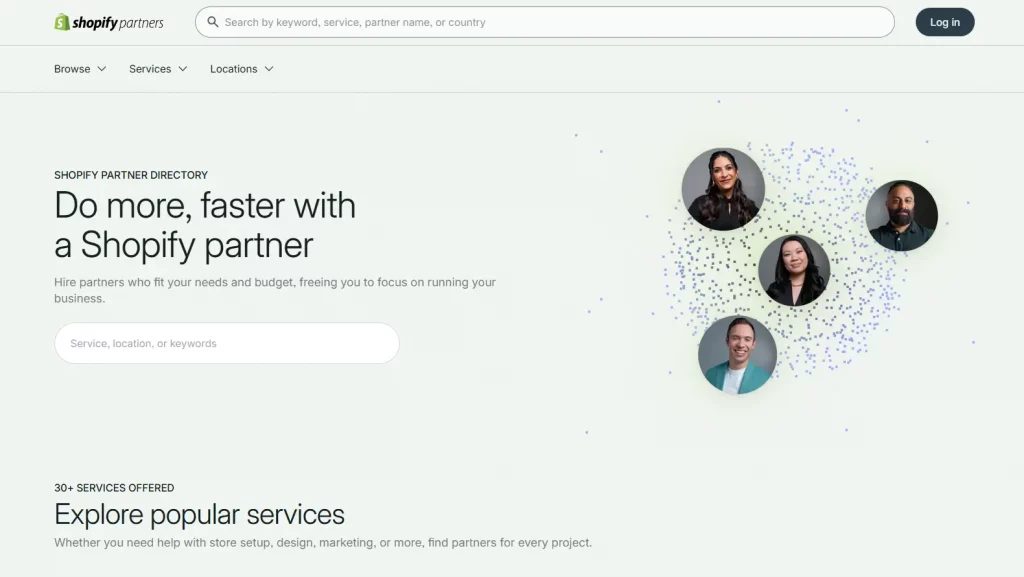
- Open your browser and go to shopify.com/partners.
- Click the “Log in” button on the top right of the page.
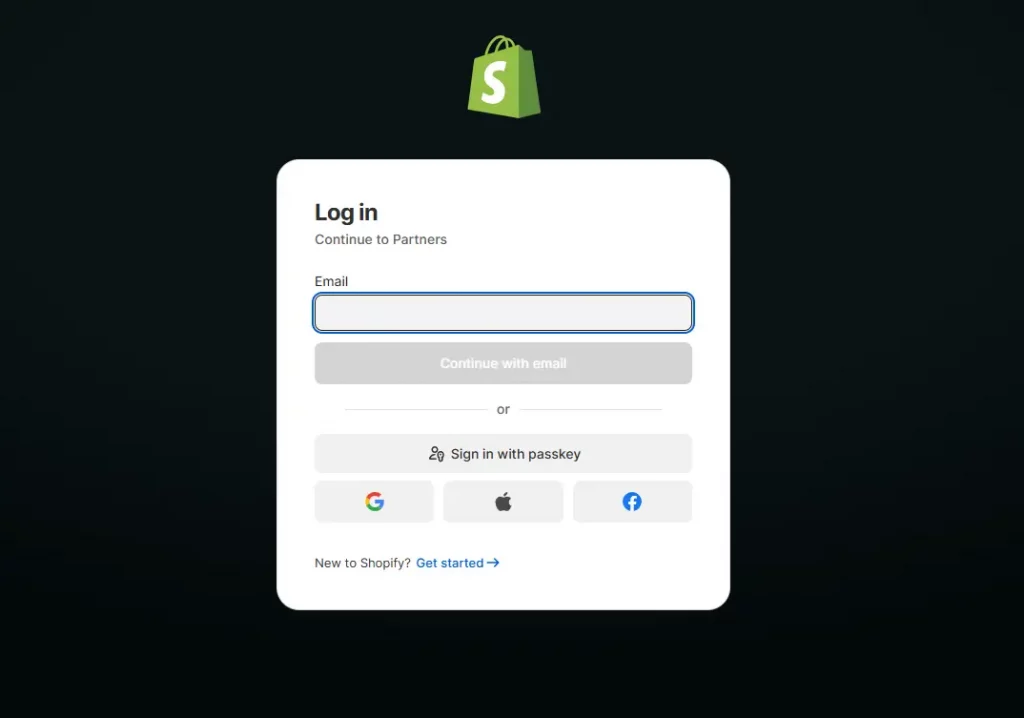
- Enter the email address associated with your Shopify Partner account.
- Enter your password and click “Log in.”
- If two-factor authentication (2FA) is enabled, enter the verification code from your authenticator app.
- Once authenticated, you will be taken directly to your Shopify Partner Dashboard.
After successful authentication, Shopify opens the Partner Dashboard. Partners managing multiple organizations may also need to select the appropriate organization before accessing its stores, projects, and earnings.
Logging in via Shopify ID vs. Email and Password
Shopify has introduced Shopify ID as its unified login system. If you already have a Shopify ID (a single account that works across Shopify admin, the Partner Dashboard, and other Shopify tools), you can use it.
If you created your partner account before Shopify ID was introduced, you may still be using a legacy email and password login. Both methods work at the partner Shopify login page, but Shopify encourages partners to migrate to Shopify ID for a more seamless, unified experience across the platform.
How to contact Shopify Partner Support
If standard troubleshooting does not resolve the issue, Shopify Partner Support is the next option for account access problems.
Partners who can access their account can visit the Shopify Partner Help Center for support. If login access is completely unavailable, the Shopify Help Center provides additional support options for Shopify Partners.
When contacting support, include the Partner account email, a clear description of the issue, and any error message displayed during login. These details help support teams identify the problem more efficiently.
Conclusion
The Shopify Partner Dashboard provides a central workspace for managing development stores, client projects, earnings, and Shopify Partner resources. Knowing how to access the dashboard and troubleshoot common login problems makes account management more efficient. For partners managing multiple Shopify projects, understanding the partner dashboard Shopify experience can also make daily workflows easier to organize.
If you’re selling on Shopify and need a professional invoice solution, then Vify Shopify Order Printer app is the best choice for you. Try it for free today and experience it for yourself. We’re confident you’ll love it.