Every successful Shopify store relies on a Shopify payment gateway to process transactions quickly and securely. While customers only see a simple checkout page, a payment gateway works behind the scenes to authorize payments, protect sensitive financial data, and transfer funds to your business. Understanding how payment gateways operate can help reduce checkout friction, manage processing costs, and support future growth.
What is a Payment Gateway in Shopify?
A Shopify payment gateway lies between your customer’s payment method and your bank account. When a customer enters their card details at checkout, the gateway encrypts that information, routes it to the appropriate card network and issuing bank for authorization, and, once approved, facilitates the transfer of funds to your payout account.
Without a payment gateway, your Shopify store is functionally a catalog — customers can browse but cannot buy. The gateway is what makes commerce actually happen.
Payment Gateway vs. Payment Processor vs. Payment Provider
These three terms are often used interchangeably but refer to distinct things:
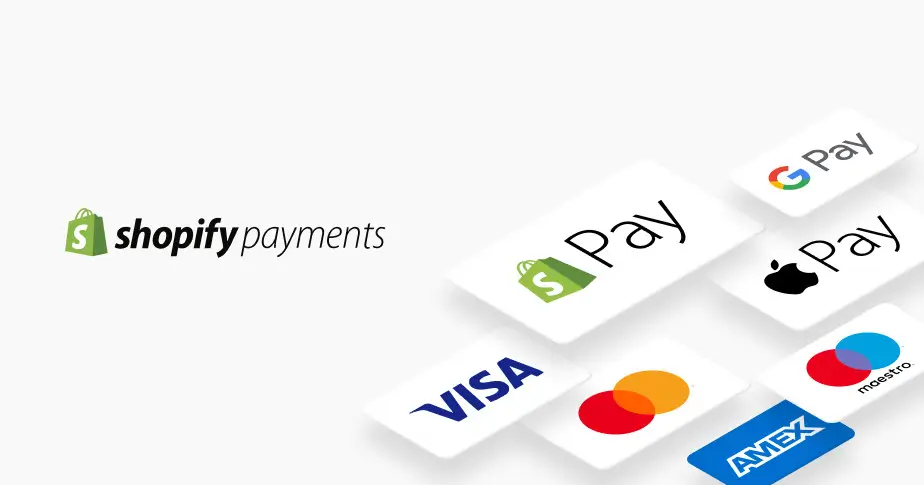
Payment gateway: the technology interface that securely transmits payment data between the customer’s card and the banking system. Shopify Payments, Stripe, PayPal, and Authorize.net all function as gateways.
Payment processor: the back-end service that actually processes the transaction between banks. Shopify Payments is powered by Stripe’s processor on the back end. The gateway and processor are often bundled (Stripe is both its own gateway and processor).
Payment provider: the company that provides the full suite of payment services (gateway + processor + merchant account in one). In everyday usage, ‘payment provider’ and ‘payment gateway’ are interchangeable for Shopify merchants.
For practical purposes: when you select a payment option in Settings > Payments in your Shopify admin, you are selecting a payment gateway. The underlying processor and merchant account infrastructure is handled by that gateway on your behalf.
Why your gateway choice affects revenue
Your gateway choice affects revenue through three channels:
Processing fees: the percentage and flat fee deducted from every transaction. A 0.5% difference in rate at $100,000/month is $500/month, $6,000/year, in real margin.
Shopify’s additional transaction fee: using any gateway other than Shopify Payments (when SP is available in your country) adds 0.5%–2.0% to every sale. This is the biggest financial lever in gateway selection.
Checkout conversion: gateways that support accelerated checkout (Shop Pay, Apple Pay, Google Pay) convert at higher rates than standard form entry, particularly on mobile. A 1–2% lift in checkout conversion at $100,000/month in revenue is worth $1,000–$2,000/month.
Best Payment Gateway for Shopify
Use this decision matrix to identify the right gateway configuration for your specific situation:
| Your Situation | Best Gateway | Why |
| Shopify Payments available in your country | Shopify Payments | Eliminates extra transaction fee; unlocks Shop Pay, wallets, and BNPL |
| Shopify Payments unavailable in your region | Stripe | Best reliability + global reach; cleanest Shopify integration after native |
| Want maximum customer trust at checkout | Shopify Payments + PayPal | Cards via SP; PayPal as fallback for brand-trust shoppers |
| Selling across 50+ countries | 2Checkout + PayPal | 2Checkout covers 180+ sell-to countries; PayPal adds global trust layer |
| High-volume ($500K+/year) | Shopify Payments (Advanced/Plus) | Lowest per-transaction rate; plan ROI proven above $22K/month |
| High-ticket store (AOV > $150) | Shopify Payments + Klarna | Cards handled natively; Klarna adds BNPL that boosts AOV on expensive items |
| Omnichannel (online + retail POS) | Square | Only gateway on this list built for both channels natively |
| Subscription / recurring billing | Stripe | Best recurring billing APIs; deepest integration with Recharge, Bold |
| B2B / large invoice-based orders | Authorize.net or manual | Enterprise-grade reliability; net terms support; strong US compliance history |
| Developer building custom checkout | Stripe or Braintree | Best API documentation; most flexible checkout customization options |
| Enterprise (Shopify Plus) | Adyen or Shopify Payments | Adyen: interchange-plus pricing at scale; SP Plus: negotiated custom rates |
How to add a Payment Gateway in Shopify
The process for adding a payment gateway Shopify differs slightly depending on whether you’re adding Shopify Payments or a third-party gateway.
Adding Shopify Payments
- Log in to your Shopify admin and navigate to Settings
- Click Payments
- Under Shopify Payments, click Complete account setup
- Enter your personal information for identity verification
- Enter your business details if operating as a registered entity
- Add your bank account for payouts
- Configure which payment methods to enable
- Run a test transaction using Shopify’s test mode
- Disable test mode and go live
Total setup time: 10 – 20 minutes for most merchants. Verification is typically instant but can take up to 48 hours in some cases.
Adding a third-party gateway
- Navigate to Settings > Payments in your Shopify admin
- Scroll to the Additional payment methods section (if you have Shopify Payments active) or the Accept payments section (if you don’t)
- Click Add payment methods or search for your gateway by name
- Click Activate next to your chosen gateway
- You will be redirected to the gateway provider’s website to create an account or connect an existing one
- Complete the gateway’s own verification and setup process
- Return to Shopify admin; the gateway will now appear in your payment settings
- Test a transaction using the gateway’s test/sandbox mode before processing live orders
Note: If Shopify Payments is available in your country and you’re adding a third-party gateway, Shopify’s additional transaction fee (0.5%–2.0%) will apply to all transactions processed through the third-party gateway. This fee is displayed clearly in your payment settings.
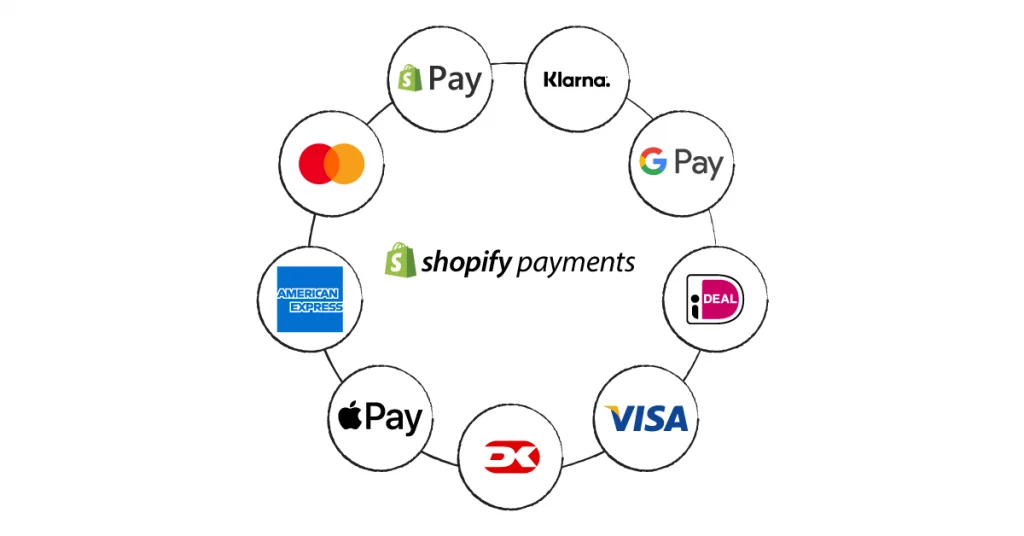
Common issues of Shopify Payment Gateways
Gateway not appearing at checkout
If a gateway you’ve enabled isn’t showing at checkout, the most common causes are: the gateway hasn’t completed its verification step (some gateways take 24–72 hours to activate after initial setup); a conflicting gateway is set as primary; or the gateway has country restrictions that exclude your store’s location. Check the gateway’s status in Settings > Payments and look for any verification prompts or alerts.
Payment declined
It is important to distinguish between a gateway-level decline (the gateway rejected the transaction before it reached the bank) and a bank-level decline (the issuing bank rejected the authorization). Gateway-level declines often indicate fraud filter triggers — check your Shopify fraud analysis for the order. Bank-level declines are more commonly due to insufficient funds, card limits, or the customer’s bank blocking the transaction. The error code in your Shopify admin’s order timeline typically indicates which type of decline occurred.

Duplicate charges and double billing
Duplicate charges can occur when a customer’s browser submits a payment form twice (common on slow connections or if they click the payment button multiple times). Most modern Shopify gateways have idempotency protection that prevents this, but it can still occur with some older third-party integrations. If a customer reports a duplicate charge, process the refund immediately and investigate whether your gateway’s duplicate protection settings need to be updated.
Gateway payout delays
Third-party gateways have their own payout schedules independent of Shopify. PayPal pays out to your PayPal balance immediately, but bank transfers take 1–3 business days. Stripe’s default is a 2-day rolling payout, adjustable to daily or weekly. If you’re experiencing payout delays from a third-party gateway, check the gateway’s payout settings directly in its dashboard; these are not controlled from Shopify admin.
Conclusion
A Shopify payment gateway is one of the foundational pieces of every online store. It determines how customers pay, how quickly you receive your payouts, and how smooth the checkout experience feels from start to finish. Choosing the right gateway early on can help reduce unnecessary fees, improve conversion rates, and give customers more confidence when completing their purchase. For most merchants, Shopify Payments is the easiest place to start thanks to its native integration and competitive pricing.
If you’re selling on Shopify and need a professional invoice solution, then Vify Shopify Order Printer app is the best choice for you. Try it for free today and experience it for yourself. We’re confident you’ll love it.