As more retailers combine physical stores with ecommerce, choosing the right point-of-sale solution has become a critical business decision. The Shopify POS system is designed to connect in-store and online operations, allowing merchants to manage inventory, payments, customers, and orders from one centralized dashboard. This guide breaks down the features, costs, hardware requirements, and way to setup best POS system for Shopify to help you determine whether it’s the right solution for your store.
What is a Shopify POS System?
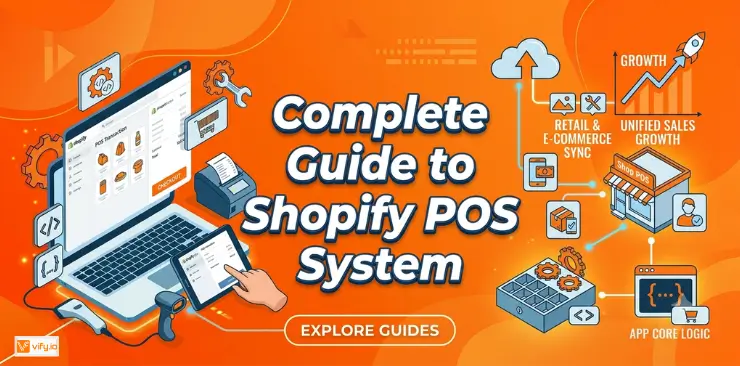
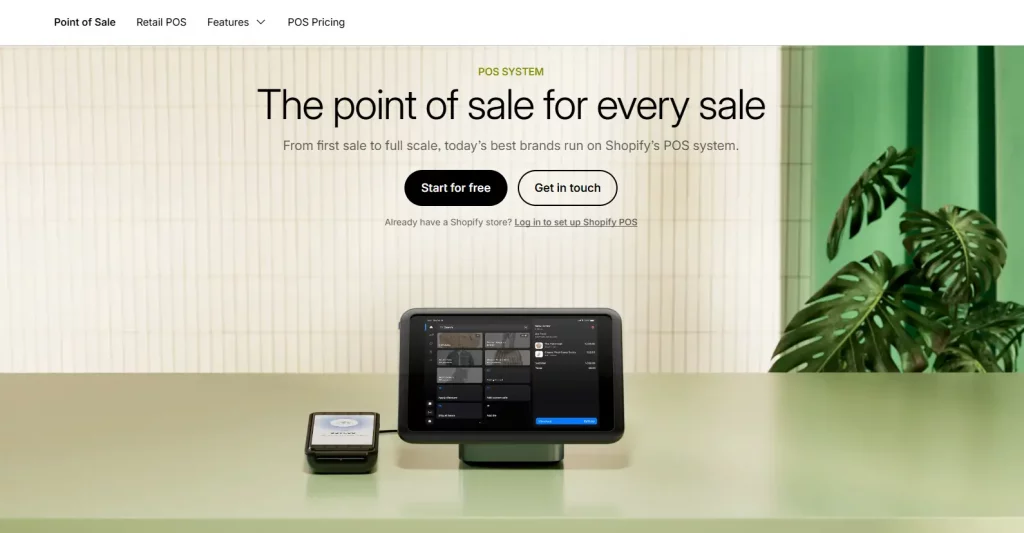
A Shopify POS system is Shopify’s native point-of-sale solution that enables merchants to sell in person while managing everything from the same Shopify store. Available on both iOS and Android devices, it operates as an integrated sales channel within your Shopify admin rather than as a separate third-party application.
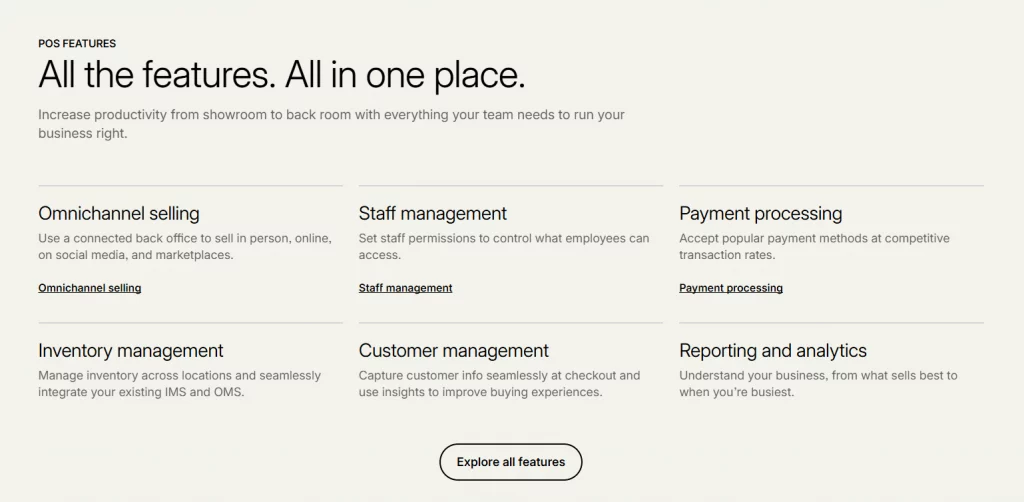
This built-in integration is one of its biggest advantages. Your online store and physical retail location share the same inventory, customer profiles, order history, and reporting dashboard. Every in-store purchase automatically updates your online inventory in real time, while online sales are reflected instantly in your POS system. This unified setup eliminates the need for manual data syncing, reduces inventory errors, and helps prevent overselling.
All Shopify subscription plans include access to Shopify POS Lite at no additional cost, giving merchants the essential tools to sell in person. Businesses with more advanced retail needs can upgrade to Shopify POS Pro, which unlocks additional features designed for growing and multi-location stores. We’ll compare both versions in the following sections.
How much does the Shopify POS System cost?
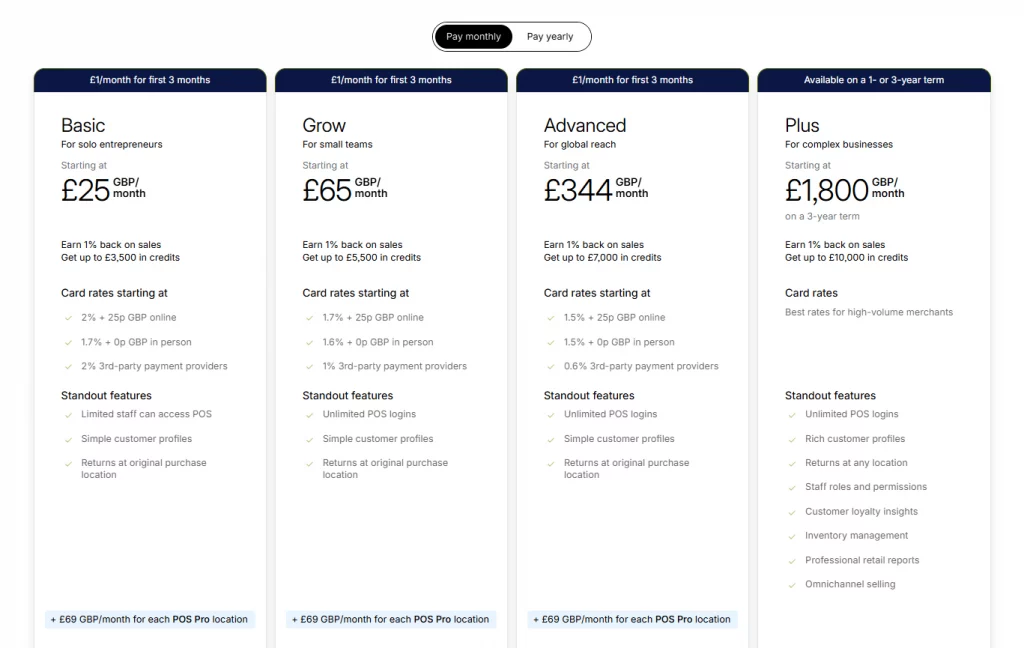
A single subscription fee doesn’t determine the cost of a Shopify POS system. Instead, your overall investment depends on four factors: your Shopify plan, the POS version you choose, payment processing fees, and any hardware required for your retail setup.
POS Lite vs POS Pro pricing
Shopify offers two versions of its POS solution to suit different business needs.
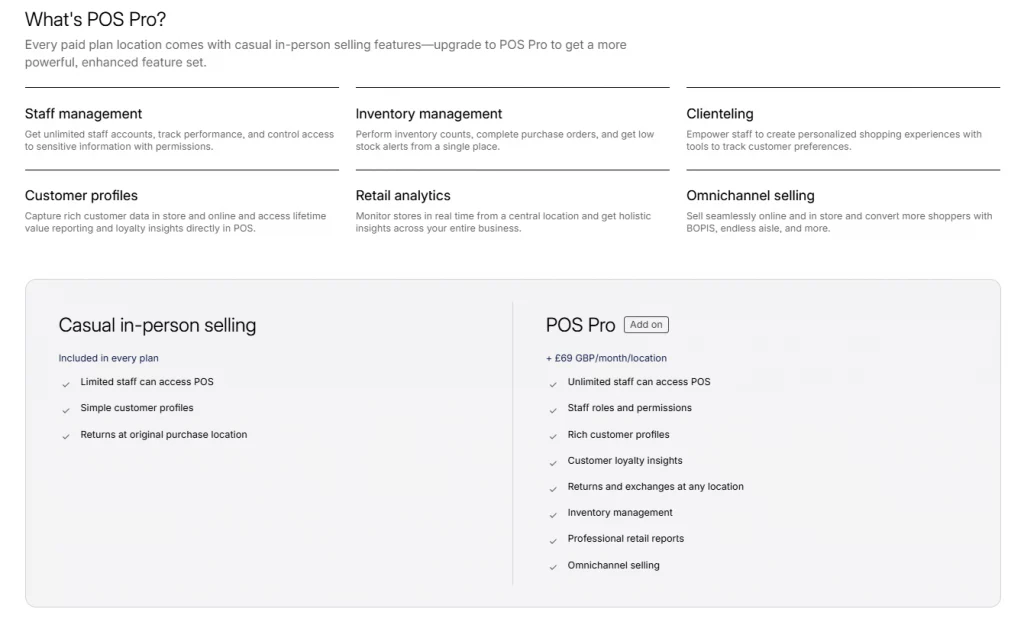
Shopify POS Lite is included with every Shopify plan at no additional cost. It provides the essential tools for accepting in-person payments, creating customer profiles, and handling basic returns and exchanges. It’s a practical choice for merchants selling at pop-up shops, markets, events, or stores with relatively simple retail operations.
For businesses with a permanent storefront, Shopify POS Pro offers a more advanced feature set. It costs $89 per month per retail location with monthly billing, or approximately $79 per month per location when billed annually. The Pro plan includes unlimited staff accounts and permission controls, advanced inventory management, purchase orders, stock counting, low-stock alerts, staff performance tracking, and more comprehensive retail reporting.
Merchants on Shopify Plus receive POS Pro for up to 20 retail locations at no additional charge. Businesses operating more locations can continue expanding under the same program, provided each location uses Shopify Payments.
Shopify subscription costs
It’s important to remember that Shopify POS system is not sold as a standalone product. You’ll first need an active Shopify ecommerce subscription.
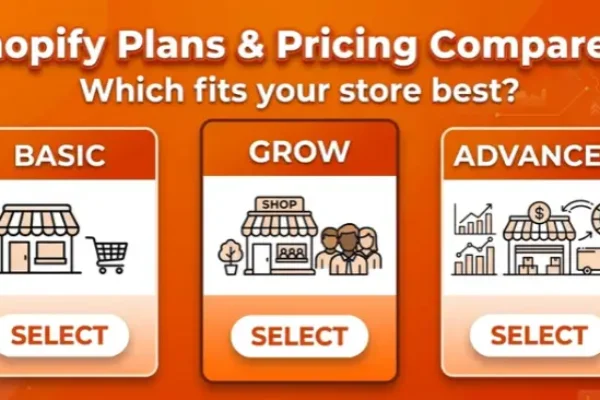
Entry-level Shopify plans generally range between $25 and $39 per month, while plans better suited for businesses using Shopify POS Pro typically cost around $79 to $105 per month. Enterprise merchants on Shopify Plus pay significantly more but gain access to advanced commerce and retail features designed for large-scale operations.
In-person payment processing fees
Each in-store transaction processed through Shopify Payments is subject to a payment processing fee, with the exact rate depending on your Shopify subscription. Higher-tier plans benefit from lower transaction rates, which generally fall between 2.4% and 2.6%, plus a small fixed fee per transaction.
Merchants choosing a third-party payment provider should also factor in Shopify’s additional transaction surcharge, which increases the overall cost of accepting payments.
Hardware costs
In addition to software, you’ll need POS hardware to complete in-person sales. A typical retail setup may include:
- Card reader: approximately $49–$79
- iPad stand or dock: starting at around $300
- Receipt printer: roughly $250–$370
- Cash drawer: approximately $130–$140
For most single-location retailers, a complete POS hardware setup costs around $600–$850 as a one-time investment. Smaller businesses can reduce upfront expenses by using their own tablet together with a Bluetooth card reader.
Example first-year Shopify POS system cost
For a retail business operating one physical location with a mid-tier Shopify plan and Shopify POS Pro, the estimated first-year costs may look like this:
| Cost component | Estimated cost |
|---|---|
| Shopify subscription | $79–$105/month |
| Shopify POS Pro (1 location) | $89/month ($79/month with annual billing) |
| Hardware (one-time) | $600–$850 |
| Payment processing fees (based on ~$150,000 annual in-store sales) | ~$3,900–$4,100/year |
| Estimated total first-year cost | Approximately $6,000–$6,500 |
Businesses operating multiple retail locations should also account for the fact that Shopify POS Pro is priced per location. For example, two stores require two Pro subscriptions, while five stores would incur approximately five times the monthly POS Pro licensing cost in addition to the Shopify ecommerce subscription.
Is Shopify POS worth the cost?
For merchants already using Shopify, Shopify POS Lite offers excellent value because it’s included with every Shopify subscription. If you occasionally sell at pop-up events, trade shows, local markets, or seasonal locations, there’s little reason not to take advantage of the built-in POS features without paying anything extra.
The decision becomes more meaningful when considering Shopify POS Pro. For retailers operating a permanent storefront, managing multiple employees, or handling a large inventory, the additional monthly cost can be a worthwhile investment. Features such as advanced inventory management, staff permissions, purchase orders, and detailed reporting help streamline day-to-day operations, reduce inventory discrepancies, and improve overall efficiency. On the other hand, merchants with only occasional in-person sales are unlikely to benefit enough from these advanced capabilities to justify the upgrade.
One of Shopify POS’s biggest strengths is its seamless integration with the broader Shopify ecosystem. Instead of managing separate ecommerce and retail platforms, merchants can run both channels from a single system, keeping inventory, customer information, and sales data synchronized automatically.
How to choose the best POS system for Shopify store
The right answer depends less on which system has the most features, and more on how your business actually operates:
- If your online store and physical store need to feel like one business (same inventory, same customer profiles, same reports), native integration matters more than anything else; Shopify POS is the strongest choice.
- If in-person selling is your main channel and your website is secondary, a retail-first system like Lightspeed or a flexible one like Clover may serve you better, even with the extra integration work.
- If you’re testing in-person sales for the first time and don’t want to commit to a monthly fee, Square’s free tier or Shopify’s included POS Lite are both low-risk starting points.
- If you operate multiple locations, compare the per-location fees carefully — they compound quickly across even two or three stores.
How to set up Shopify POS
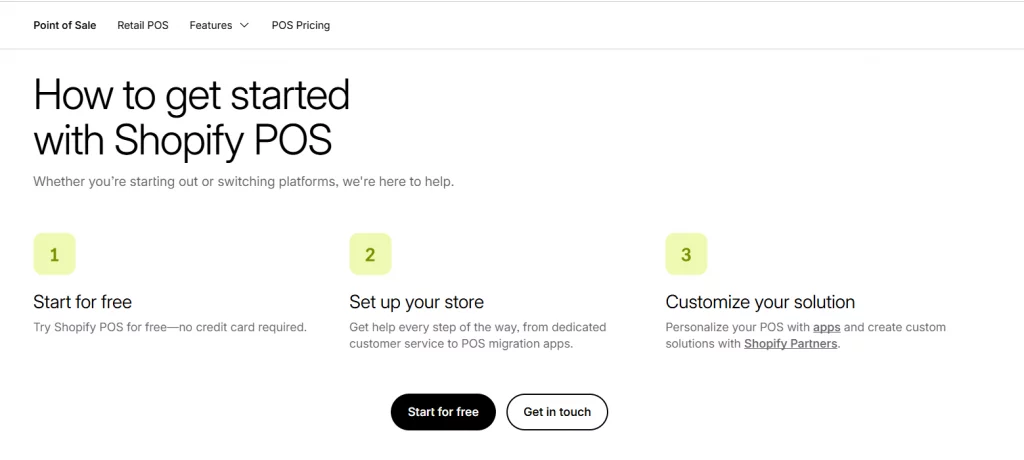
Setting up Shopify POS is a relatively simple process for existing Shopify merchants.
- Download the Shopify POS app on your iOS or Android device.
- Sign in using your existing Shopify admin account.
- Configure Shopify Payments or connect a supported third-party payment provider.
- Pair your POS hardware, such as a card reader, receipt printer, or cash drawer.
- Create staff accounts and assign permissions if you’re using Shopify POS Pro.
- Start accepting in-store payments while inventory, customer data, and orders automatically sync with your Shopify store in real time.
Conclusion
The Shopify POS system provides a practical solution for merchants who want to manage online and in-store sales from a single platform. Before making a decision, consider your store size, retail operations, and long-term growth plans to determine which Shopify POS solution delivers the best value. A well-chosen POS system not only streamlines daily operations but also creates a more consistent shopping experience across every sales channel.
If you’re selling on Shopify and need a professional invoice solution, then Vify Shopify Order Printer app is the best choice for you. Try it for free today and experience it for yourself. We’re confident you’ll love it.