For any Shopify merchant processing a large volume of orders, the quality of your order documents reflects directly on your business. Shopify does include a basic native order printing function, but it is minimal. It lacks custom branding, bulk printing at scale, automated PDF delivery, and the kind of template flexibility that growing stores require. This is precisely why a dedicated order printer app for Shopify has become one of the most practical investments a merchant can make. This blog highlights the 10 best order printer Shopify apps, helping you find the right order printer on Shopify for smoother operations and better branding.
What to Look for in an Order Printer Shopify App
Before selecting the right app for an order printer on Shopify, it is worth understanding the features that separate a capable tool from a basic one.
Key features to compare
- Template customization: Can you edit the layout, add your logo, adjust fonts, and include custom fields? Apps that support Liquid templating offer the highest degree of flexibility.
- Document types supported: Look for apps that cover invoices, packing slips, receipts, return forms, and shipping labels — ideally from a single dashboard.
- Bulk printing: High-volume merchants need to select and print dozens or hundreds of orders simultaneously. Not all apps support this efficiently.
- Automated PDF delivery: Some apps can automatically email a PDF invoice to the customer at the moment an order is placed or fulfilled — a significant time-saver.
- Branding control: Your documents should look like they come from your brand. Ensure the app allows logo placement, brand color application, and custom footer text.
- Multi-language and multi-currency support: Essential for international merchants or those operating across multiple regions.
Free vs. paid: when is it worth upgrading?
Free Shopify order printer apps are a sensible starting point for merchants with low order volumes or simple document needs. They typically provide standard templates and single-order printing without cost.
Paid apps, which generally range from approximately $5 to $20 per month, become worthwhile once you require bulk printing, automated PDF emails, advanced branding, or compliance features. For most stores processing more than 50 orders per month, the efficiency gains from a paid app justify the investment many times over.
The 10 Best Order Printer Apps for Shopify
1. Vify Order Printer: PDF Invoice App
Best for: Merchants selling internationally who need multi-language invoices and an automated workflow, with minimal technical setup.
A reliable, well-priced order printer app for Shopify with 24/7 & strong multi-language support.
Rate: 4.9/5
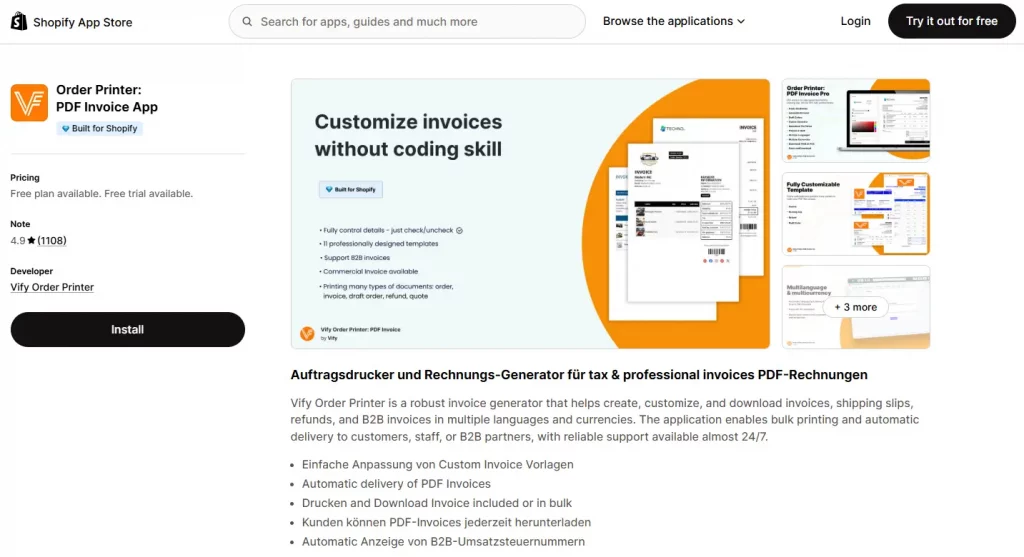
Vify offers a balanced combination of template customization, automated emailing, and multi-language support at a competitive price point. Merchants at all technical levels can easily customize professional invoice templates with no-code. The app generates invoices, packing slips, refund receipts, and supports automated PDF emails triggered by order events.
One key advantage is its pricing model. While other apps often charge based on the number of orders processed, Vify offers unlimited orders on all paid plans — making it a more cost-effective option, especially for growing and high-volume stores.
Key features:
- Easy customization of invoice templates (no coding required)
- Automatic delivery of PDF invoices
- Print and download invoices individually or in bulk
- Customers can download PDF invoices at any time
- Automatic display of B2B VAT numbers
- Unlimited orders across all pricing plans
Pricing: Free plan available. Paid plans from $10.99/month.
2. Sufio: Professional Invoice
Best for: B2B merchants, wholesale sellers, and international stores that need tax-compliant invoices in different currencies.
Rate: 4.9/5
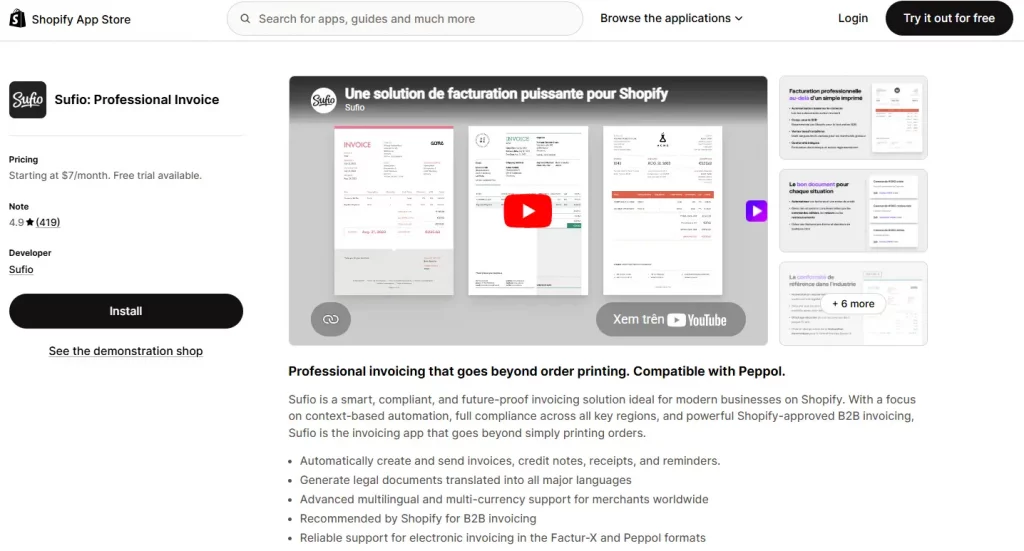
Sufio is purpose-built for merchants who sell to businesses or operate across multiple countries with complex tax requirements. The app integrates with accounting platforms and is trusted by merchants operating in Europe, Australia, and other regulated markets.
Key features:
- Automatically create and send invoices, credit notes, receipts, and reminders
- Generate legal documents translated into all major languages
- Advanced multilingual and multi-currency support for merchants worldwide
- Recommended by Shopify for B2B invoicing
- Reliable support for electronic invoicing in the Factur-X and Peppol formats
Pricing: From $7/month. Free trial available.
3. Avada Invoice PDF
Best for: Budget-conscious merchants who need multiple document types like refunds and delivery notes without paying from day one.
Rate: 4.9/5
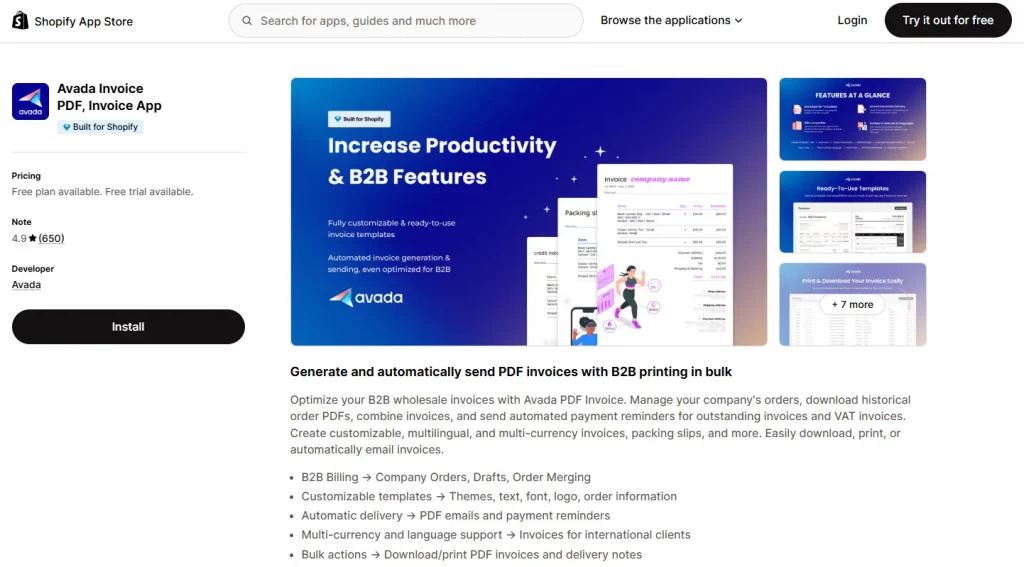
Avada’s PDF Invoice app is notable for offering a large feature set on its free tier. Merchants can generate invoices, packing slips, refund invoices, and return forms from a single dashboard, with automated delivery included on higher plans.
Key features:
- B2B Billing → Company Orders, Drafts, Order Merging
- Customizable templates → Themes, text, font, logo, order information
- Automatic delivery → PDF emails and payment reminders
- Multi-currency and language support → Invoices for international clients
- Bulk actions → Download/print PDF invoices and delivery notes
Pricing: Free plan available. Paid plans from $15/month.
4. Order Printer Pro: PDF Invoice (by Order Printer)
Best for: Scaling and high-volume merchants who need automated, multi-currency invoicing with advanced template customization.
Rate: 4.9/5
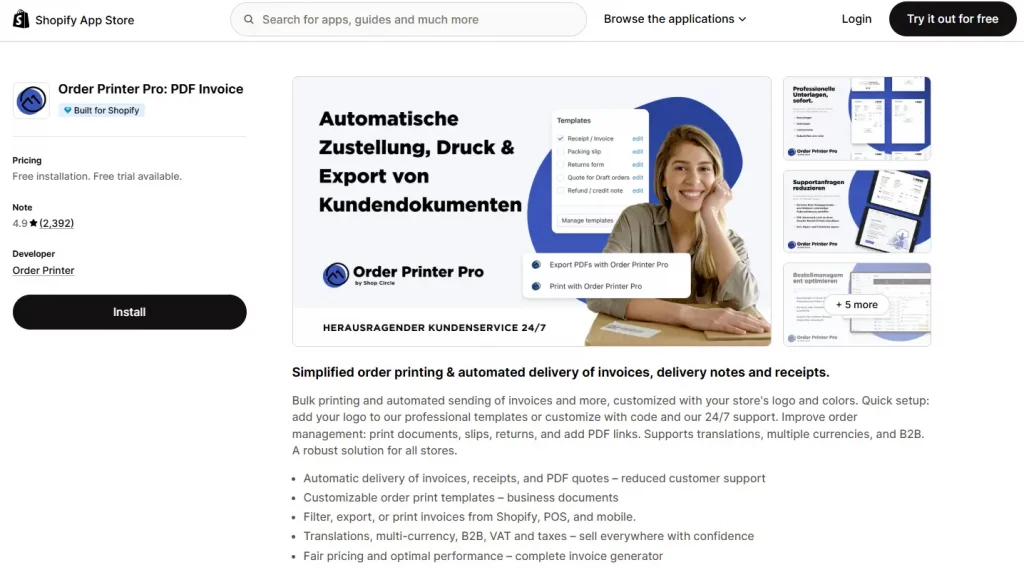
Order Printer Pro combines powerful automation with deep customization, making it ideal for both growing brands and high-volume stores. It offers a complete solution for multi-currency invoicing by handling large volumes, complex order types, and ensuring every invoice reflects the correct currency automatically. However, this level of flexibility comes with a trade-off — the app can feel relatively complex for beginners, with a less intuitive interface that may require time to fully navigate and configure.
Key features:
- Automatic multi-currency invoice generation
- Bulk printing and export for large order volumes
- Fully customizable templates using Liquid
- Automated email delivery with currency-aware totals
Pricing: Free plan available. Paid plans from $10/month.
5. Invoice Hero PDF
Best for: Merchants who want a no-fuss, reliable invoice app with easy control and global currency support.
Rate: 4.8/5
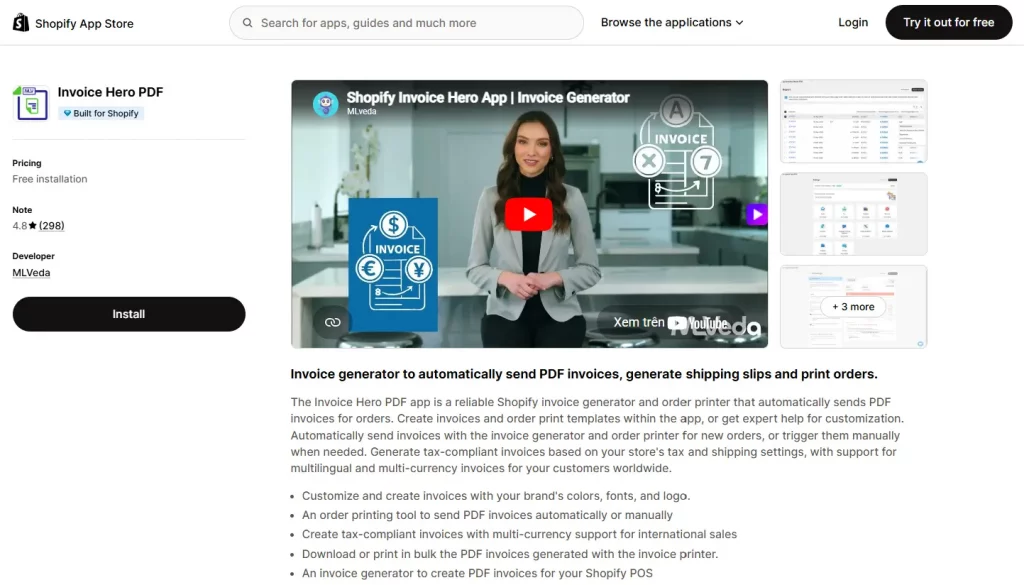
Invoice Hero PDF offers a clean, focused experience for merchants who want reliable PDF invoice generation without the complexity of more feature-heavy apps. Its interface is particularly well-regarded for its simplicity, making it a strong choice for merchants who want to get up and running quickly.
Key features:
- Customize and create invoices with the brand’s colors, fonts, and logo
- An order printing tool to send PDF invoices automatically or manually
- Create tax-compliant invoices with multi-currency support for international sales
- Download or print in bulk the PDF invoices generated with the invoice printer
- An invoice generator to create PDF invoices for Shopify POS
Pricing: Free plan available. Paid plans from $5.95/month.
6. Simple Invoice – Order Printer
Best for: Solo merchants or small stores who need invoices quickly with no configuration overhead.
Rate: 4.9/5
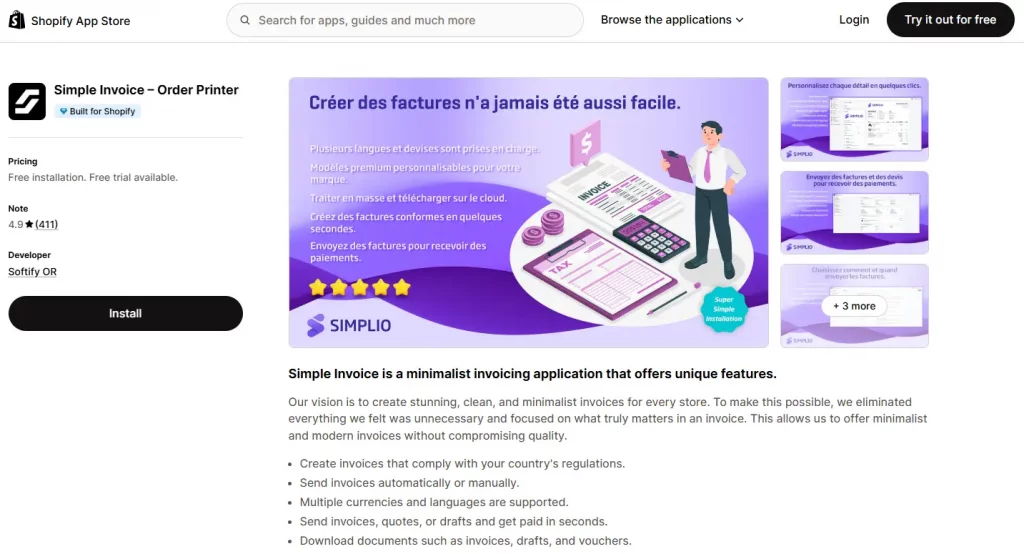
As the name suggests, Simple Invoice prioritizes ease of use above all else. It generates clean, professional invoices with minimal configuration, making it particularly well-suited to merchants who do not want to invest time in template customization. The app handles PDF generation reliably and allows customers to download invoices from their order confirmation page. While it lacks the advanced features of higher-ranked alternatives, its simplicity is its strength for the right audience.
Key features:
- Create invoices that comply with your country’s regulations
- Send invoices automatically or manually
- Multiple currencies and languages are supported
- Send invoices, quotes, or drafts and get paid in seconds
- Download documents such as invoices, drafts, and vouchers
Pricing: Free plan available. Paid plans from $9.99/month.
7. Softify: Easy Invoice+
Best for: Merchants looking for an all-in-one solution to manage orders and invoicing efficiently, especially those handling bulk operations without technical complexity.
Rate: 4.8/5
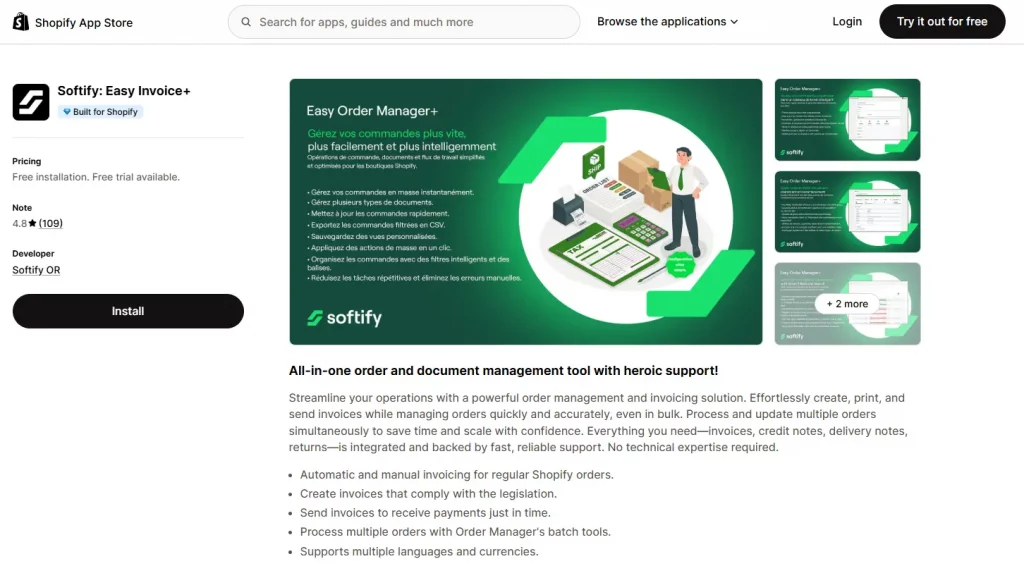
Softify: Easy Invoice+ is a comprehensive order printer Shopify solution that combines invoicing with order management in one streamlined tool. It supports both automatic and manual invoice creation, bulk order processing, and multiple document types like invoices, credit notes, and delivery notes. It’s a practical choice for merchants who want to simplify operations and scale efficiently with reliable support.
Key features:
- Automatic and manual invoicing for regular Shopify orders
- Create invoices that comply with the legislation
- Send invoices to receive payments just in time
- Process multiple orders with Order Manager’s batch tools
- Supports multiple languages and currencies
Pricing: Free plan available. Paid plans from $12.95/month.
8. MS Order Printer – PDF Invoice
Best for: Merchants who want flexible template customization with built-in automation and support for global operations.
Rate: 5/5
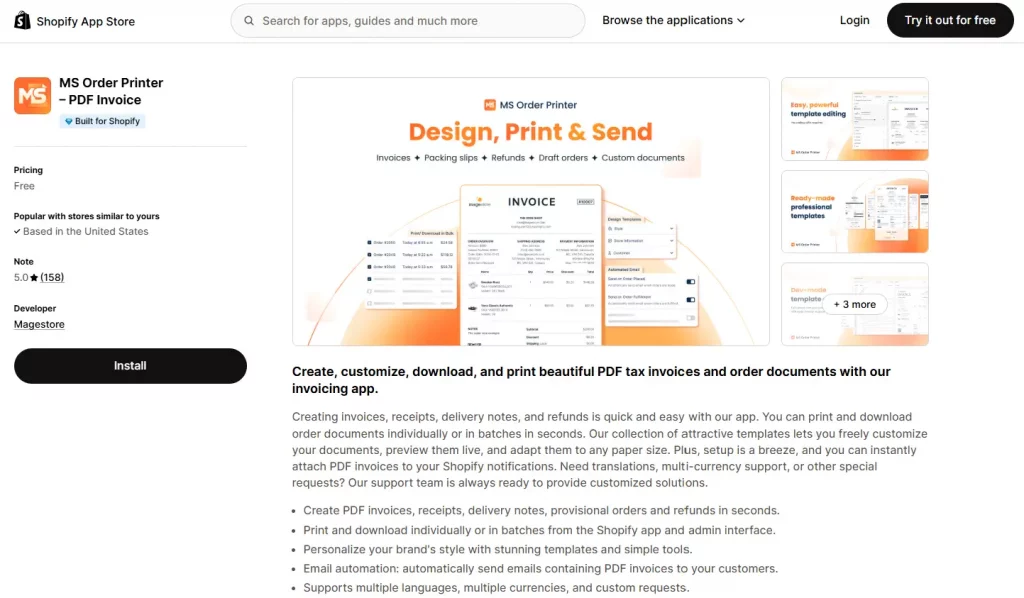
MS Order Printer – PDF Invoice is a versatile order printer Shopify app that makes it easy to create, customize, and manage a wide range of order documents. The app supports both individual and bulk processing, helping merchants handle operations efficiently. Its customizable templates with live preview allow users to tailor documents to match their brand without complexity.
Key features:
- Create PDF invoices, receipts, delivery notes, provisional orders and refunds in seconds
- Print and download individually or in batches from the Shopify app and admin interface
- Personalize the brand’s style with templates and simple tools
- Automatically send PDF invoices to customers via emails
- Supports multiple languages, multiple currencies, and custom requests
Pricing: Free plan available.
9. Orderly Print ‑ Bulk Invoices
Best for: High-volume merchants and growing brands that need fast, bulk order processing and printing at scale.
Rate: 4.8/5
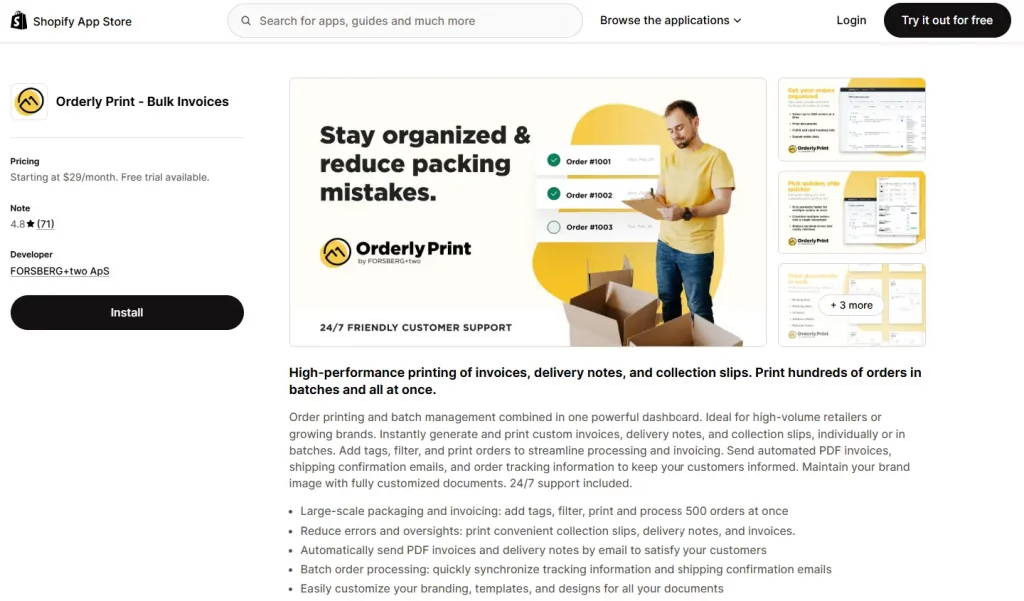
Orderly Print – Bulk Invoices is a high-performance order printer Shopify app built for speed and scale. It combines batch printing and order management in a single dashboard, allowing merchants to generate and process hundreds of invoices, delivery notes, and collection slips at once.
Key features:
- Large-scale packaging and invoicing at once
- Reduce errors and oversights
- Automatically send PDF invoices to customers via emails
- Quickly synchronize tracking information and shipping confirmation emails
- Easily customize branding, templates, and designs for all documents
Pricing: From $29/month. Free trial available.
10. Fordeer: PDF Invoice Generator
Best for: Merchants who want modern, well-designed invoice templates without significant customization effort.
Rate: 4.6/5
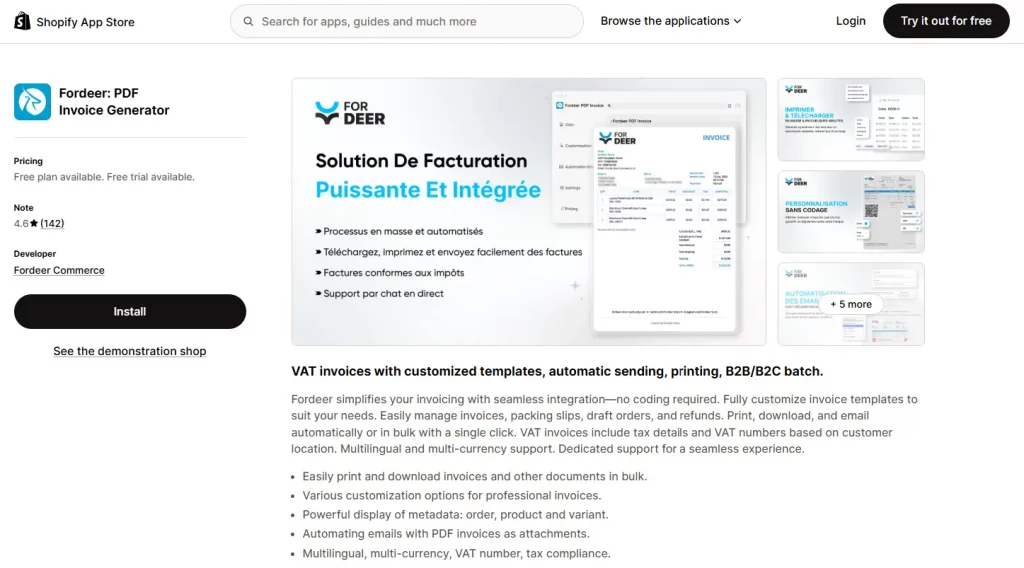
Fordeer has gained notable traction in the Shopify App Store due to its modern, professionally designed default templates and a clean interface. The app covers invoices, packing slips, and delivery notes, with automated PDF delivery and solid customization options.
Key features:
- Easily print and download invoices and other documents in bulk
- Various customization options for professional invoices
- Powerful display of metadata: order, product and variant
- Automating emails with PDF invoices as attachments
- Multilingual, multi-currency, VAT number, tax compliance
Pricing: Free plan available. Paid plans from $8.95/month.
How to Set Up an Order Printer on Shopify
Installing and configuring an order printer on Shopify is a straightforward process. The following steps apply to most apps on this list.
- Go to the Shopify App Store. From your Shopify admin, navigate to Apps and then Visit the Shopify App Store. Search for your chosen order printer app by name.
- Install the app. Click Add app and follow the authorization prompts. The app will request permission to access your orders, products, and store settings. Review and accept these permissions to proceed.
- Select or create your first template. Most apps will prompt you to choose a starting template. Select the document type you need most — typically Invoice — and choose a pre-built design to customize.
- Customize the template. Follow the steps outlined in the previous section to add your logo, configure business details, and adjust the layout to match your brand.
- Configure automation (if available). If your app supports automated PDF delivery, navigate to the automation settings and enable the trigger you require. The most common option is to send the invoice automatically when an order is placed or when it is marked as fulfilled.
- Test with a real order. Place a test order or select an existing order from your admin. Generate and print the document, then review it for accuracy, layout, and branding before activating it for all customers.
Final thoughts: Which app should you choose
The right order printer Shopify app matches the scale, complexity, and brand standards of your specific operation. As a quick reference, consider the following recommendations:
- Vify is a solid choice for fast setup, offering a strong mix of automation, flexibility, and scalability.
- Sufio is best for businesses needing strict tax compliance across multiple regions.
- Avada stands out for merchants who need a wide range of document types.
- Order Printer Pro suits growing and high-volume stores that require efficient multi-currency invoicing.
- Invoice Hero provides greater control over design and visual customization.
- Simple Invoice is ideal for solo merchants or small stores that want quick, no-setup invoicing with minimal effort.
- Softify works well for merchants who need an all-in-one tool to manage both orders and invoices, especially with bulk operations.
- MS Order Printer is a great fit for stores looking for flexible template customization with built-in automation and global support.
- Orderly Print is designed for high-volume operations that require fast, bulk printing and streamlined fulfillment workflows.
- Fordeer is a strong option for merchants who prefer modern, ready-made invoice templates with solid automation and minimal customization work.
Whichever app you select, take the time to configure your Shopify order printer templates thoughtfully. A well-designed, accurate invoice or packing slip is not just an operational necessity — it is a direct representation of your brand at one of the most meaningful moments in the customer experience.